2F-85 & 2F-140 - Instruction Manual
About
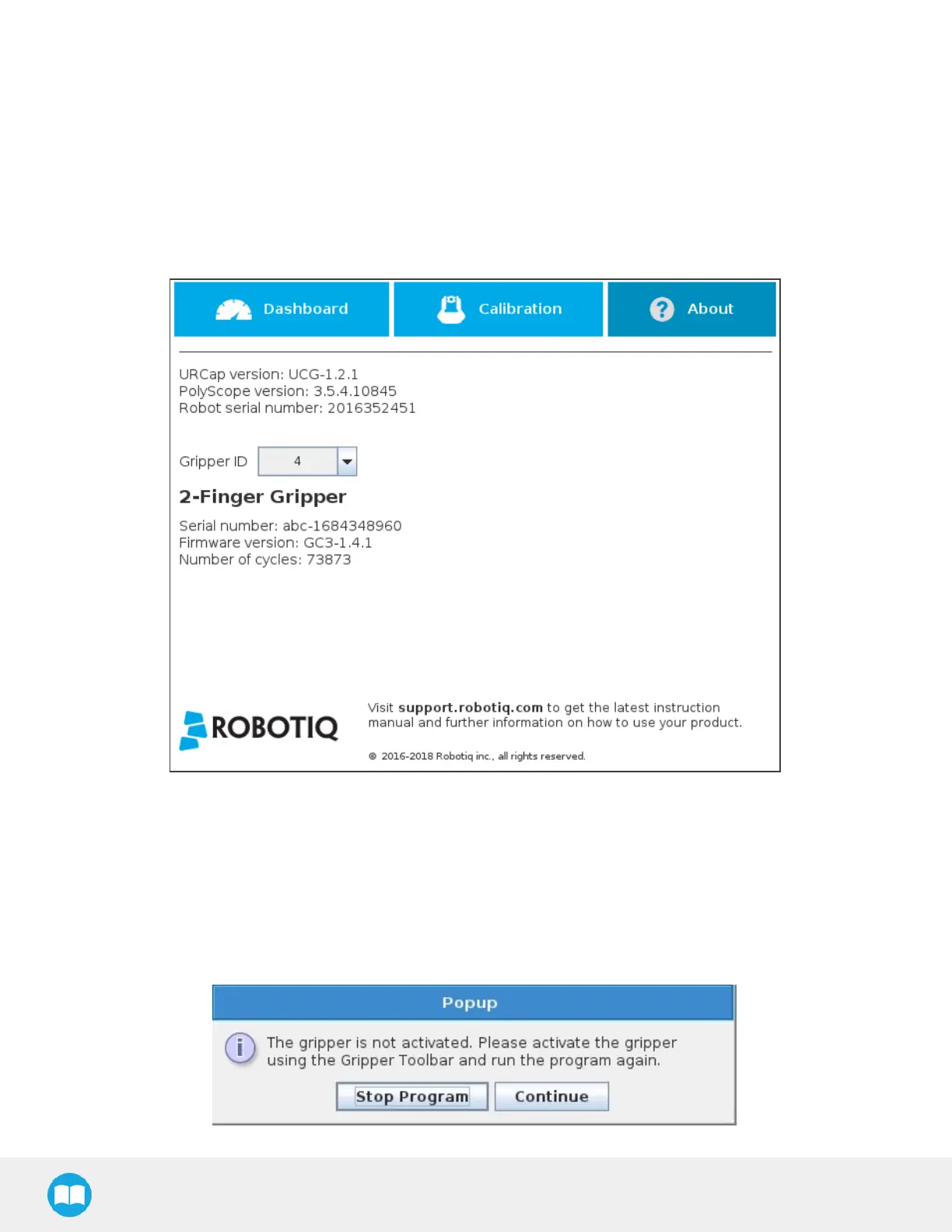
In this window, the user can accessinformation such asthe gripper's hardware, software and firmware versions, the number of
cycles completed by the device and more.
1
Create or load a robot program
2
Tap the Installation tab
3
Select Gripperin the left pane
4
Tap the About submenu
Fig. 4-34: About submenu.
If the Gripper firmware version isobsolete, a warning message will display and an Upgrade Firmware button will prompt the user
to upgrade the firmware to the latest available version.
Error messagesoverview
If a program isrunning without the gripper being activated, the program will stop at the execution of a Gripper node and the
following message will be displayed in a popup. Tap Stop Program and activate the gripper with the toolbar to continue or add an
activation command in the program (see Advanced GripperFunctionssection).
110



 To Next Page