2F-85 & 2F-140 - Instruction Manual
Multiple Grippers
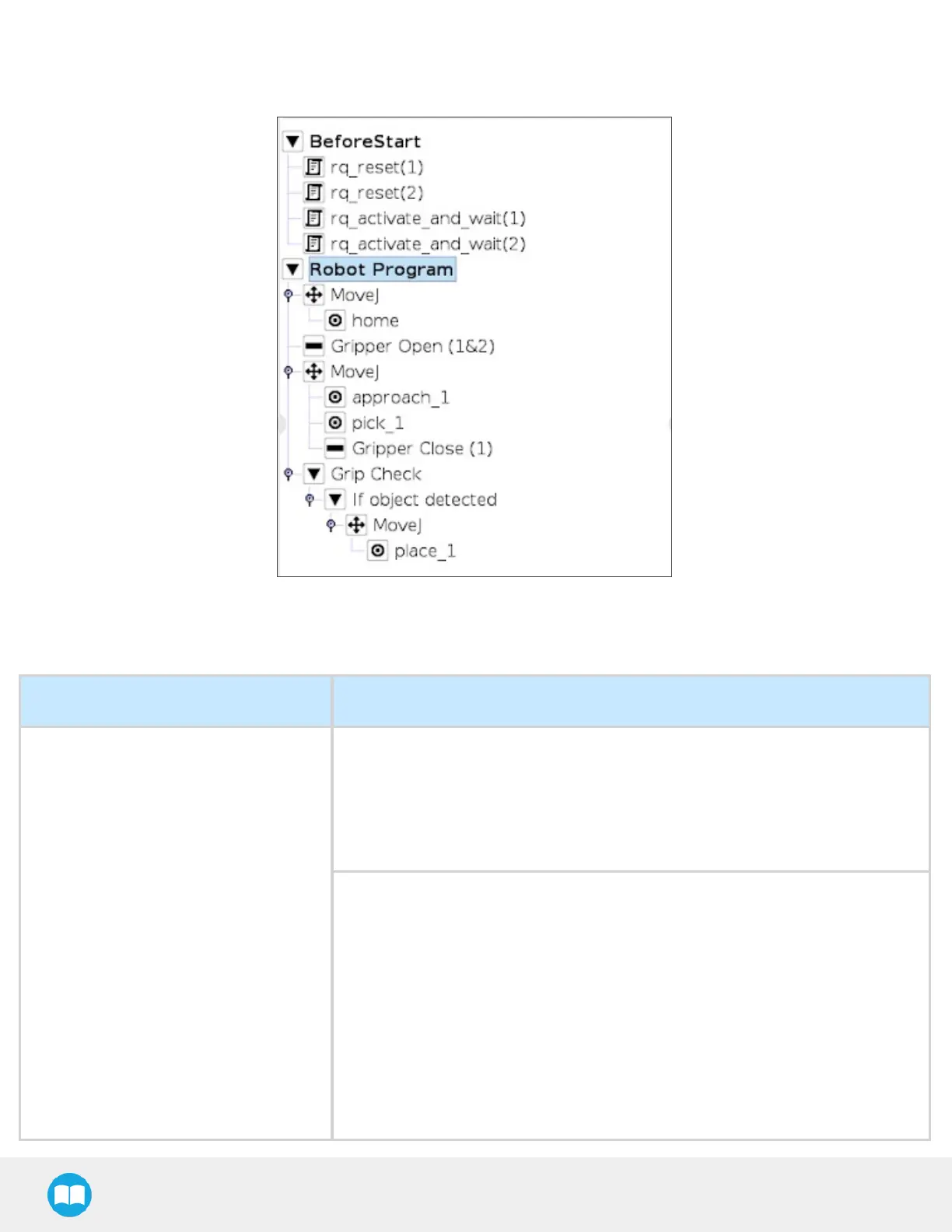
Here is an example of how to use the script commands with more than one gripper.
Fig. 4-36: Example of UR script commands with multiple Grippers
Keyscript functionsfor use of the Gripper with a tool changer
Name Description
rq_reconnect_grippers(blocking, slave_
ids)
The function will resume the scanning mechanism of the software, allowing
communication with the available grippers. When the function returns its
argument, the user can expect communication and interaction with the grippers. If
the grippers are not available in the 30 secondsfollowing the request, the function
will display a timeout error. This function should always be used directly after
physically reconnecting the gripper or turning on the power.
Parameters:
l
blocking (default = TRUE): If True, the reconnection function will block the pro-
gram's execution until it iscompleted. If False, the function will return the argu-
ment immediately and run in the background. Thisallowsthe user to move the
robot and perform other tasksin the program while the reconnection occurs. In
the robot program, a gripper interaction (open/close/other) reached before the
reconnection iscompleted will be blocked. The robot will wait for the recon-
nection processto be done before pursuing with the gripper interaction.
l
slave_ids (default = []): If an empty list isprovided, asit is by default, the function
will make sure you reconnect to all the grippers that were present when the "rq_
disconnect_grippers()" function was last called. If the " rq_disconnect_grippers()"
114



 To Next Page