2F-85 & 2F-140 - Instruction Manual
gOBJ
Object detection status, is a built-in feature that provides information on possible object pick-up. Ignore if gGTO == 0.
l
0x00 - Fingers are in motion towards requested position. No object detected.
l
0x01 - Fingers have stopped due to a contact while opening before requested position. Object detected opening.
l
0x02 - Fingers have stopped due to a contact while closing before requested position. Object detected closing.
l
0x03 - Fingers are at requested position. No object detected or object has been loss / dropped.
Caution
In some circumstances the object detection feature may not detect an object even if it is successfully grasped. For
instance, picking up a thin object may be successful without the object detection status being triggered. In such
applications, the "Fingers are at requested position" statusof register gOBJ, is sufficient to proceed to the next step of
the routine.
4.4.2.Register: RESERVED
Address: Byte 1
Bits 7 6 5 4 3 2 1 0
Symbol Reserved
4.4.3.Register: FAULT STATUS
Address: Byte 2
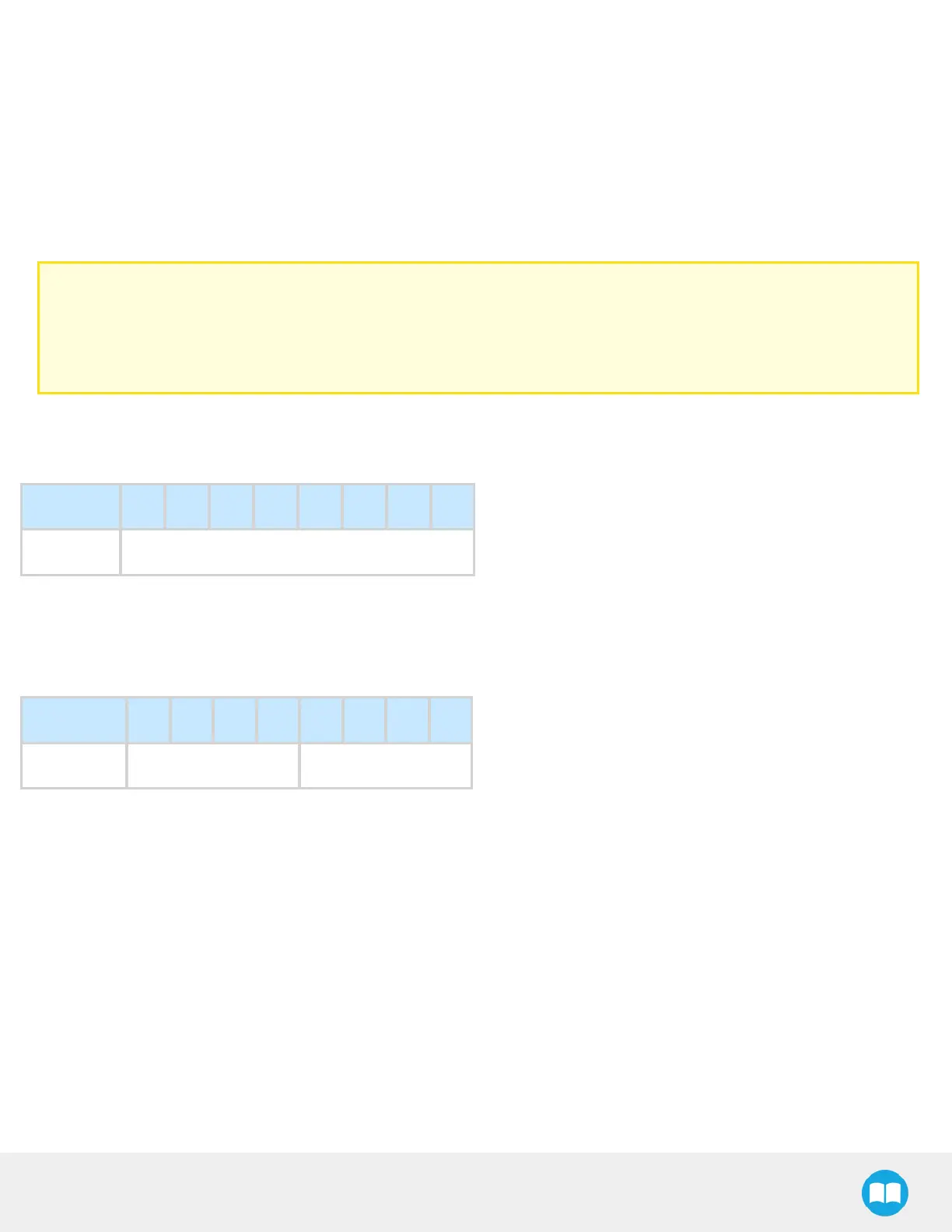
Bits 7 6 5 4 3 2 1 0
Symbols kFLT
gFLT
gFLT
Fault status returns general error messages that are useful for troubleshooting. Fault LED (red) is present on the gripper chassis,
LED can be blue, red or both and be solid or blinking.
l
0x00 - No fault (solid blue LED)
l
Priority faults (solid blue LED)
l
0x05 - Action delayed, the activation (re-activation)must be completed prior to performing the action.
l
0x07 - The activation bit must be set prior to performing the action.
Minor faults (solid red LED)
55



 To Next Page