2F-85 & 2F-140 - Instruction Manual
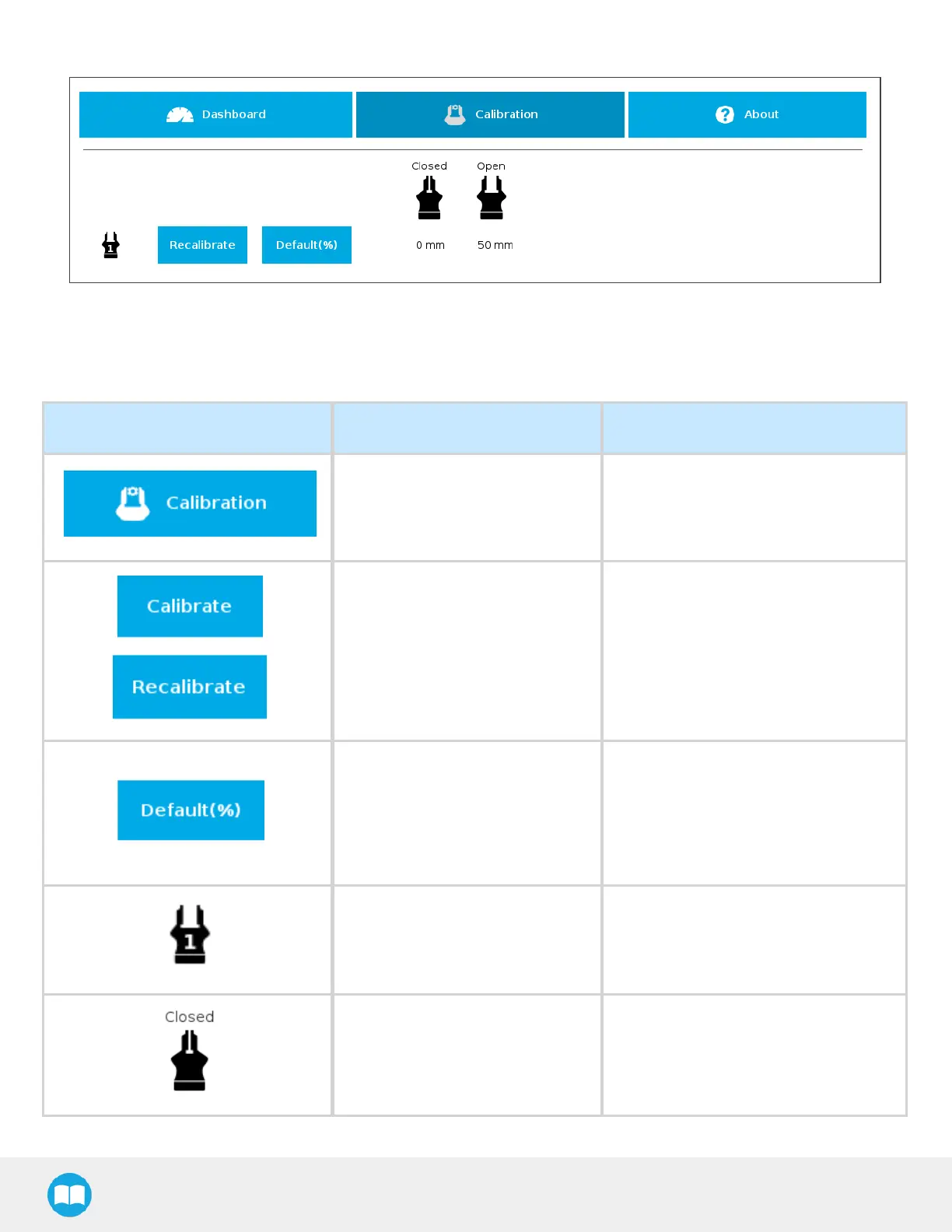
Following their respective calibration, the gripperswill display their actual stroke, from the fully closed to the fully open position.
Fig. 4-25: Single Gripper, Calibrated
Features
Icon FunctionalityName Description
Calibration
After selecting the gripper in the left
pane of the Installation tab, tap this
button to accessthe Gripper
Calibration menu.
Calibrate/Recalibrate
The Calibrate and Recalibrate buttons
launch the Gripper Calibration wizard.
Default (%)
Following a calibration, tap this button
to reset the calibration and return to the
default percentage values. The button
is greyed out if no calibration hasbeen
performed for the corresponding
gripper.
Gripper
Label indicating the gripper'sID ,
ranging from 1 to 4.
Fully closed dimension table
header
Visual aid above the fully closed
dimensions in the Calibration menu.
94



 To Next Page