Robotiq Hand-E Gripper - Instruction Manual
4.8. Control Over Hanwha Using the Plugin
4.8.1. Gripper Dashboard
To activate the gripper:
1
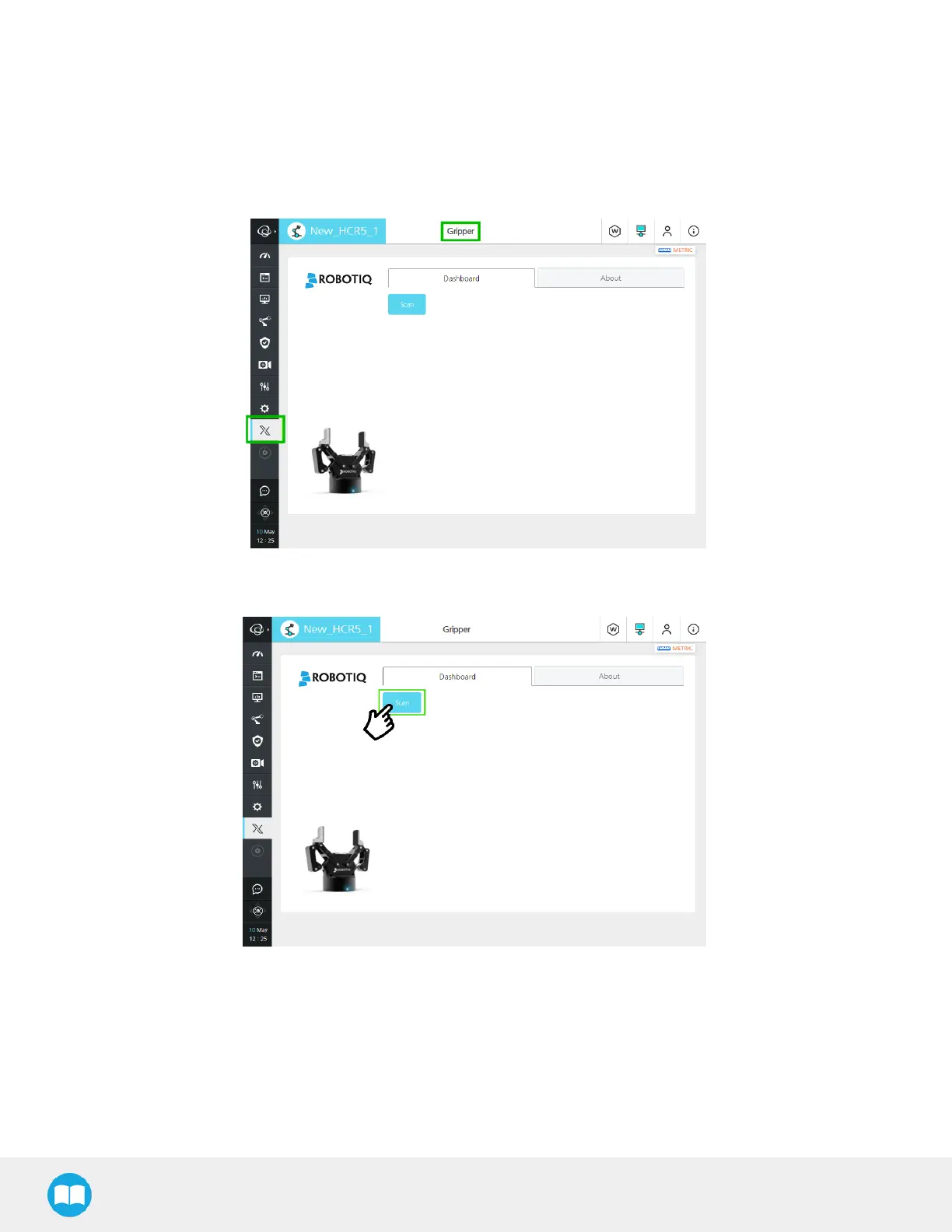
Go to the RodiX menu on the left and select Gripper.
Fig. 4-3: Menu to activate the gripper with the RodiX icon and Gripper menu highlighted.
2
If no device is detected, tap the Scan button
Fig. 4-4: .Menu to activate the gripper with Scan button highlighted.
58



 To Next Page