Robotiq Hand-E Gripper - Instruction Manual
3
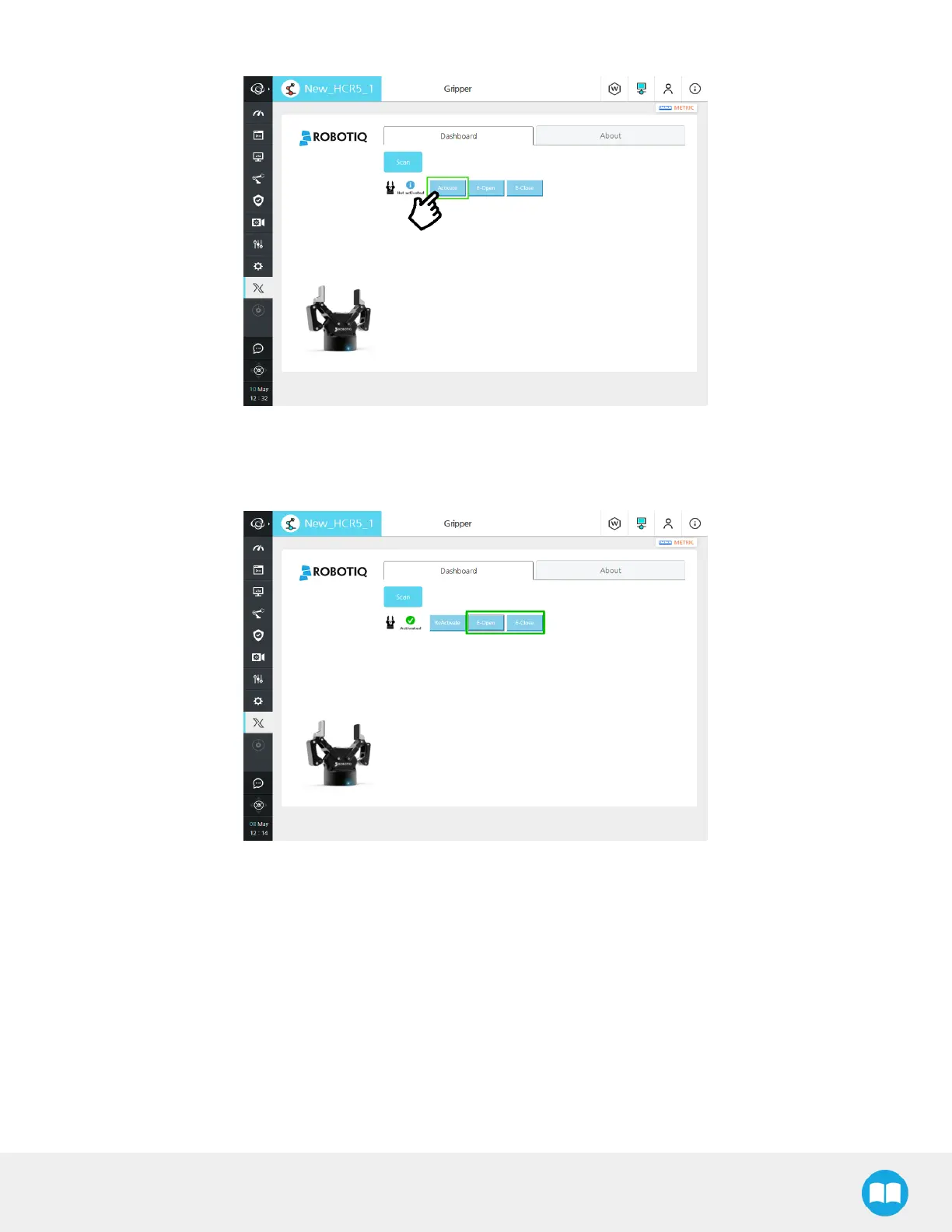
Once a device is detected, tap the Activate button. The gripper will go through its' activation cycle.
Fig. 4-5: Menu to activate the gripper with Activate button highlighted.
To test the gripper:
l In the dashboard, the Gripper can either be closed or opened, using the E-Open or E-Close button.
Fig. 4-6: Dashboard menu to test the gripper with E-Open and E-Close buttons highlighted.
59



 To Next Page