Robotiq Hand-E Gripper - Instruction Manual
3
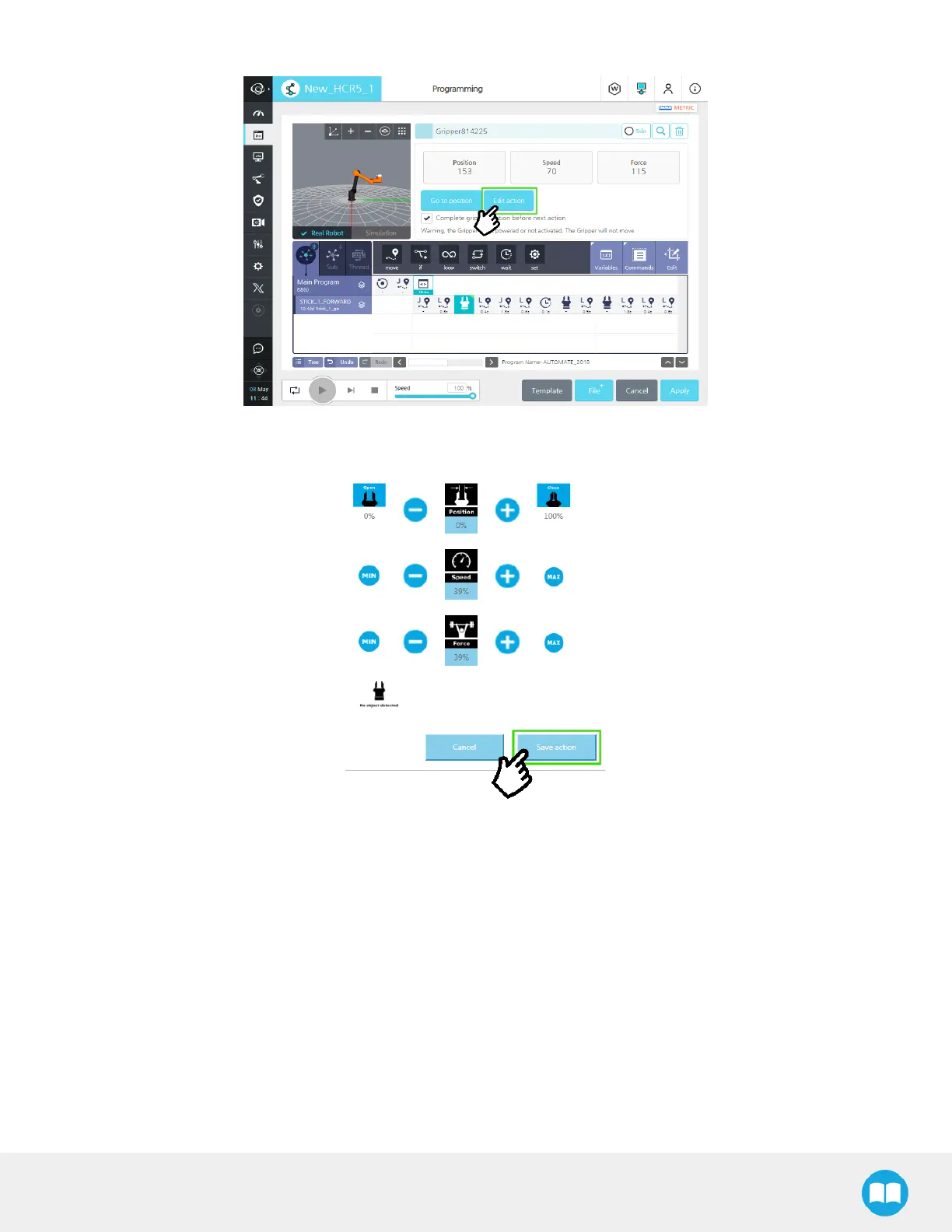
To change the settings and jog the gripper, tap the Edit action button.
Fig. 4-9: Dashboard menu with Edit action button highlighted.
4
Once done, tap the Save action button.
Fig. 4-10: Edit Action menu.
61



 To Next Page