4. Unscrew the four (4) anchor nuts and keep them for future use.
5. If the Solution is attached to a conveyor, disassemble the attachment.
6. Insert the forksof the pallet truck or forklift truck in the fork entry openings until they reach a stop.
7. Slightly raise the forksso that the Solution isfreed from the anchors.
8. Slowly and carefully move the Solution, making sure the Solution remainsclose to the ground.
9. Perform the stepsbackwards to reposition the Solution; please refer to Anchoring the Solution section to apply the right
torque.
NOTICE
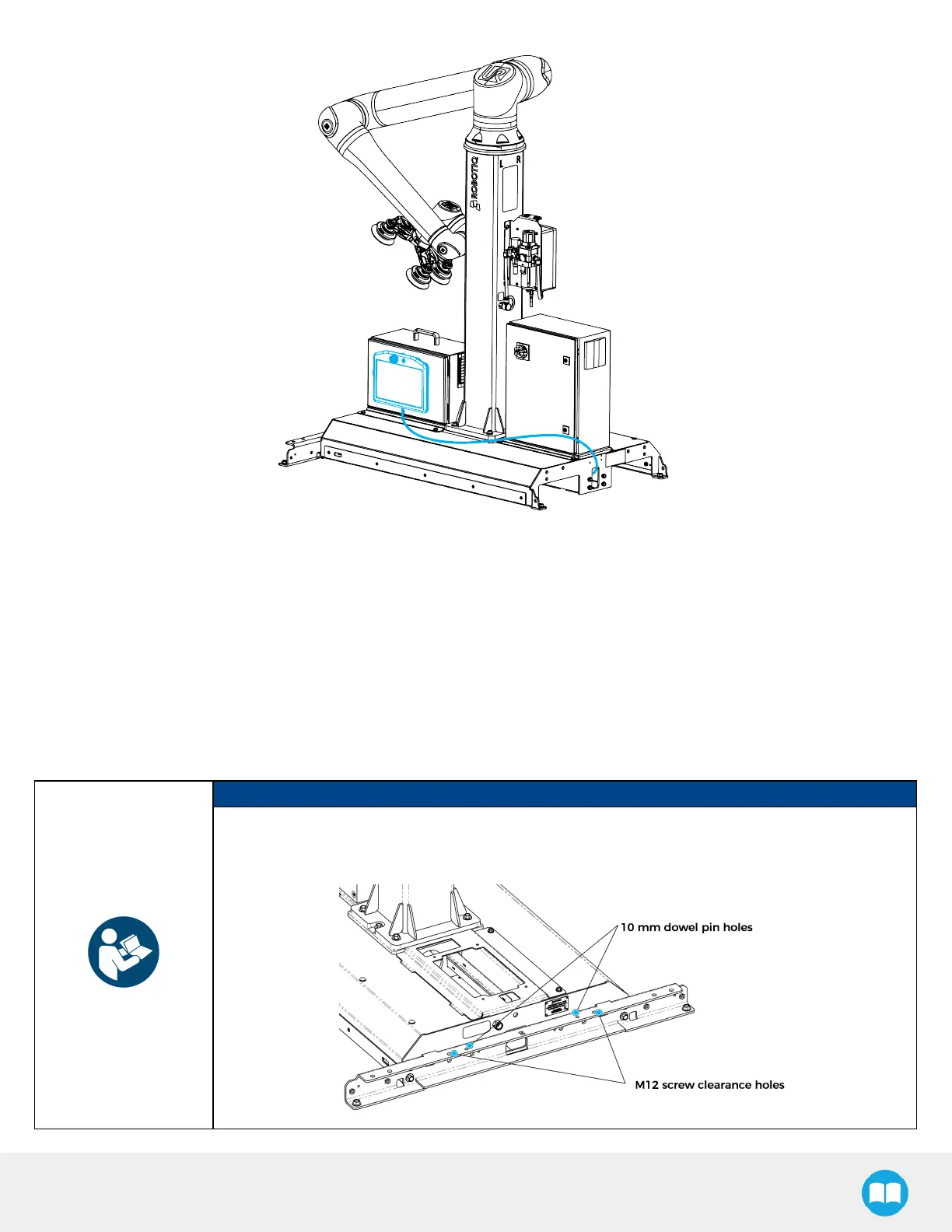
To perform an accurate repositioning using thismethod, use the clearance holes located on the
removable stopper (see figure below)to attach the Solution to a conveyor or another piece of
equipment. Please refer to Conveyor Positioning Holessection for hole dimensions.
69



 To Next Page