Robustel GoRugged R3000 Lite User Guide
RT_UG_R3000 Lite_v.1.4.1 15.11.2016 18 / 135
Confidential
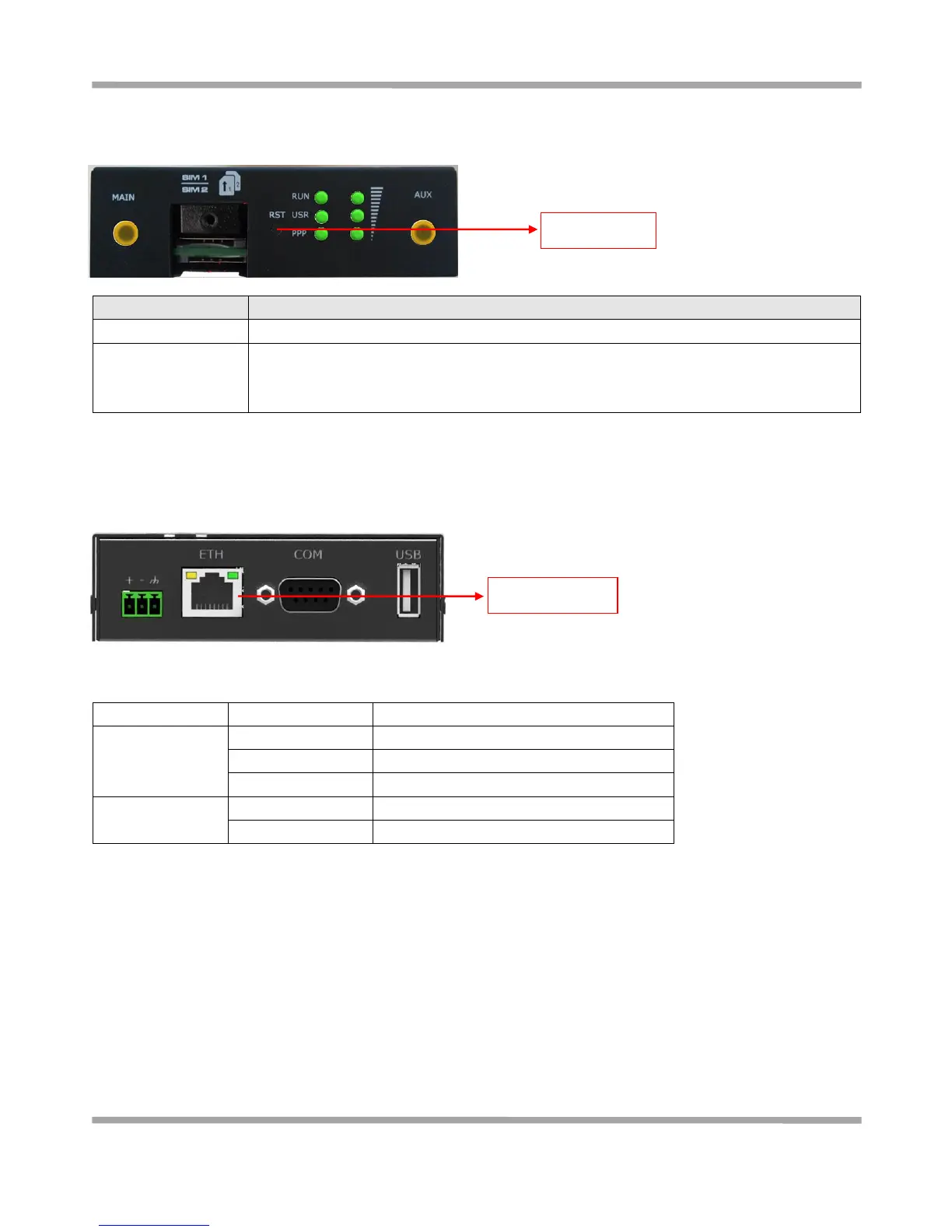
2.4 Reset Button
2.5 Ethernet Port
The Ethernet port has two LED indicators. The yellow one is Link Indicator and the green one is Speed Indicator. Each
indicator has three status, for details see the table below:
Data is being transmitted
Press the button for at least 5 seconds in operating status
Restore to factory
default settings
After powering up the router, press the RST button by a small non-conductive stick with a
blunt end in about 60 seconds until all three LEDs (RUN, PPP, USR) on the left side blinking
5 times simultaneously. Then the router will be restored to factory default settings











 To Next Page