Robustel GoRugged R3000 Lite User Guide
RT_UG_R3000 Lite_v.1.4.1 15.11.2016 53 / 135
Confidential
DMZ host is a host on the internal network that has all ports exposed, except
those ports otherwise forwarded.
Select to enable the DMZ function.
Enter the IP address of the DMZ host which on the internal network.
Set the address which can talk to the DMZ host. Null means for any addresses.
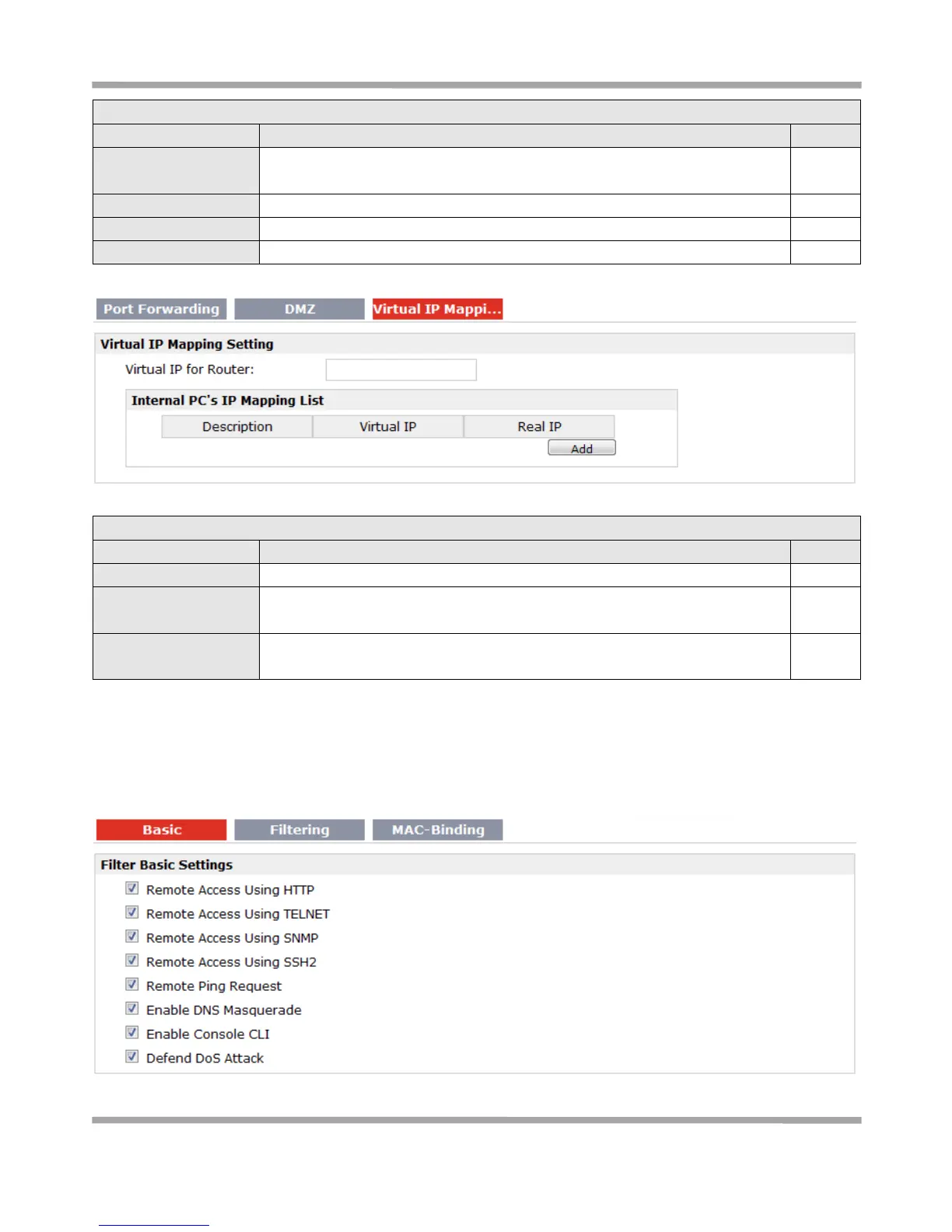
Virtual IP Mapping@ NAT/DMZ
Set a Virtual IP for router.
Virtual IP @ Internal
PC’s IP Mapping List
Set a Virtual IP for the Internal PC.
Real IP @ Internal PC’s
IP Mapping List
The Internal PC’s Real IP, which is mapping the PC’s Virtual IP one-to-one.
3.16 Configuration > Firewall
This section allows users to set the firewall parameters.











 To Next Page