Robustel GoRugged R3000 Lite User Guide
RT_UG_R3000 Lite_v.1.4.1 15.11.2016 92 / 135
Confidential
Select from “TCP server” or “UDP”
You can enter the IP address of cellular WAN, Ethernet WAN or Ethernet LAN.
Null stands for all these three IP addresses.
Enter the local TCP or UDP listening port.
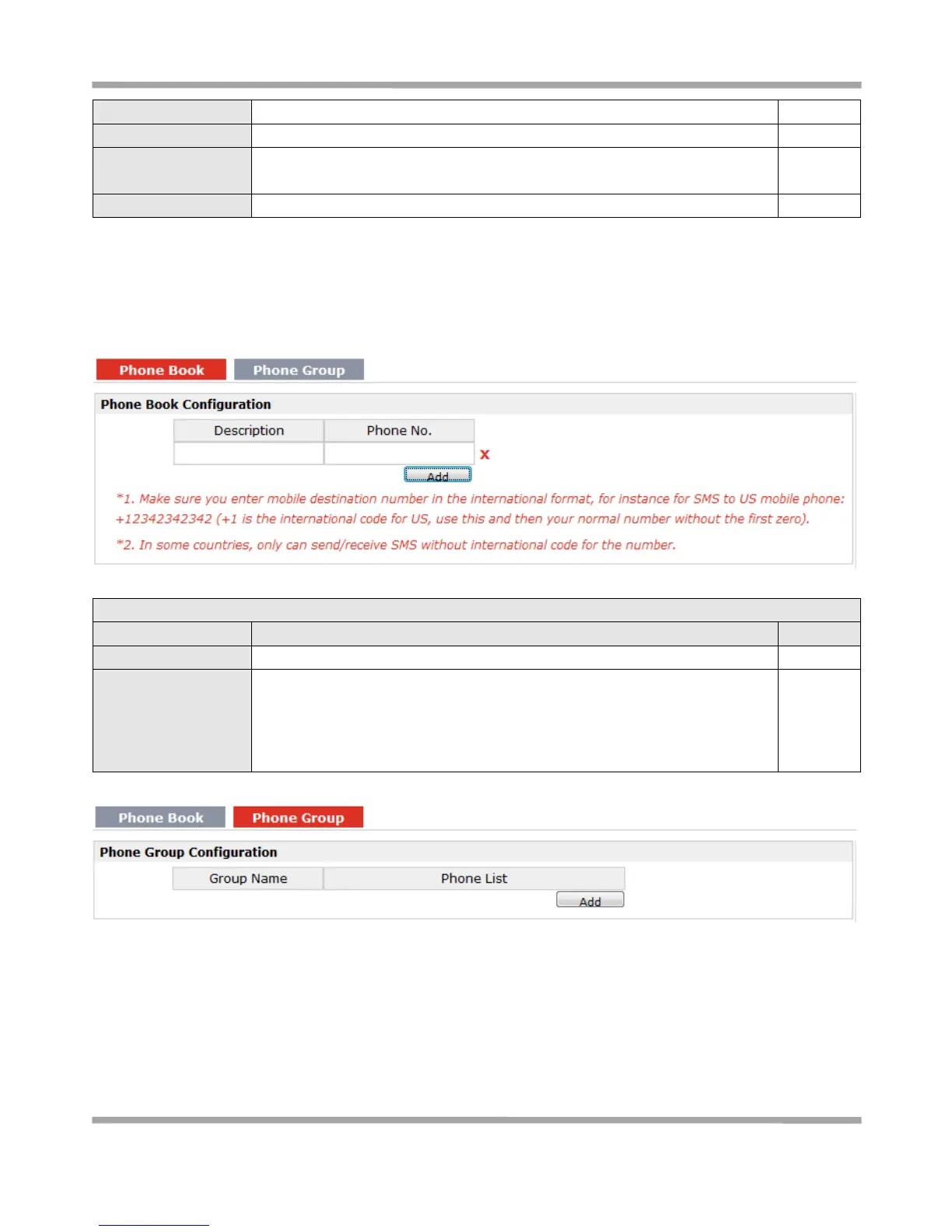
3.35 Configuration > Phone Book
This section allows users to set the Phone Book parameters.
Set the name to your relevant phone No.
Enter your phone No.
Note:
In some countries, the Phone No. is required to be written in international
format, starting with “+” followed by the country code.











 To Next Page