Robustel GoRugged R3000 Lite User Guide
RT_UG_R3000 Lite_v.1.4.1 15.11.2016 97 / 135
Confidential
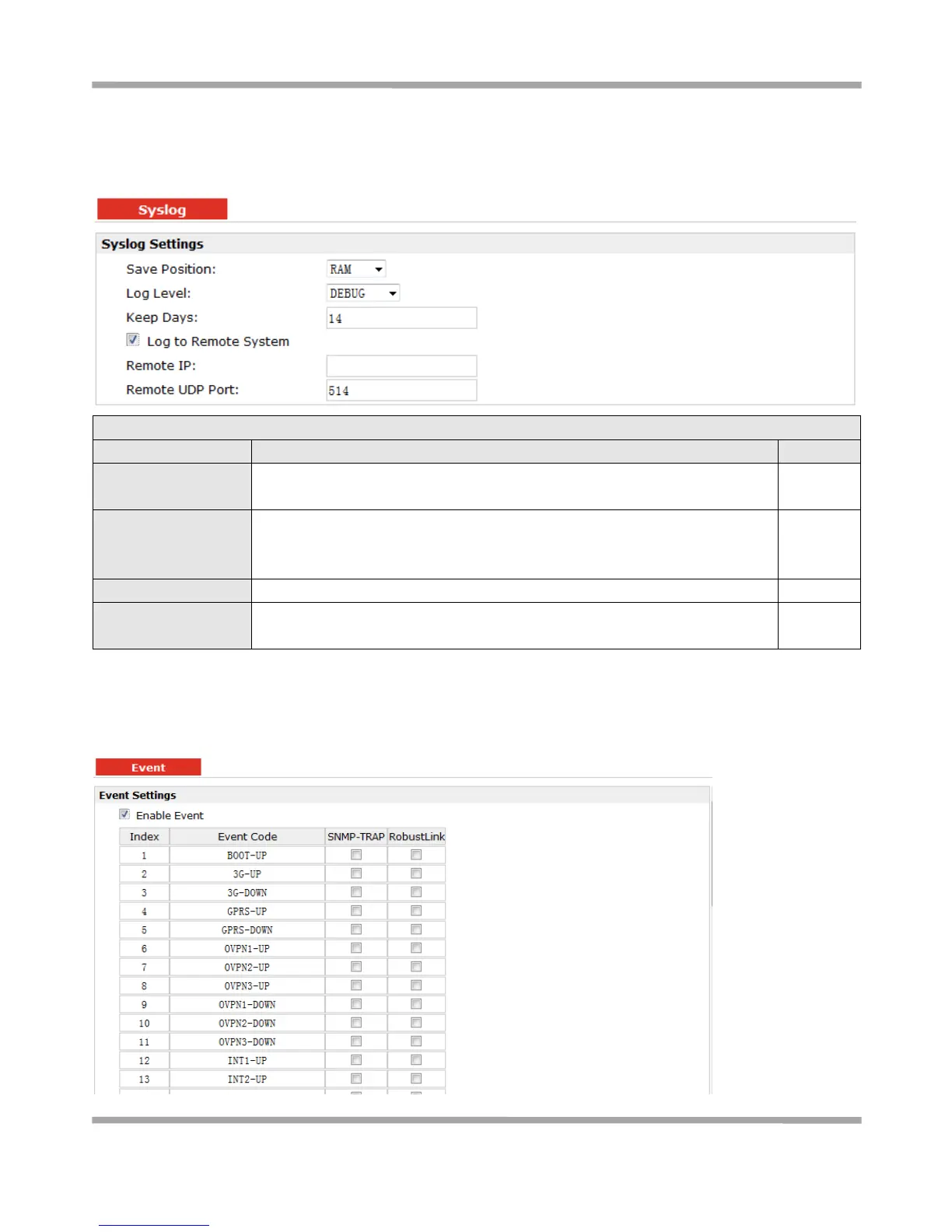
3.39 Configuration > Syslog
This section allows users to set the syslog parameters.
Select the save position from “None”, “Flash” and “SD”. “None” means syslog
is only saved in RAM, and will be cleared after reboot.
Select form “DEBUG”, “INFO”, “NOTICE”, “WARNING”, “ERR”, “CRIT”, “ALERT”
and “EMERG” which from low to high. The lower level will output more syslog
in detail.
Specify the syslog keep days for router to clear the old syslog.
Enable to allow router sending syslog to the remote syslog server. You need
to enter the IP and Port of the syslog server.
3.40 Configuration > Event
This section allows users to set the Event parameters.












 To Next Page