Robustel GoRugged R3000 Lite User Guide
RT_UG_R3000 Lite_v.1.4.1 15.11.2016 96 / 135
Confidential
Enter IP address of RobustLink.
Enter port number of RobustLink.
Enter the password preset in RobustLink.
Note: The passwords set in R3000 and RobustLink need to be the same.
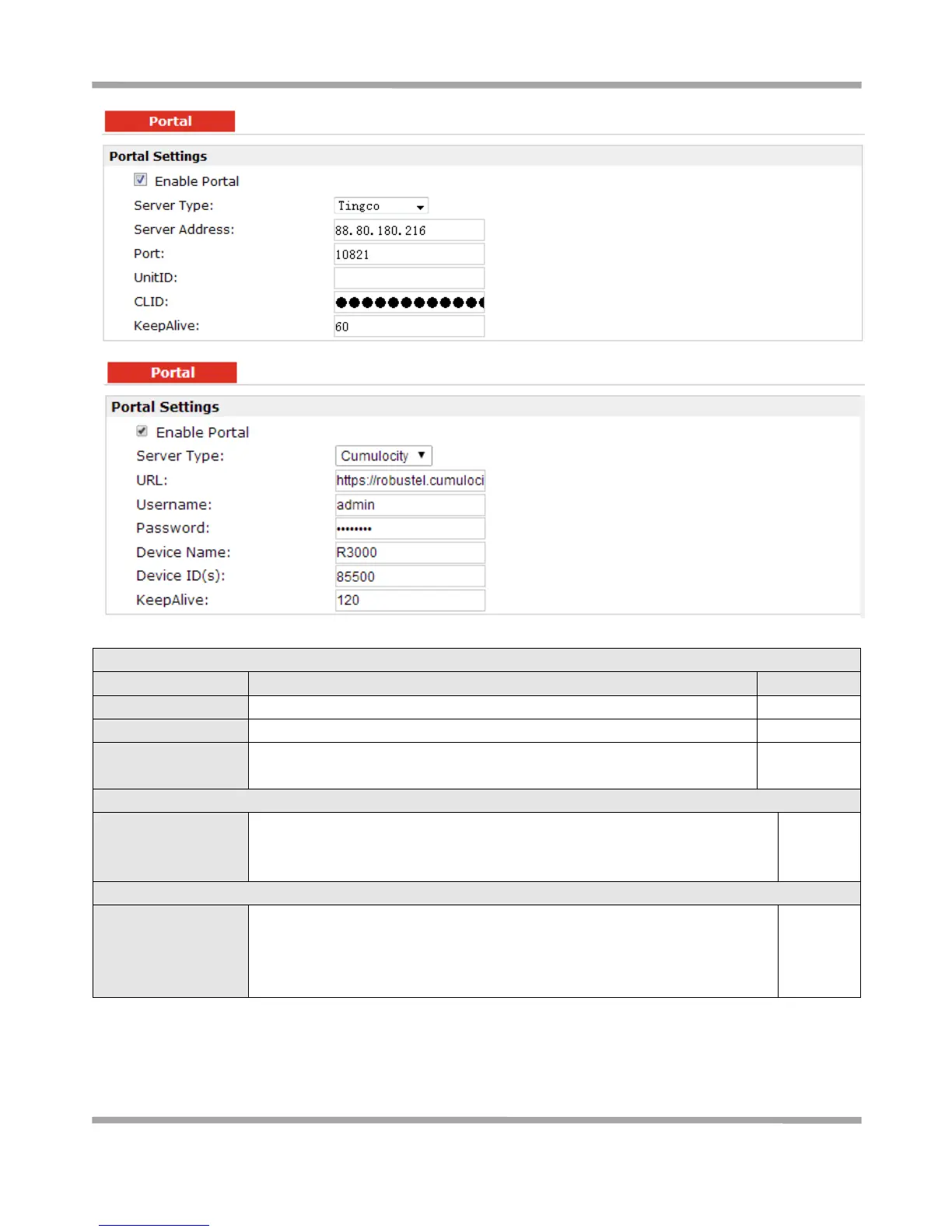
Server Address, Port,
UnitID, CLID,
KeepAlive
Fill in the Server Address, Port, UnitID, CLID, KeepAlive. After settings are
activated, R3000 will update information to Tingco automatically.
URL, Username,
Password, Device
Name, Device ID (S),
KeepAlive
Fill in the URL, Username, Password, Device Name, Device ID (S), KeepAlive of
Cumulosity. Default settings will be ok. After settings are activated, R3000 will
update information to Cumulosity automatically.











 To Next Page