Robustel GoRugged R3000 Lite User Guide
RT_UG_R3000 Lite_v.1.4.1 15.11.2016 95 / 135
Confidential
Enable daily reboot, you should follow ahh:mm,24h time frame, or the data
will be invalid.
Specify time1 when you need router reboot.
Specify time2 when you need router reboot.
Specify time3 when you need router reboot.
Click to enable call reboot function
Set the Phone Group which was allowed to reboot the router by call.
Send reply short message after auto Call reboot from specified Caller ID (e.g.
Reboot ok!).
Note: Only support text format SMS.
Click to enable SMS reboot function
Set the Phone Group which was allowed to reboot the router by SMS.
Users could send this specific Password to trigger router to reboot.
Send reply short message after auto SMS reboot from specified Caller ID (e.g.
Reboot ok!).
Note: Only support text format SMS.
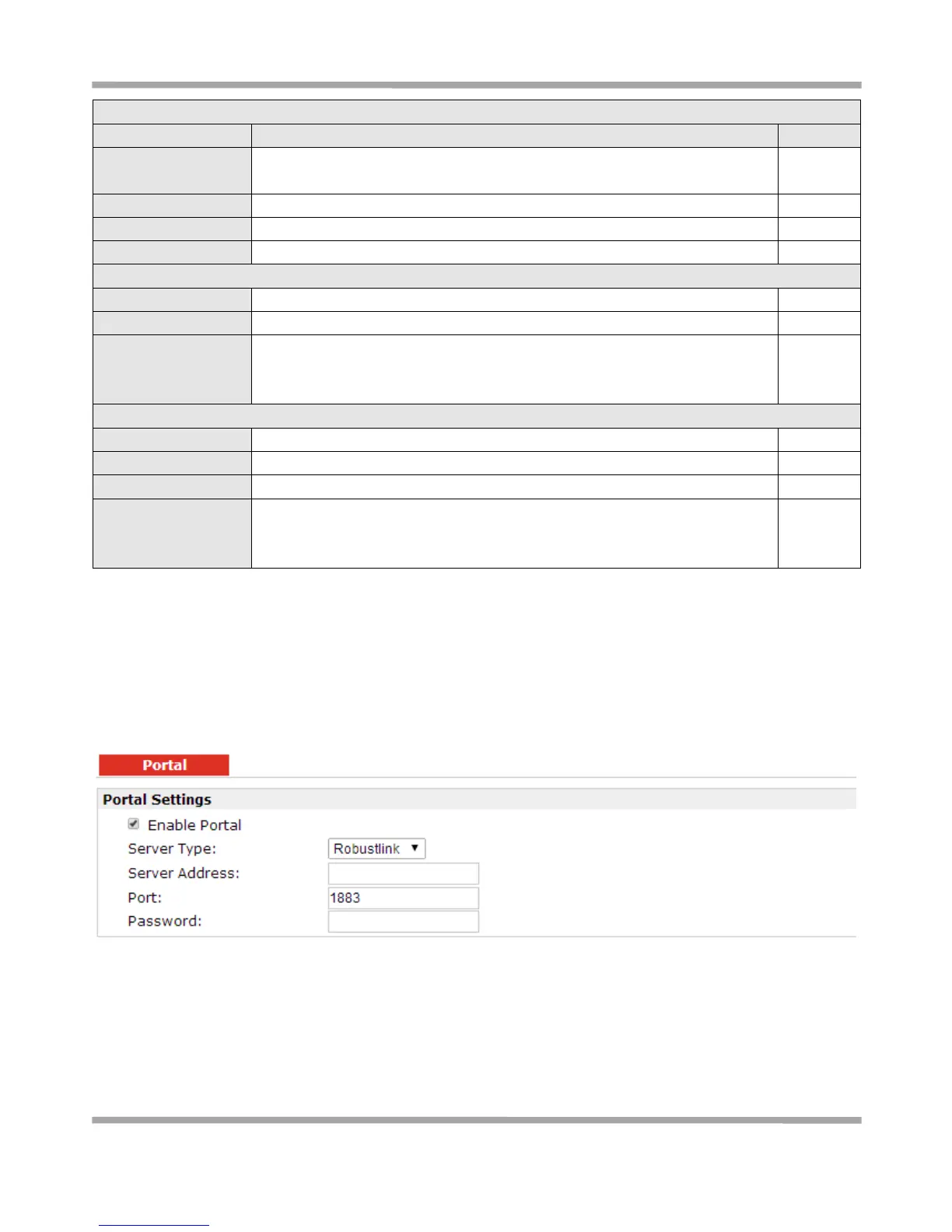
3.38 Configuration > Portal
This section allows users to configure parameters about RobustLink Tingco and Cumulosity, which are
industrial-grade centralized management and administration system. It allows you to monitor, configure and
manage large numbers of remote devices on a private network over the web.











 To Next Page