Robustel GoRugged R3000 Lite User Guide
RT_UG_R3000 Lite_v.1.4.1 15.11.2016 86 / 135
Confidential
instructions after the Max Response Time, the instructions read timeout.
Time Between
Commands (ms)
The execution of the interval between each instruction.
Read the save site of Modbus’s data.
Only save when it can’t upload to the server, upload the data after the
upload channel recovering. Delete the data after finishing uploading.
Enable to send data via portal.
Set the server IP address of receive Modbus data.
Set the server port of receive Modbus data.
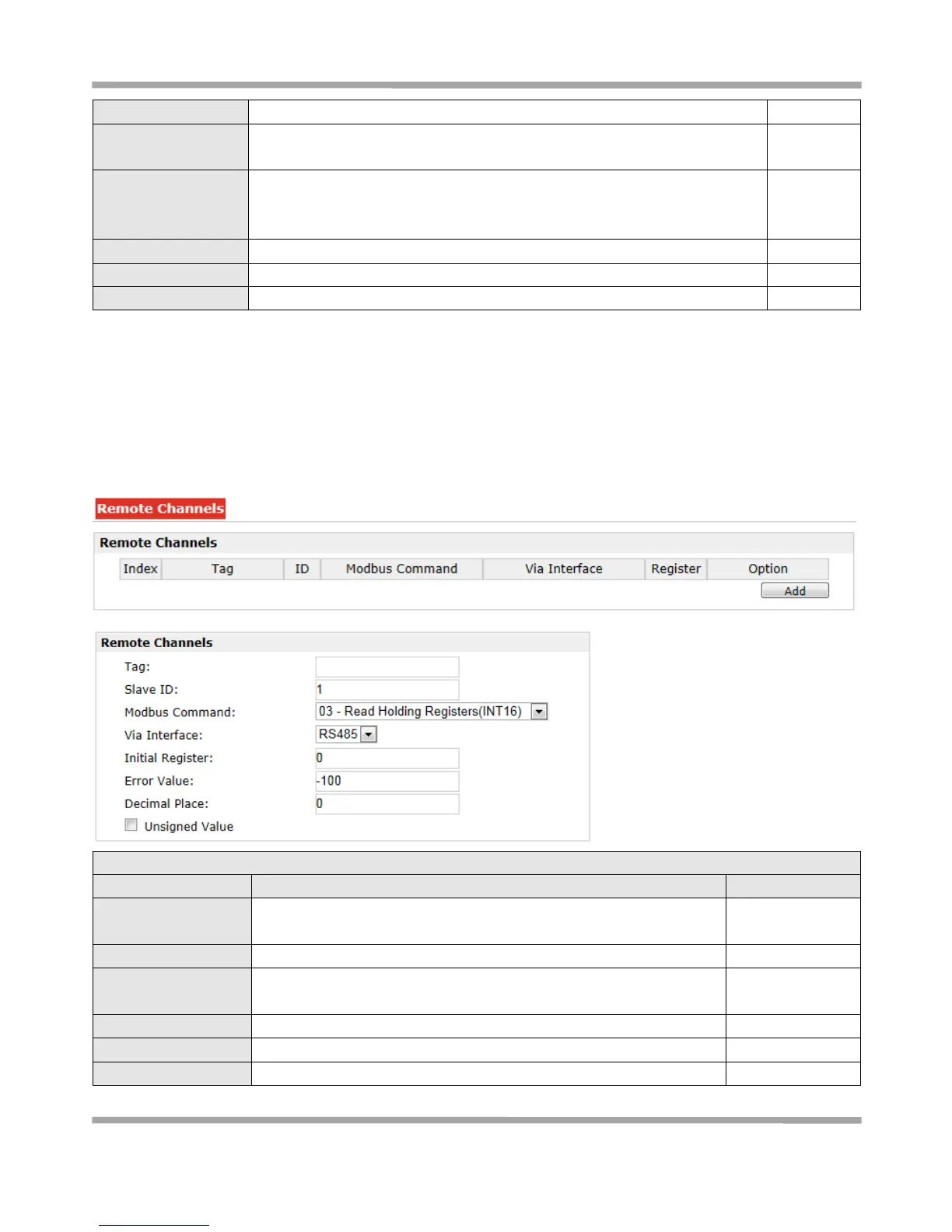
3.29 Configuration > Remote Channels
This section allows users to configure the remote channels.
Note: Only configure the Modbus Master parameters at first, it can configure Remote Channels, otherwise it’s
disabled.
The sign of remote channel, it can be null or not null. If not null, alarm
or upload information in platform will carry this description.
Read Holding
Registers (INT 16)
Select from “RS485”, “RS232”, “TCP”
The starting point for execution to read while reading instruction.
When reading failure, the Error Value in the Value will be assigned to











 To Next Page