Robustel GoRugged R3000 Lite User Guide
RT_UG_R3000 Lite_v.1.4.1 15.11.2016 94 / 135
Confidential
Enable to send SMS to specific user after router was powered up.
Enable to send SMS to specific user when router PPP up.
Send SMS on PPP
disconnect
Enable to send SMS to specific user when router PPP down.
Select the Phone Group you set in 3.2.27 Configuration > Phone Book
Click to enable SMS remote control.
Set the password content characters.
Note: Only support text format. For example 123 or ABC123.
Select the Phone Group you set in 3.2.27 Configuration > Phone Book
Note: please refer to section 4.2.2 SMS Commands for Remote Control.
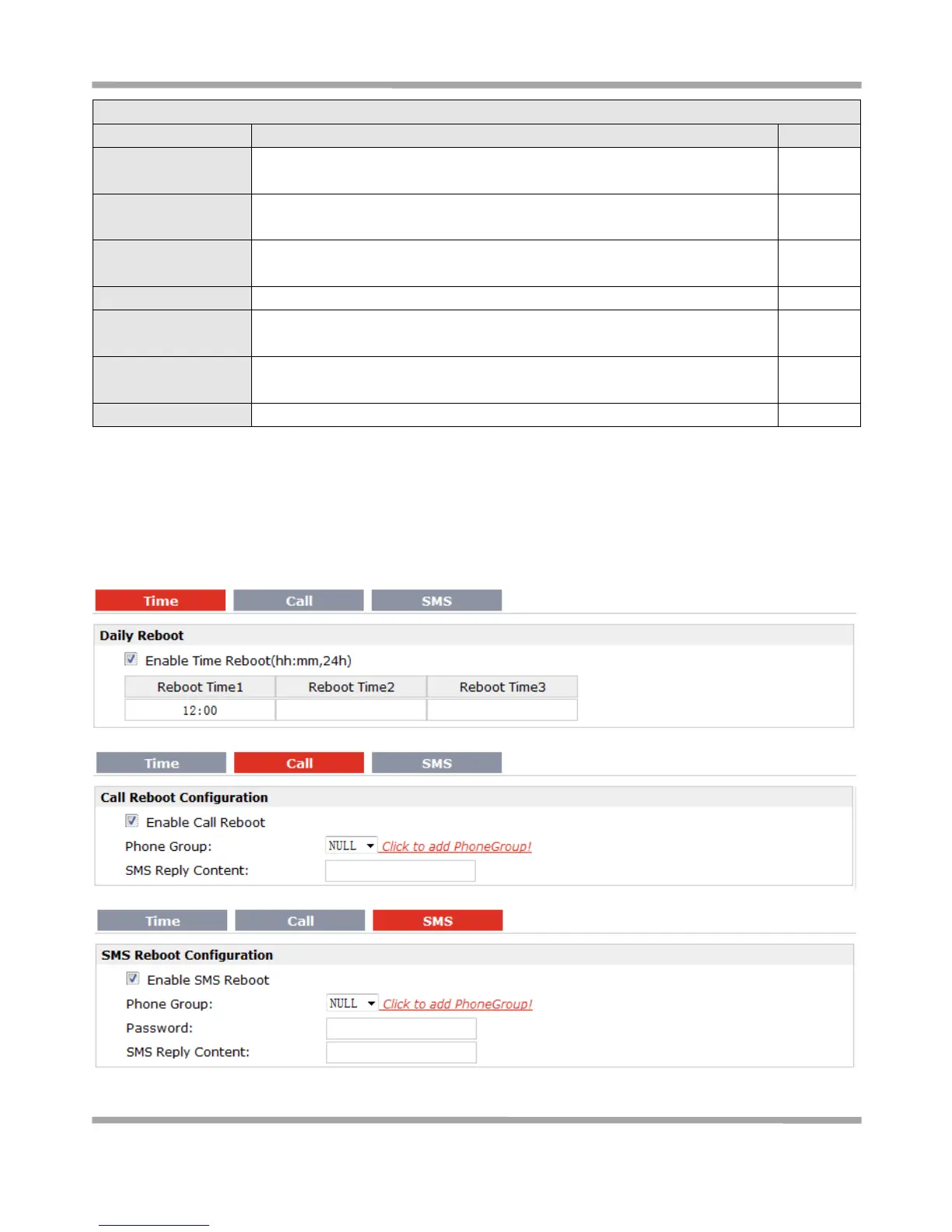
3.37 Configuration > Reboot
This section allows users to set the Reboot policies.











 To Next Page