Robustel GoRugged R3000 Lite User Guide
RT_UG_R3000 Lite_v.1.4.1 15.11.2016 26 / 135
Confidential
3.3 Control Panel
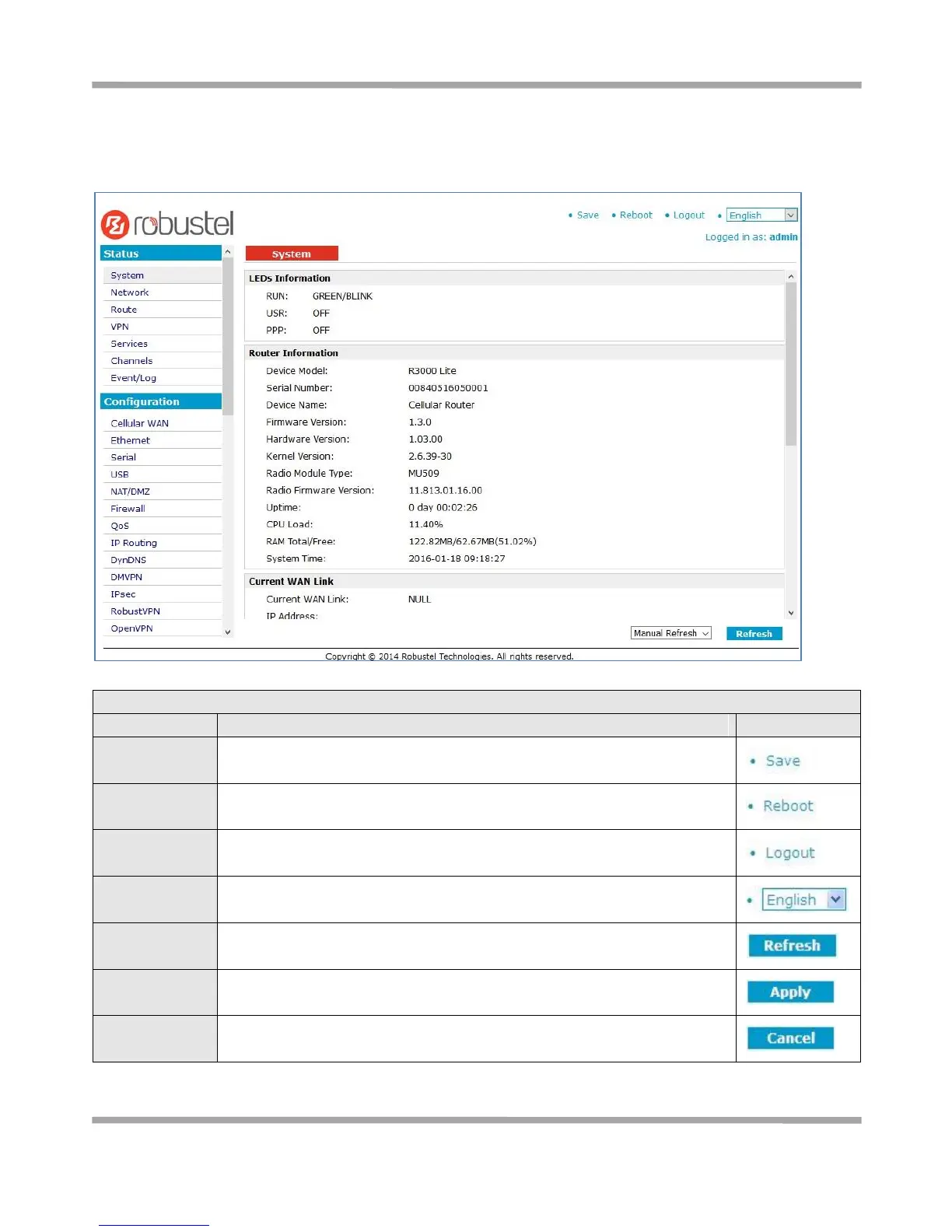
This section allows users to save configuration, reboot router, logout and select language.
Click to save the current configuration into router’s flash.
After save the current configuration, router needs to be rebooted to make
the modification taking effect.
Click to return to the login page.
Select from Chinese, English, German, French and Spanish.
Click to refresh the status.
Click to apply the modification on every configuration page.
Click to cancel the modification on every configuration page.











 To Next Page