Robustel GoRugged R3000 Lite User Guide
RT_UG_R3000 Lite_v.1.4.1 15.11.2016 33 / 135
Confidential
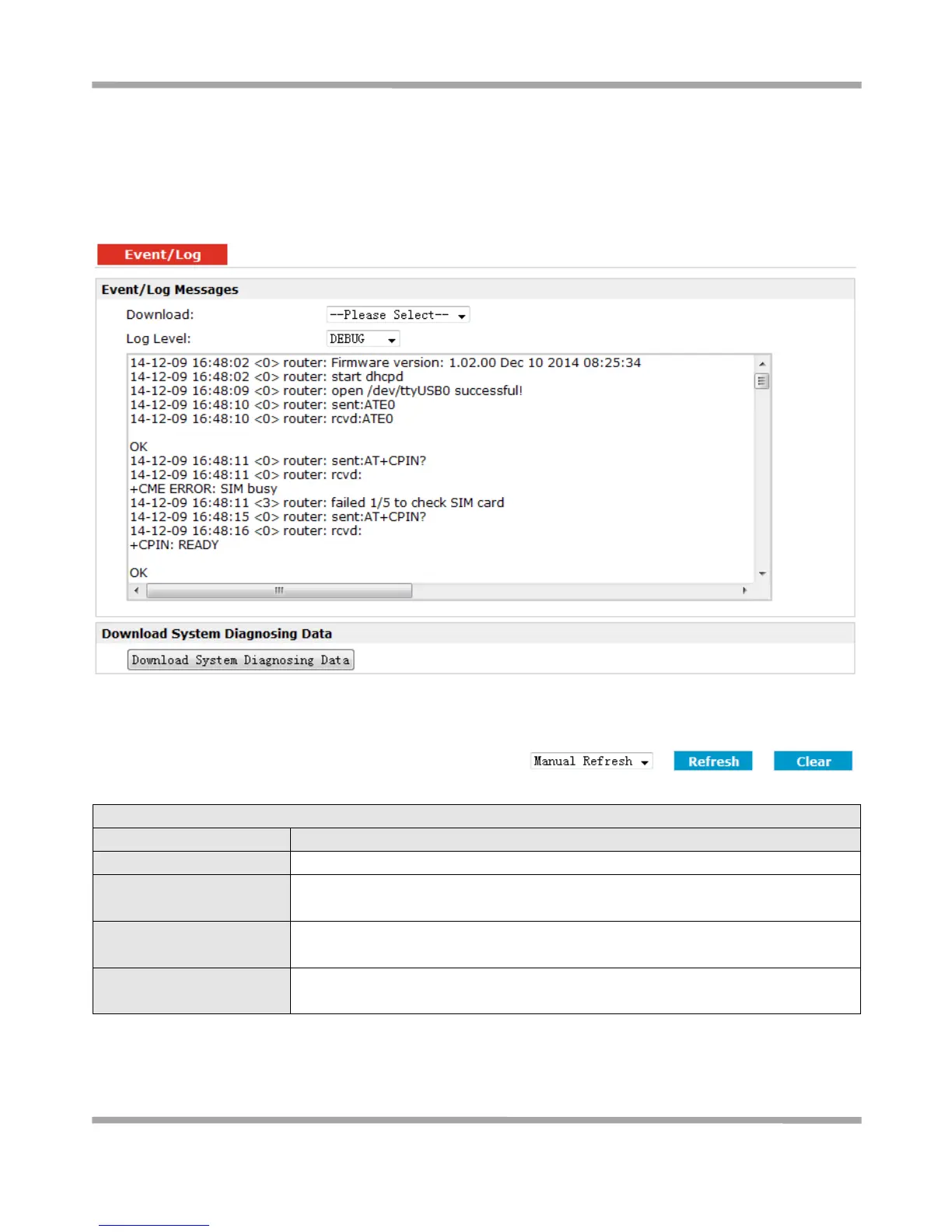
3.10 Status > Event/Log
This section displays the router’s event/log information. You need to enable router to output the log and select the
log level first, then you can view the log information here. Also you can click Download System Diagnosing Data to
download diagnose data.
Select the log messages you want to download.
Select the Log level in the drop-down menu: DEBUG, INFO, NOTICE, WARNING, ERR,
CRIT, ALERT, EMERG.
Download System
Diagnosing Data
Click Download System Diagnosing Data to download diagnose file.
Select from “5 Seconds”, “10 Seconds”, “15 Seconds”, “30 Seconds” and “1 Minute”.
User can select these intervals to refresh the log information.











 To Next Page