Robustel GoRugged R3000 Lite User Guide
RT_UG_R3000 Lite_v.1.4.1 15.11.2016 29 / 135
Confidential
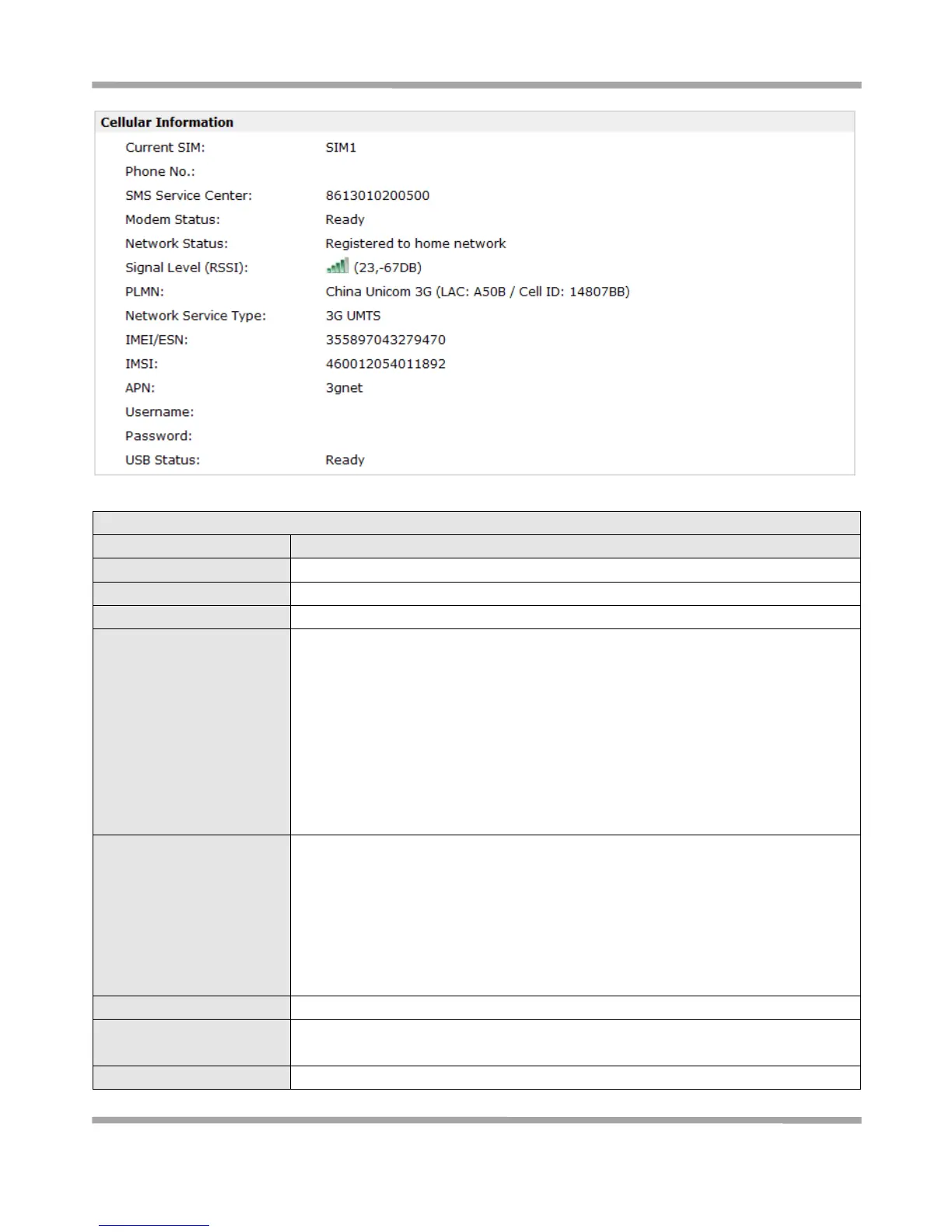
Show the SIM card which the router work with currently: SIM1 or SIM2
Show the phone number of the current SIM.
Show the SMS Service Center.
Show the status of modem. There are 8 different status:
1. Unknown.
2. Ready.
3. Checking AT.
4. Need PIN.
5. Need PUK.
6. Signal level is low.
7. No registered.
8. Initialize APN failed.
Show the current network status. There are 6 different status:
1. Not registered, ME is currently not searching for new operator!
2. Registered to home network.
3. Not registered, but ME is currently searching for a new operator.
4. Registration denied.
5. Registered, roaming.
6. Unknown.
Show the current signal level.
Show Mobile Country Code (MCC) +Mobile Network Code (MNC), e.g. 46001.
Also it will show the Location Area Code (LAC) and Cell ID.
Show the current network service type, e.g. GPRS.











 To Next Page