118 Rockwell Automation Publication 2711P-UM008J-EN-P - April 2022
Chapter 3
5. Click OK when you are finished.
6. Click Yes and Restart your computer.
Certificate Management
(Series B Only)
(1)
The PanelView Plus 7 Performance Series B terminals (Series C for Stainless
Steel terminals) allow you to import and update certificates for your terminal.
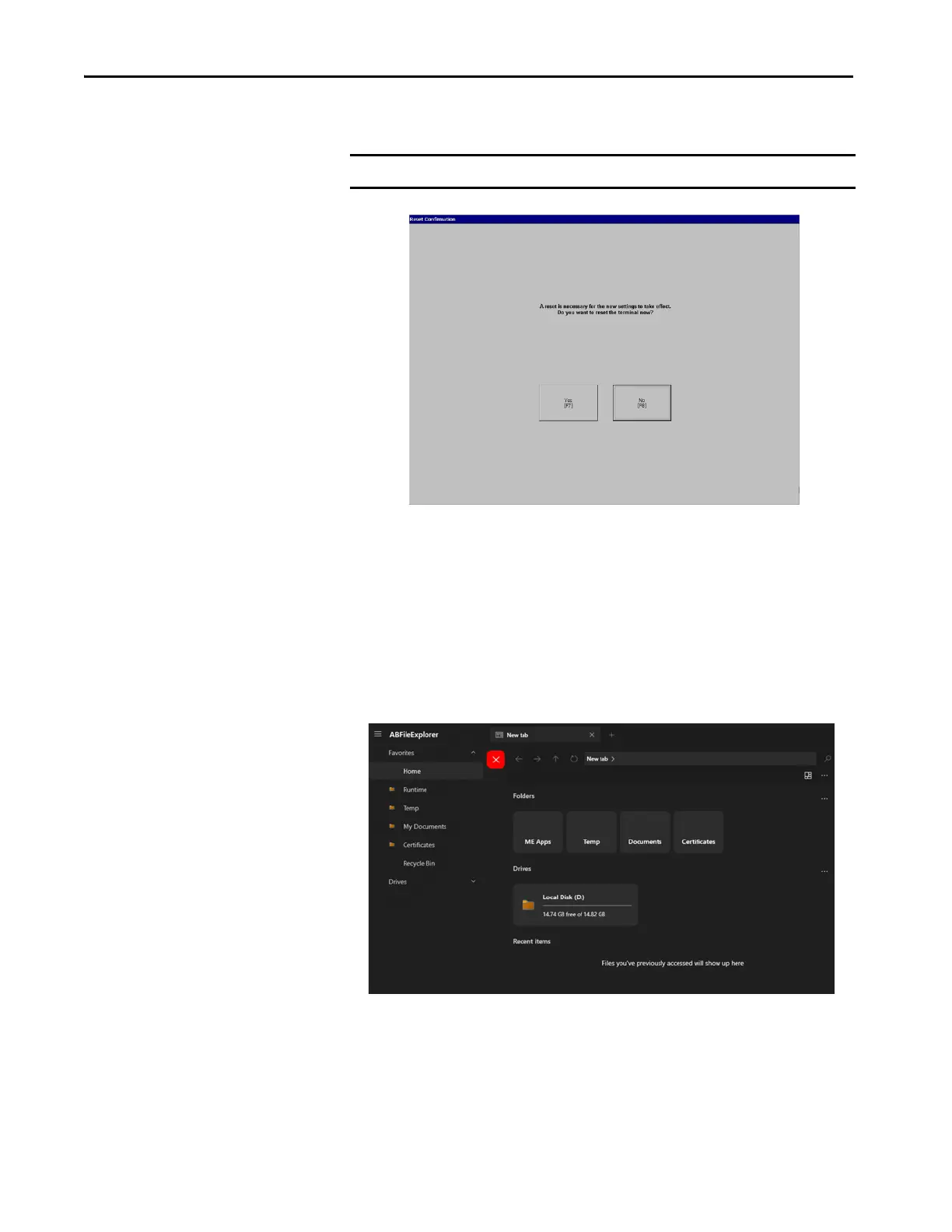
Before you can use the Certificate Import tool, you need to copy the
certificates to the Certificates folder by. You can do this by using Control
Panel>Explore>File Explorer.
IMPORTANT A terminal reset is necessary for the settings to take effect.
(1) (Series C for Stainless Steel terminals)



 To Next Page
 Loading...