61
RootWave Pro User Guide
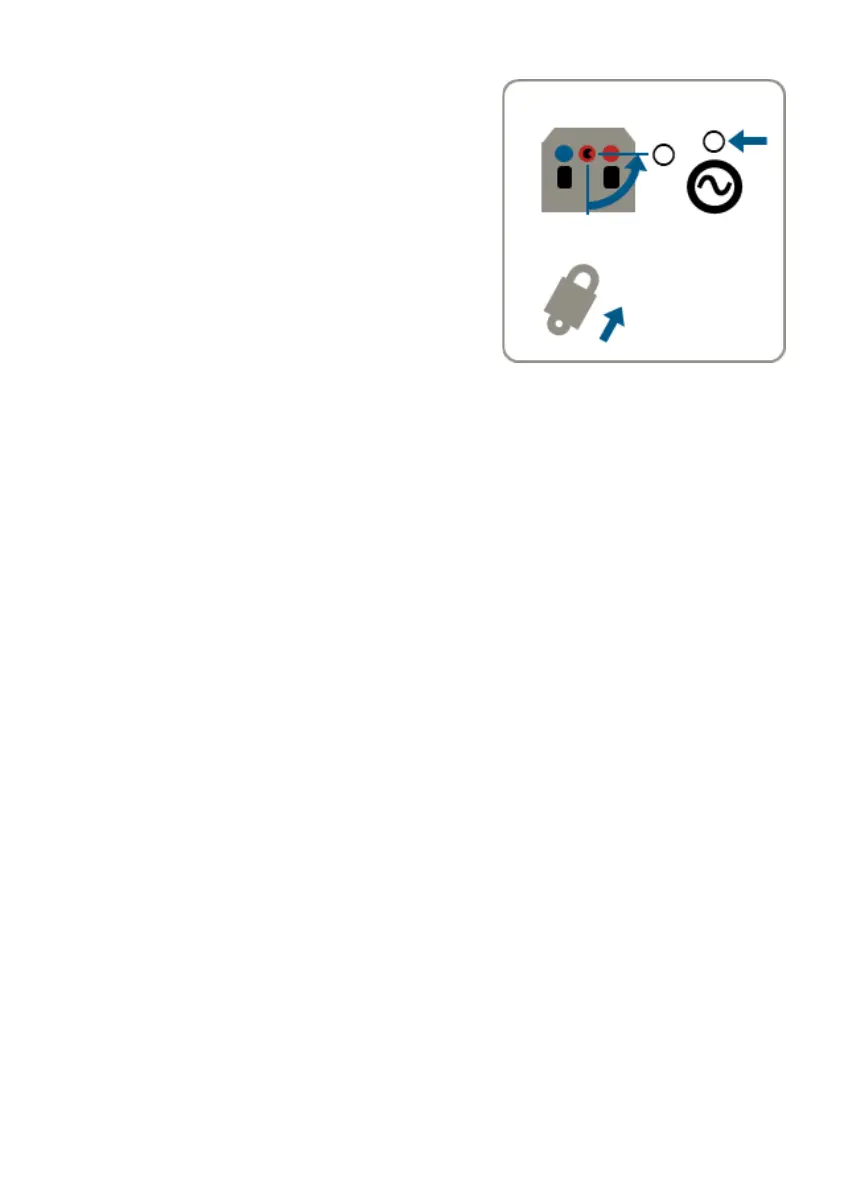
14. Turn off the system
Press either or both triggers on the
Treatment Lance fully in (position 2) to
activate Safe Stop. The reset button will
flash red.
Turn the power isolator switch on the
Power Module to the 'OFF' position and
replace padlock.
Deactivate the generator's output and
stop the generator.



 To Next Page