Reference Manual
00809-0100-4130, Rev AA
May 2009
2-5
Rosemount 2130
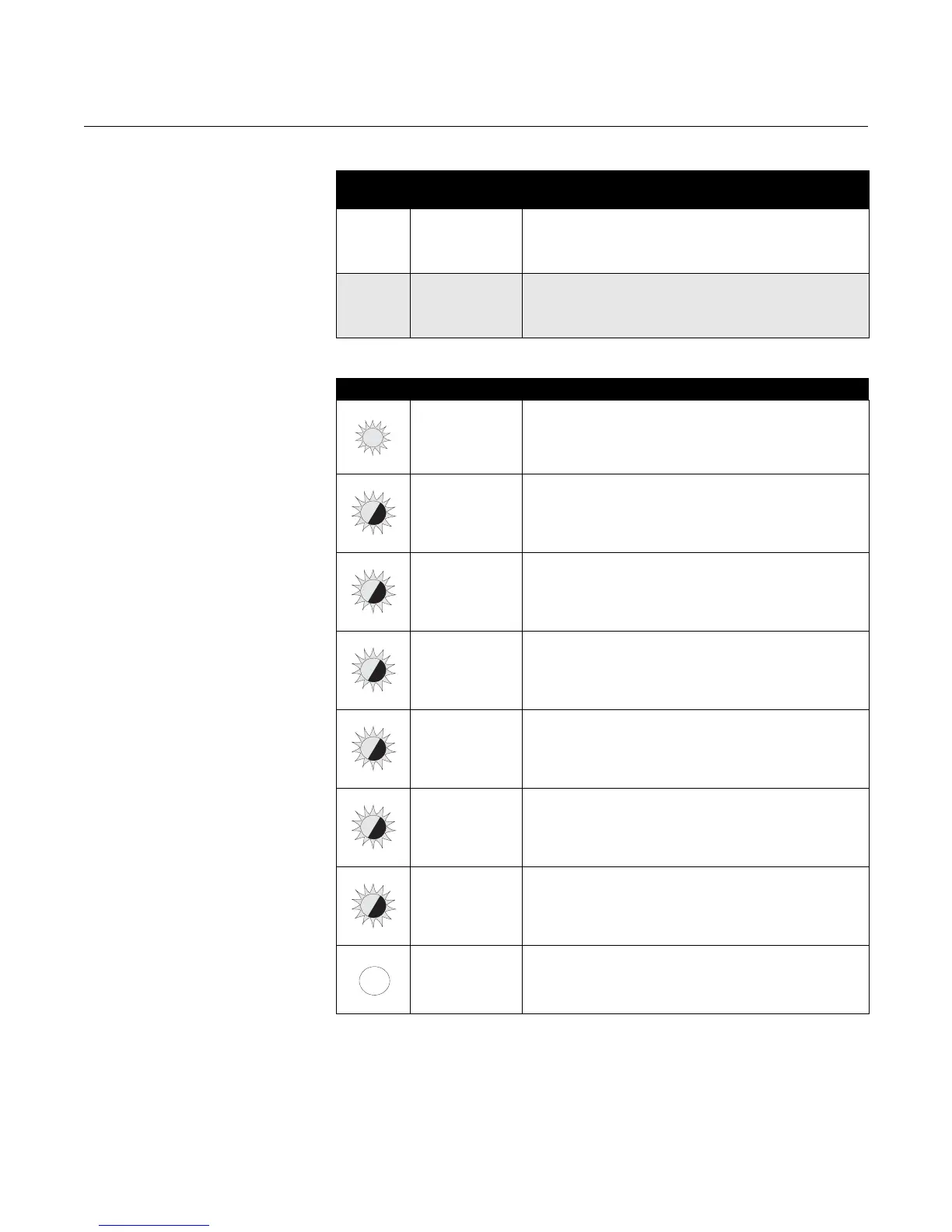
LED INDICATION
LED
Colors
Operating
Modes
(1)
(1) See “Operating Mode” on page 2-6.
Description of Mode
Red Normal
When the LED is red and flashing, it indicates the 2130 may
be uncalibrated, successfully calibrated, has an electrical
load problem, or has an internal PCB fault.
See the table below for further information.
Yellow Self-Check
When the LED is yellow and flashing, it indicates the same
as Normal mode, but also indicates there is external damage
to forks, corroded forks or internal sensor damage. See the
table below for further information.
LED Flash Rate Switch Status
Continuous Output state is on
1 every
1
/2 second External damage to forks; corroded forks;
internal wire damage; internal sensor damage
(1)
(Self-Check mode only)
(1) See “Fault Condition Detected (Self-check Mode Only)” on page 2-12
1 every second Output state is off
1 every 2 seconds Uncalibrated – Refer to “Replacement and Calibration of
Electronic Cassettes” on page 3-4
1 every 4 seconds Load fault; load current too high; load short circuit
2 times every
second
Indication of successful calibration
3 times every
second
Internal PCB fault (microprocessor, ROM, or RAM)
– Refer to “Service Support” on page 1-10
Off Problem (e.g. supply)











 To Next Page