Reference Manual
00809-0100-4130, Rev AA
May 2009
3-5
Rosemount 2130
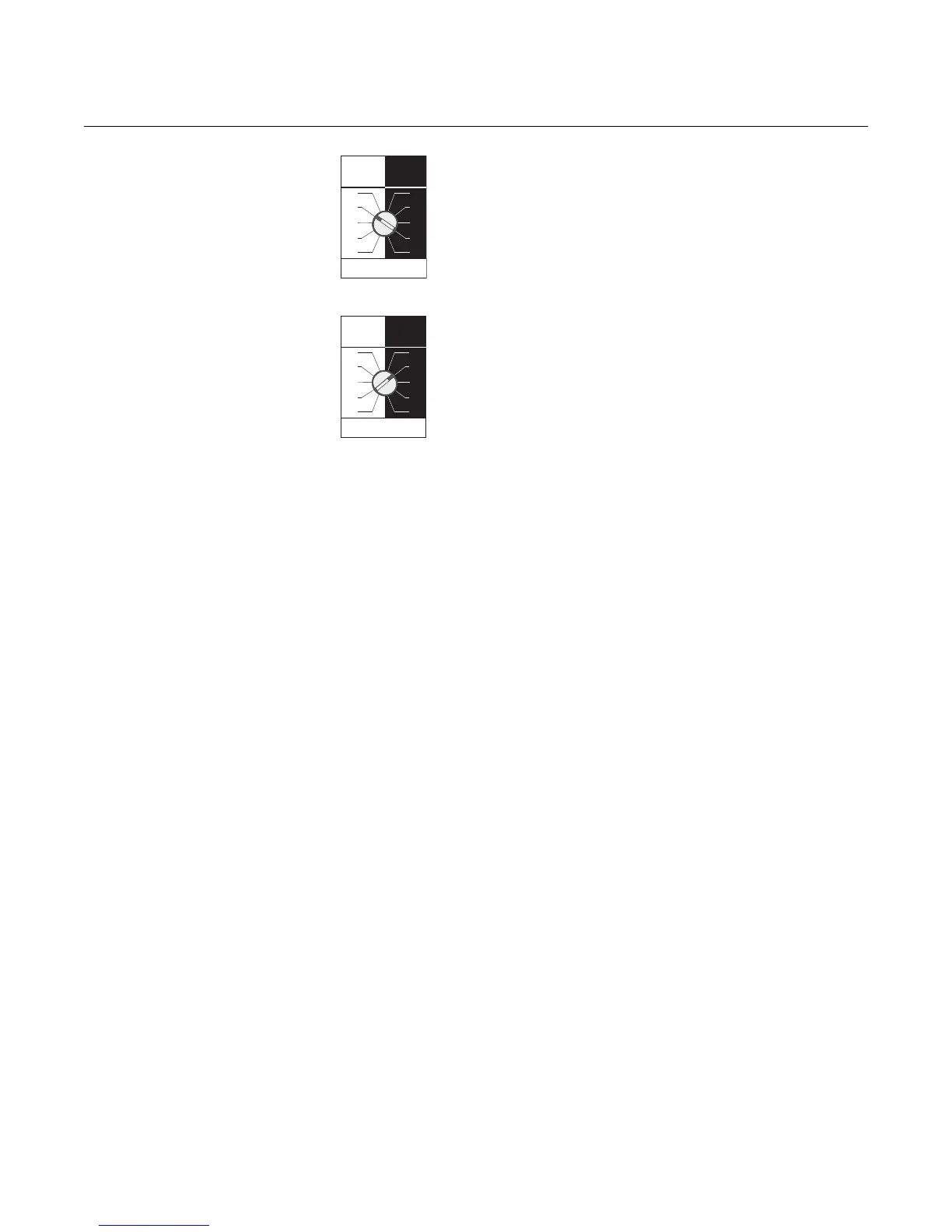
Figure 3-2. Mode Switch Setting
On The Existing Cassette
This is an example of how the existing cassette may look.
Here, the mode switch is set to “Dry On” with a one second
delay.
Take note of the actual setting.
Figure 3-3. Mode Switch Setting
On The Replacement Cassette
Set the mode switch of the new cassette to the same settings
as the cassette being replaced.
For this example. set the mode switch to “Wet On” with a one
second delay.
Calibration Sequence To calibrate the cassette:
1. Ensure that the forks are dry, and the mode switch is set to “Wet On” with the
time delay set to 1 second.
2. Check that the LED is flashing at a rate of one flash per second. If it is on
continuously, proceed to step 8.
3. Apply a magnet to the test-point (as shown on page 3-1).
4. After a one second delay, the LED will be lit continuously.
5. Within three seconds rotate the mode switch two steps clockwise.
6. After a two second delay, the LED will go out.
7. Within three seconds, rotate the mode switch two steps counter-clockwise.
Proceed to step 13.
8. Apply a magnet to the test-point.
9. After a one second delay, the LED will flash at a rate of one flash per second.
10.Within three seconds, rotate the mode switch two steps clockwise.
11.After a two second delay, the LED will go out (stop flashing).
12.Within three seconds, rotate the mode switch two steps counter-clockwise.
13.After a two second delay, the LED should flash twice per second.
14.If the LED is flashing twice per second, the calibration has occurred correctly.
Remove the magnet from the test point. After a one second delay, the unit will
return to normal operation. Proceed to step 17.
15.If the LED is flashing once per second or it is on continuously, the calibration has
failed. Remove the magnet from the test-point, wait ten seconds, and repeat from
step 2.
16.If the LED stays off after the two second delay of step 13, the sensor is not working
correctly. Check that the forks are clean and dry. Also, verify there is nothing
jamming or touching the sensor. If no fault is found with the sensor, the entire unit
should be returned for repair (see “Service Support” on page 1-10).
17.Set the mode switch to the original setting noted in step 2 of the Replacement
Sequence and wait five seconds.
18.Replace the lid and check that the system works.
Dry On Wet On
Seconds Delay
0.3 0.3
3
30
10
1
3
30
10
1
Dry On Wet On
Seconds Delay
0.3 0.3
30
10
3
30
10
1
3
1











 To Next Page