2
Introducing the ZoneFlex Access Point
Unpacking the ZoneFlex Access Point
Unpacking the ZoneFlex Access Point
1. Open the Access Point package, and then carefully remove the contents.
2. Return all packing materials to the shipping box, and put the box away in a dry
location.
3. Verify that all items listed in Package Contents
below are included in the package.
Check each item for damage. If any item is damaged or missing, notify your
authorized Ruckus Wireless sales representative.
Package Contents
A complete Access Point package contains all of the items listed below:
■ ZoneFlex 2925/2942/7942/7962 Access Point
■ A 3-foot (0.9 meter) Category 5 Ethernet cable
■ A power supply adapter
■ A wall mounting kit, with printed instructions
■ Software License Agreement/Product Warranty Statement
■ ZoneFlex 2925/2942/7942/7962 Access Point Quick Setup Guide
Getting to Know the Access Point Features
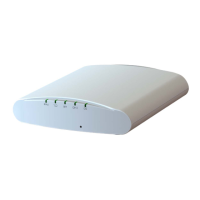
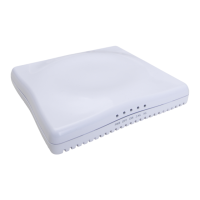
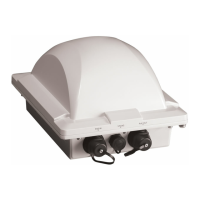
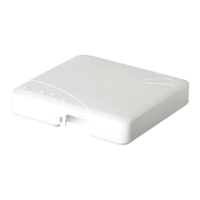
This section identifies the physical features of each ZoneFlex Access Point model that
is discussed in this guide. Before you begin the installation process, Ruckus Wireless
recommends that you become familiar with these features.
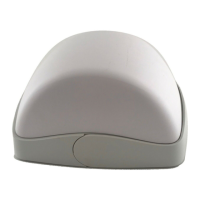
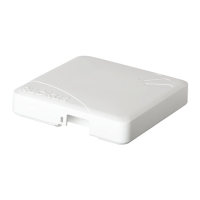
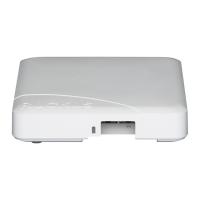
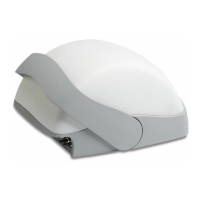
■ ZoneFlex 2925
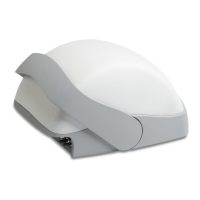
■ ZoneFlex 2942/7942
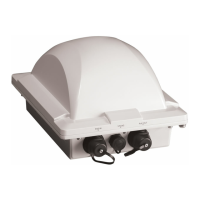
■ ZoneFlex 7962



 To Next Page