60
Configuring the Access Point
Controlling Access to the Wireless Network
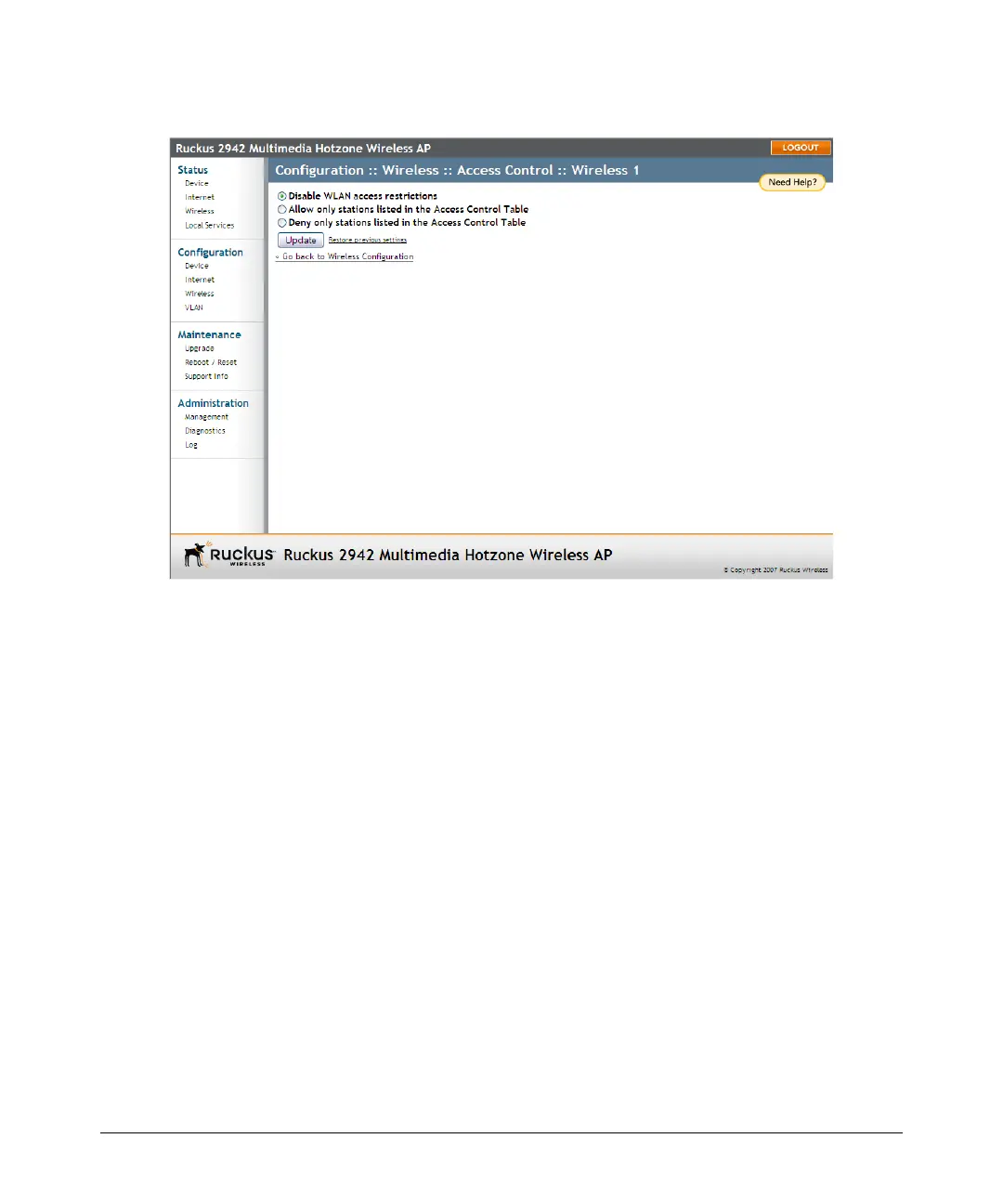
Figure 29. Access control settings
Removing MAC Addresses from the List
Simply check the box under the Remove column for the MAC address entry you want
to remove from the table, and then click Update. The page refreshes and the MAC
address that you removed disappears from the list.
Access Control Options
This section describes the options that you can use to control access to the wireless
network.
Disabling WLAN Access Restrictions
If you select Disable WLAN access restrictions, then MAC-address-based restrictions
on which stations can join the WLAN are disabled; thus, any station can join. If the
WLAN uses encryption, then the station must still supply the correct encryption pass-
phrase. The Access Controls table is hidden if the current mode is Disable WLAN
access restrictions.













 To Next Page