51
Configuring the Access Point
Configuring WLAN Settings
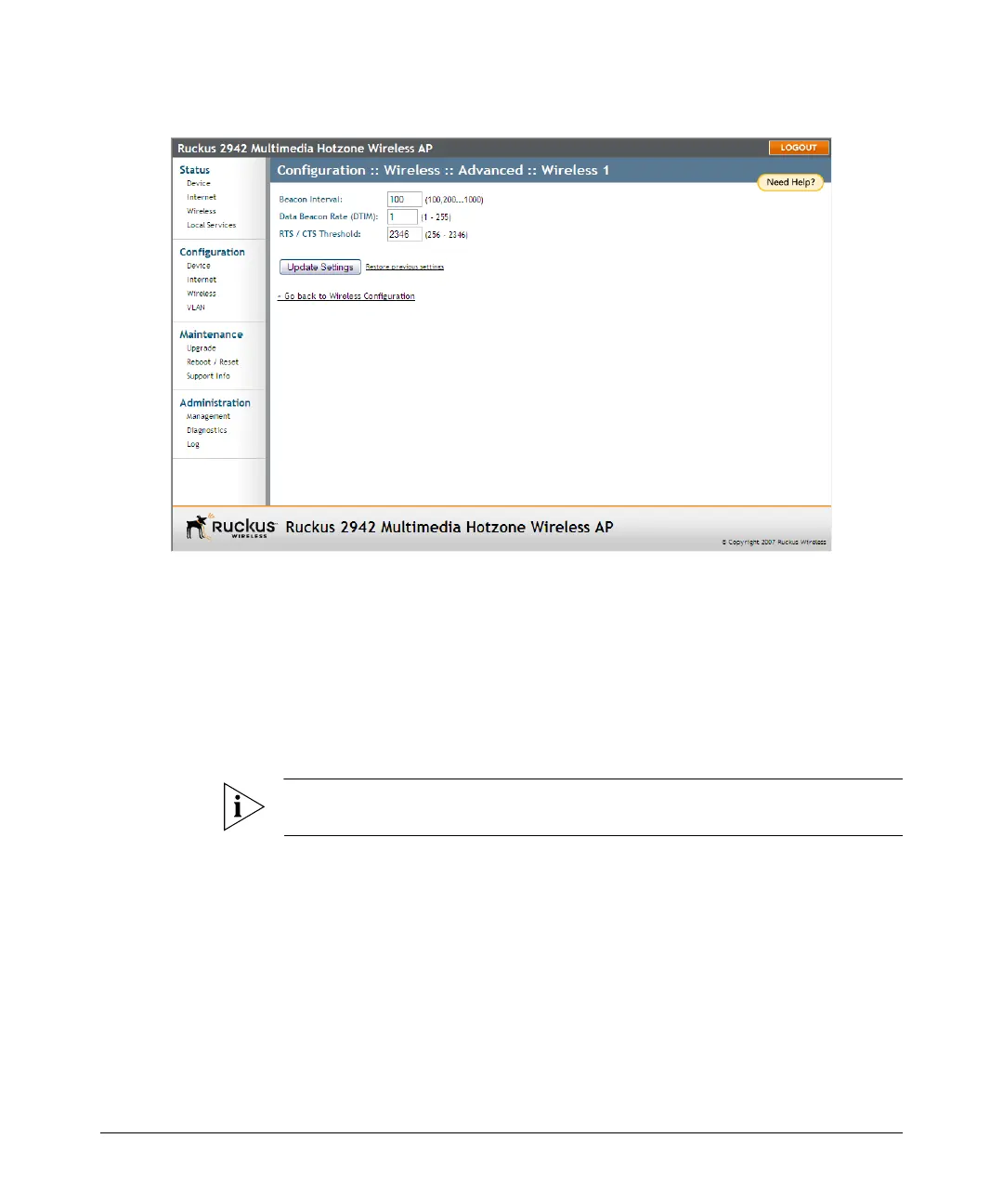
Figure 24. Threshold settings
Configuring WLAN Settings
This section describes how to configure WLAN-specific settings, such as wireless
availability, SSID, encryption, and authentication.
To configure WLAN settings
1. Go to Configuration > Wireless. The Configuration :: Wireless :: Common page
appears.
NOTE: If you are using ZoneFlex 7962 AP, go to Configuration > Radio 2.4G or
Configuration > Radio 5G.
2. Click one of the eight Wireless (#) tabs. The Configuration :: Wireless :: Wireless
(#) page appears.













 To Next Page