21
Installing the Access Point
Step 1: Preconfigure the Access Point
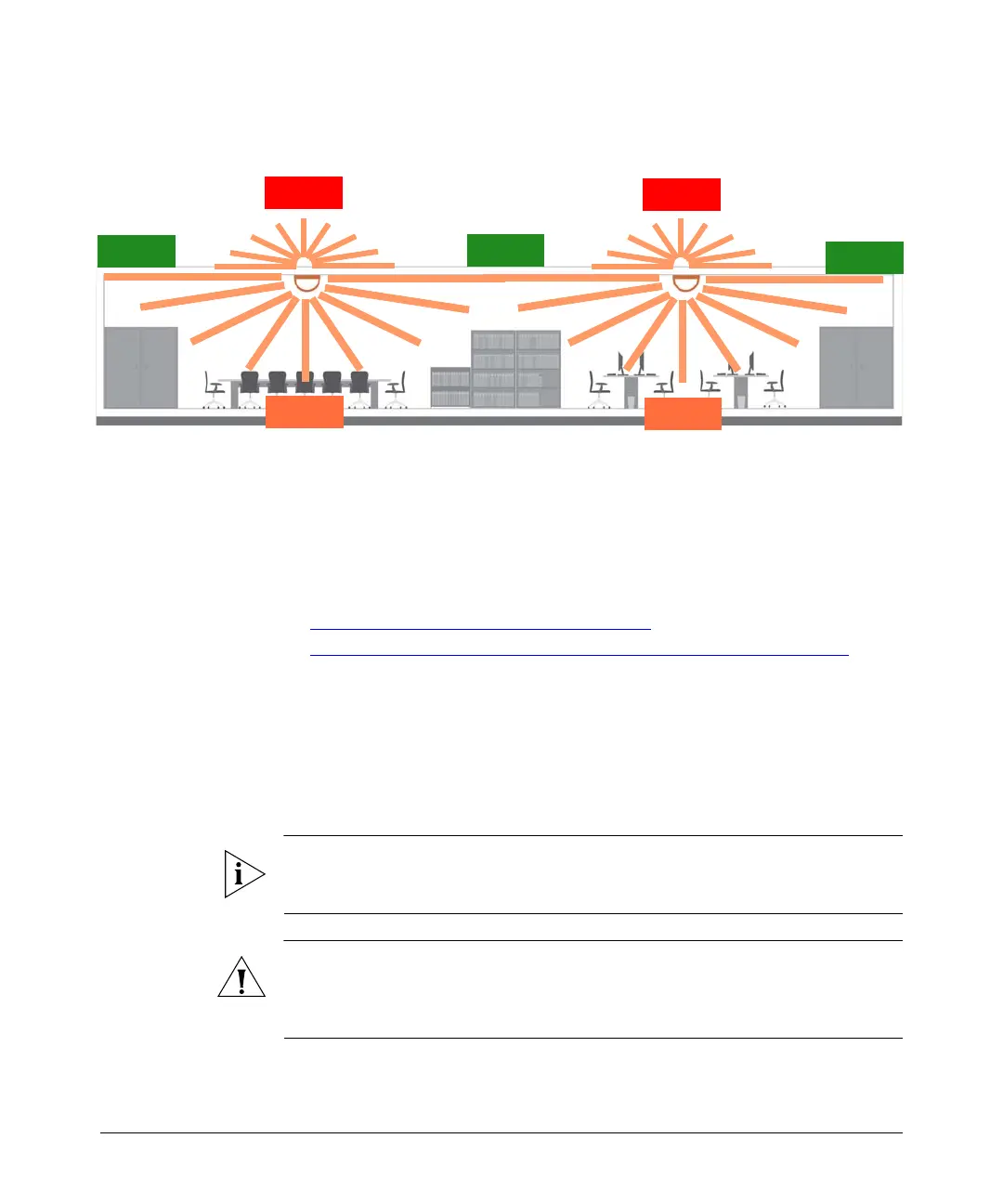
Figure 11. Recommended orientation for maximum mesh coverage
Step 1: Preconfigure the Access Point
The procedure for completing the Access Point’s essential configuration depends on
whether you want it to be managed by either ZoneDirector or FlexMaster or to operate
as a standalone access point. Refer to the section that is relevant to your deployment:
■ Configuring for Management by ZoneDirector
■ Configuring for Standalone Operation or for Management by FlexMaster
Configuring for Management by ZoneDirector
If ZoneDirector is installed on the network, you can configure the Access Point for
management by ZoneDirector. Simply connect the Access Point to same Layer 2
subnet as ZoneDirector. When the Access Point starts up, it will discover and register
with ZoneDirector automatically.
NOTE: In addition to using Layer 2 auto discovery to enable the Access Point to
register with ZoneDirector, you can also use DHCP Option 43 or DNS. For more
information, refer to the ZoneDirector User Guide.
CAUTION: If you use this method, make sure that you do not change the IP address
of ZoneDirector after the AP discovers and registers with it. If you change the
ZoneDirector IP address, the AP will no longer be able to communicate with it and
will be unable to rediscover it.
Excellent
Reach
Excellent
Reach
Excellent
Reach
Good
Reach
Good
Reach
Limited
Reach
Limited
Reach













 To Next Page