3
Introducing the ZoneFlex Access Point
Getting to Know the Access Point Features
ZoneFlex 2925
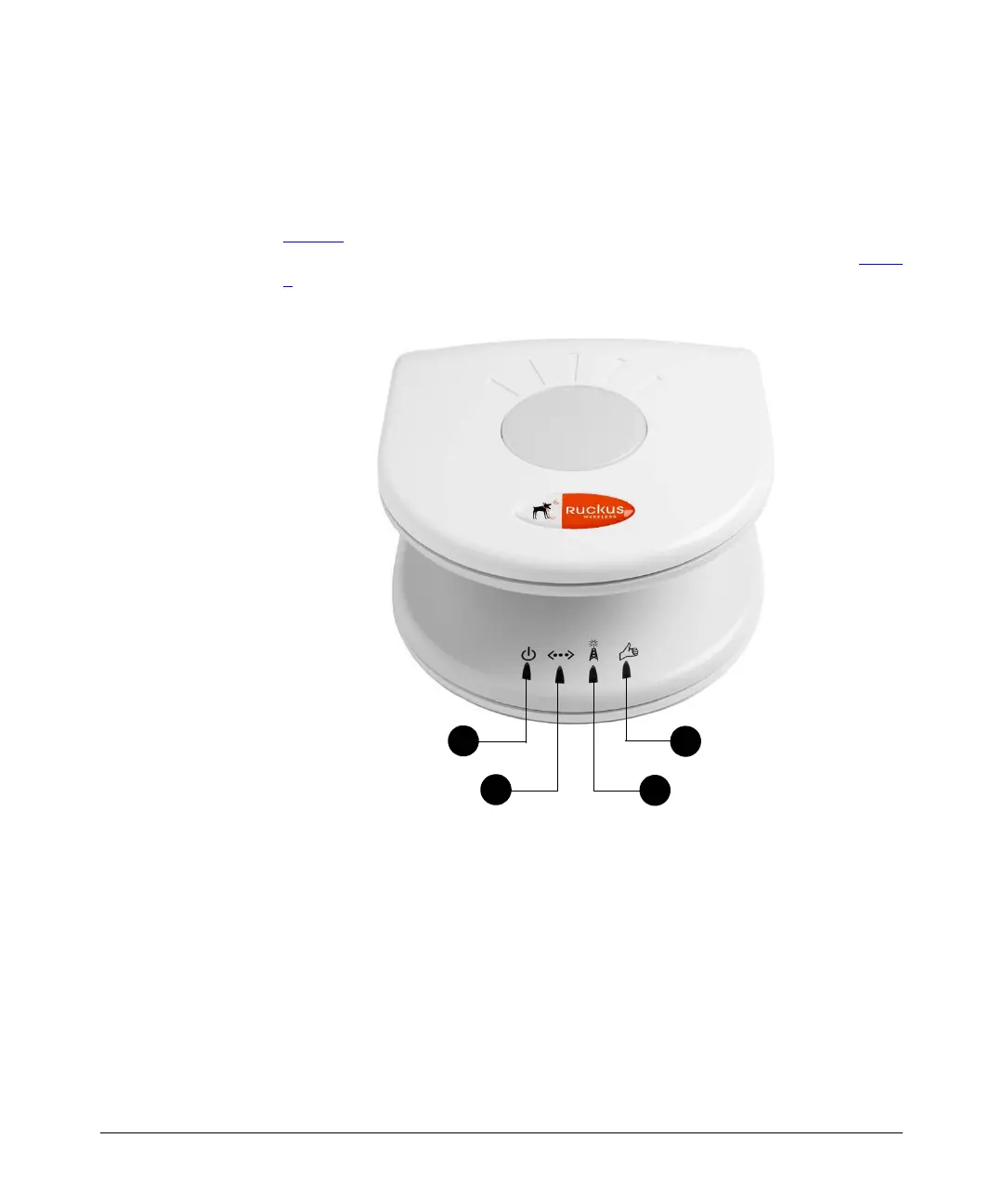
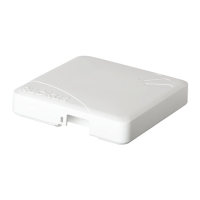
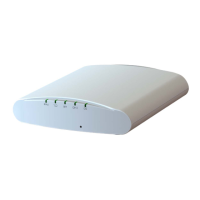
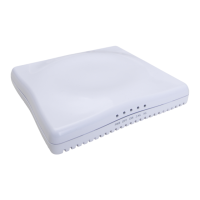
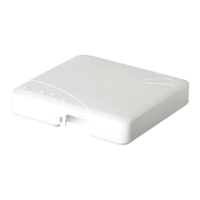
The following illustrations and tables describe the physical features of ZoneFlex 2925.
Front Panel
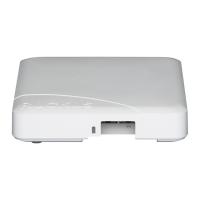
Figure 1 shows the front view of a ZoneFlex 2925 AP, highlighting the four LED
indicators that can be used to assess both device and network status. Refer to Table
3 for information on what the LEDs indicate.
Figure 1. ZoneFlex 2925 front panel



 To Next Page