4
Introducing the ZoneFlex Access Point
Getting to Know the Access Point Features
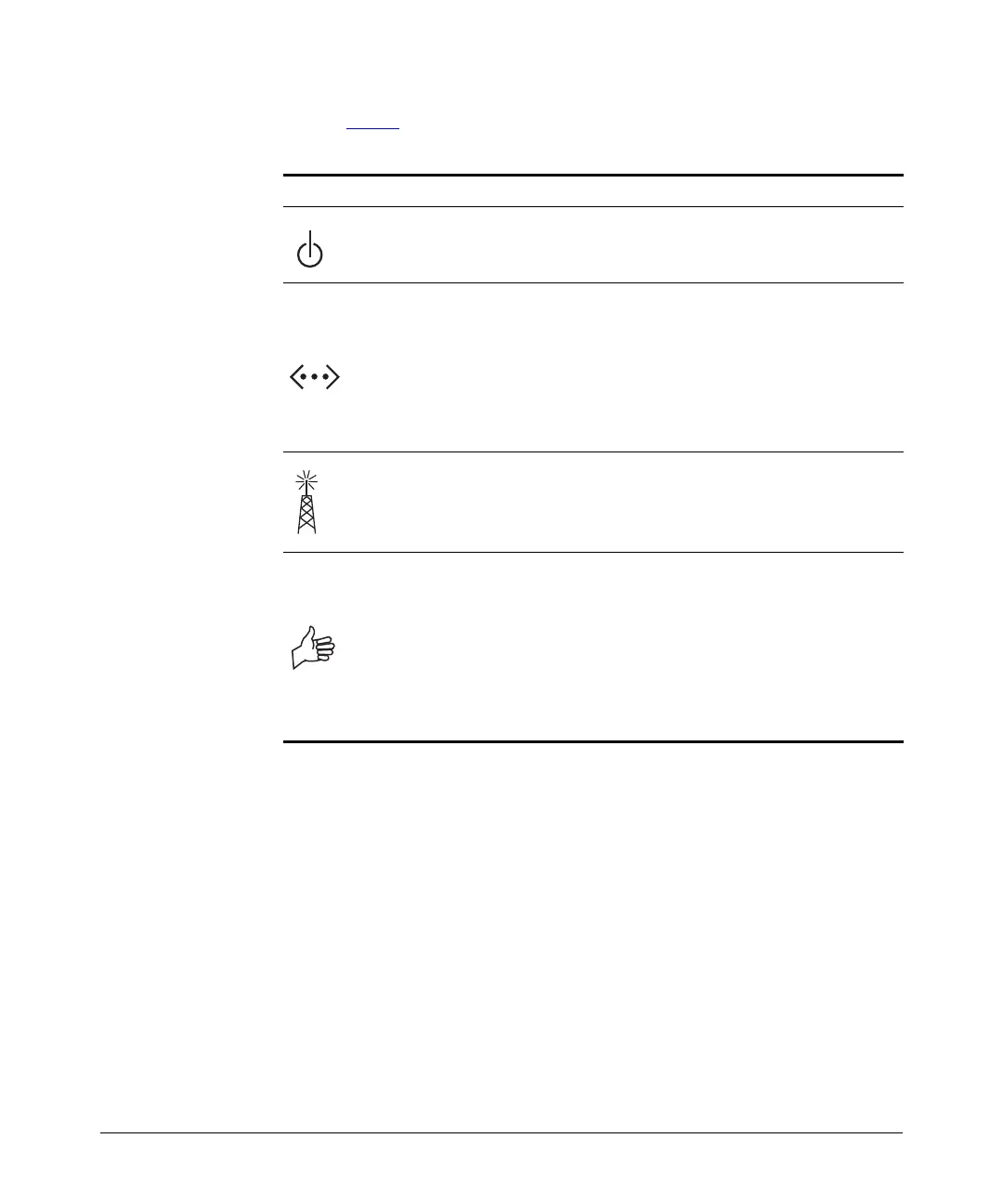
Refer to Table 4 below for all possible LED states and what they indicate.
Table 3. ZoneFlex 2925 LED behavior
LED Description
• Off: No power is available, or the AP is not connected to a power
source.
• Green: The AP is connected to a power source.
• Off: No link activity is detected
• Yellow: A 10Mbps-capable device has been detected.
• Flashing yellow: Data is being exchanged through the WAN port at
10Mbps.
• Green: A 100Mbps-capable device has been detected.
• Flashing green: Data is being exchanged through the WAN port at
100Mbps.
• Off: No WLAN is enabled.
• Amber: One of the WLANs is enabled, but no wireless client has
associated.
• Green: At least one wireless client has associated.
• Off: There is no network activity; no station detected at the WLAN
port
• Amber: There is a hardware problem affecting the WLAN port.
• Flashing red and green alternately: A signal is being detected at the
WLAN port, but at the lowest level.
• Flashing green: A moderate signal is being detected at the WLAN
port.
• Green: A strong signal is being detected at the WLAN port.













 To Next Page