57
Configuring the Access Point
Configuring WLAN Settings
6. Click Go back to Wireless Configuration to reopen the previous page.
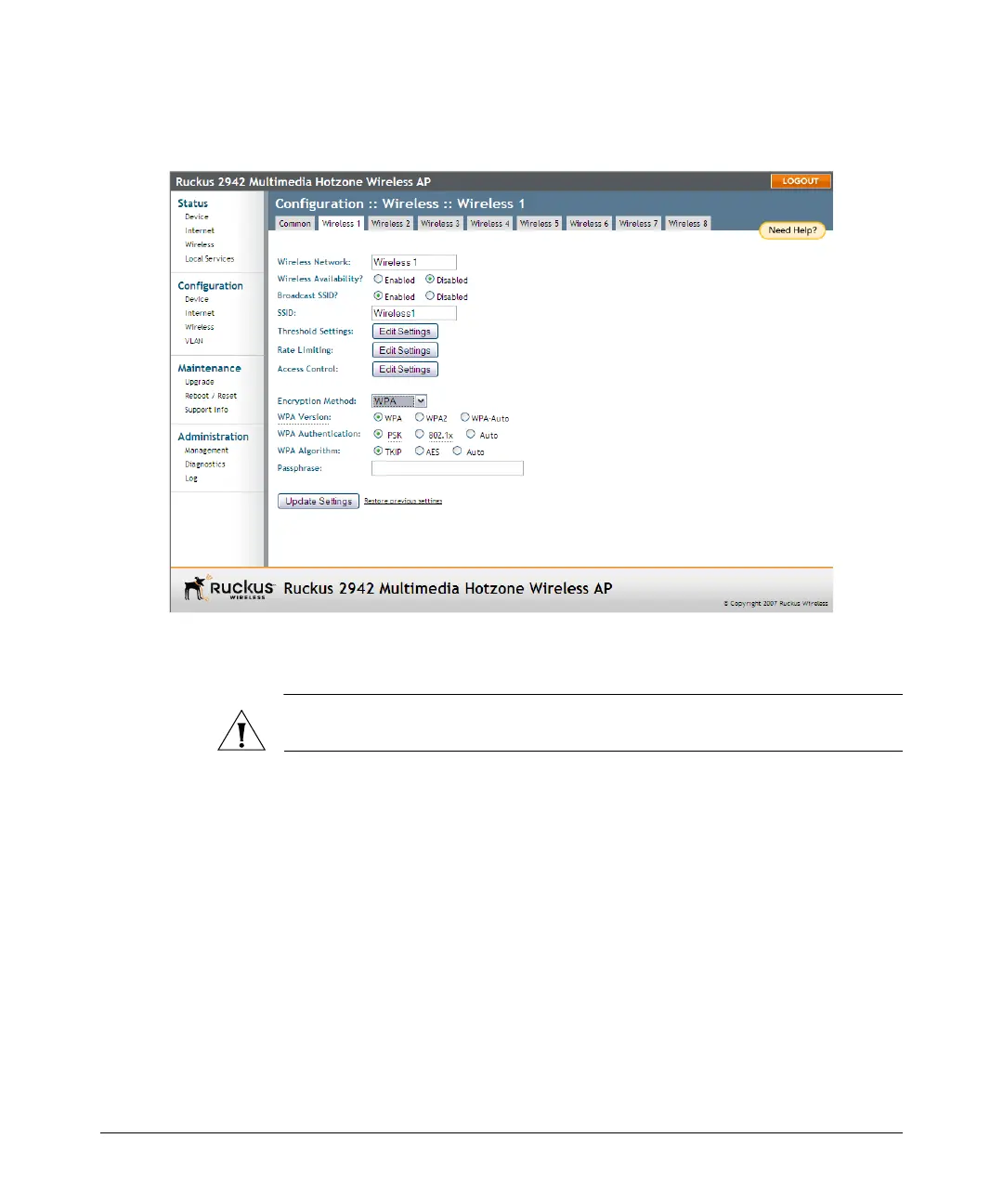
Figure 27. WPA settings
Customizing 802.1x Settings
CAUTION: Do not customize these options unless you are an experienced network
administrator or are under the guidance of an IT/support professional.
If you choose “WPA” as the encryption method, you have the option to set up the AP
to act as an 802.1x proxy, utilizing external authentication sources such as a RADIUS
server. This provides a higher level of security, when compared to the static security
process in a WEP configuration.)
Using 802.1x lets a device complete authentication prior to the exchange of data, as
in a DHCP environment. Another benefit is that each BSSID can be individually
configured to forward all authentication requests to its own server.
To configure WLAN-specific 802.1x authentication settings
1. Go to Configuration > Wireless. The Configuration :: Wireless :: Common page
appears.













 To Next Page