49
Configuring the Access Point
Configuring Common Wireless Settings
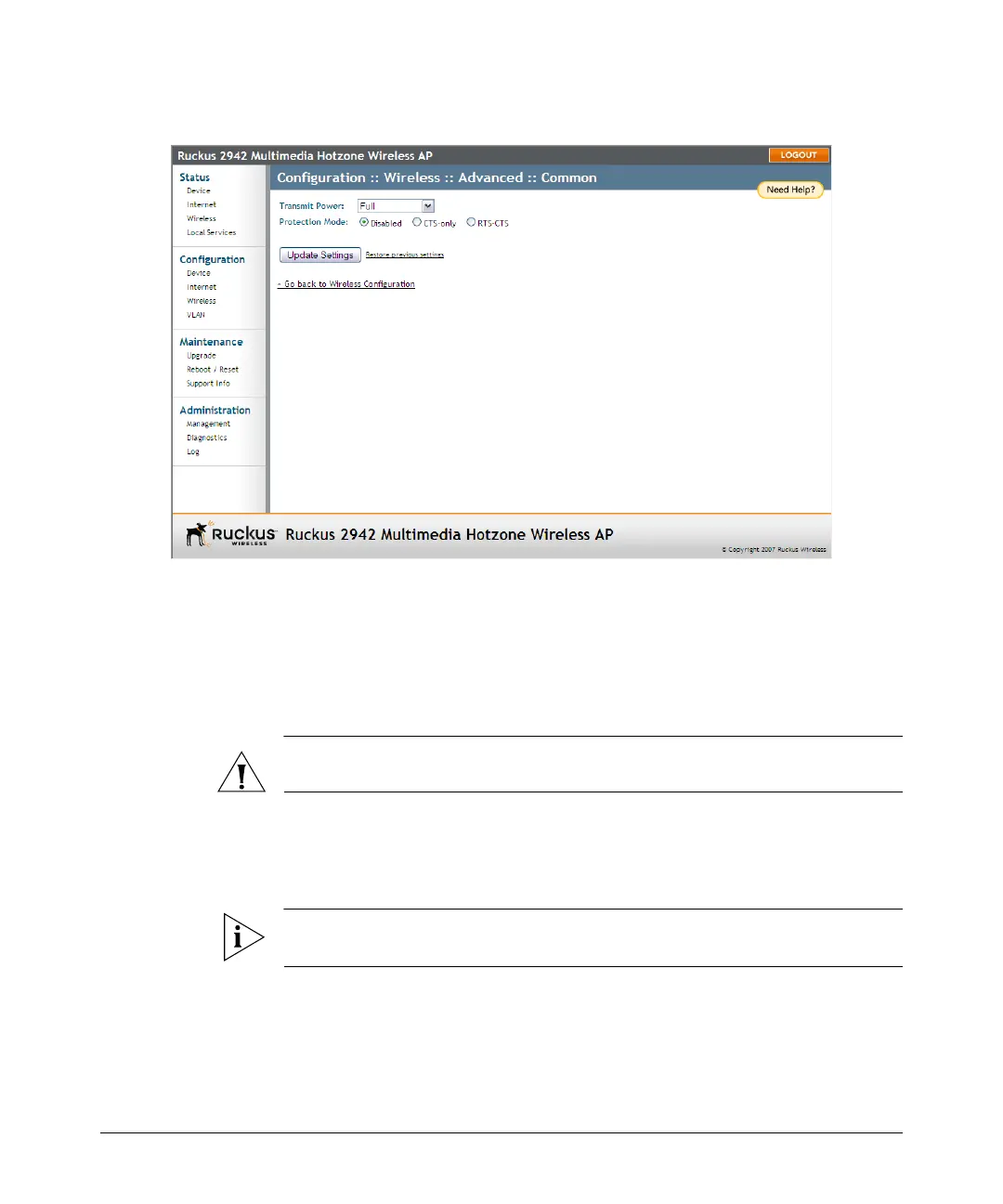
Figure 23. The Configuration > Wireless > Advanced > Common page
Setting Threshold Options
The following options allow you to fine-tune the “Protection Mode” behavior, set
previously on the Wireless > Common page. After activating a Protection Mode, you
can open each Wireless tab and customize the threshold settings, that determine what
is put in effect and when.
CAUTION: Do not customize these options unless you are an experienced network
administrator or are under the guidance of an IT/support professional.
To customize Protection Mode (Threshold) settings
1. Go to Configuration > Wireless. The Configuration :: Wireless :: Common page
appears.
NOTE: If you are using ZoneFlex 7962 AP, go to Configuration > Radio 2.4G or
Configuration > Radio 5G.
2. Click the tab for the Wireless # (WLAN) that you want to configure. The Configu-
ration :: Wireless :: Wireless [#] page appears.
3. Look for Threshold Settings, and then click Edit Settings. The Configuration ::
Wireless :: Advanced :: Wireless [#] page appears.













 To Next Page