26
Installing the Access Point
Step 1: Preconfigure the Access Point
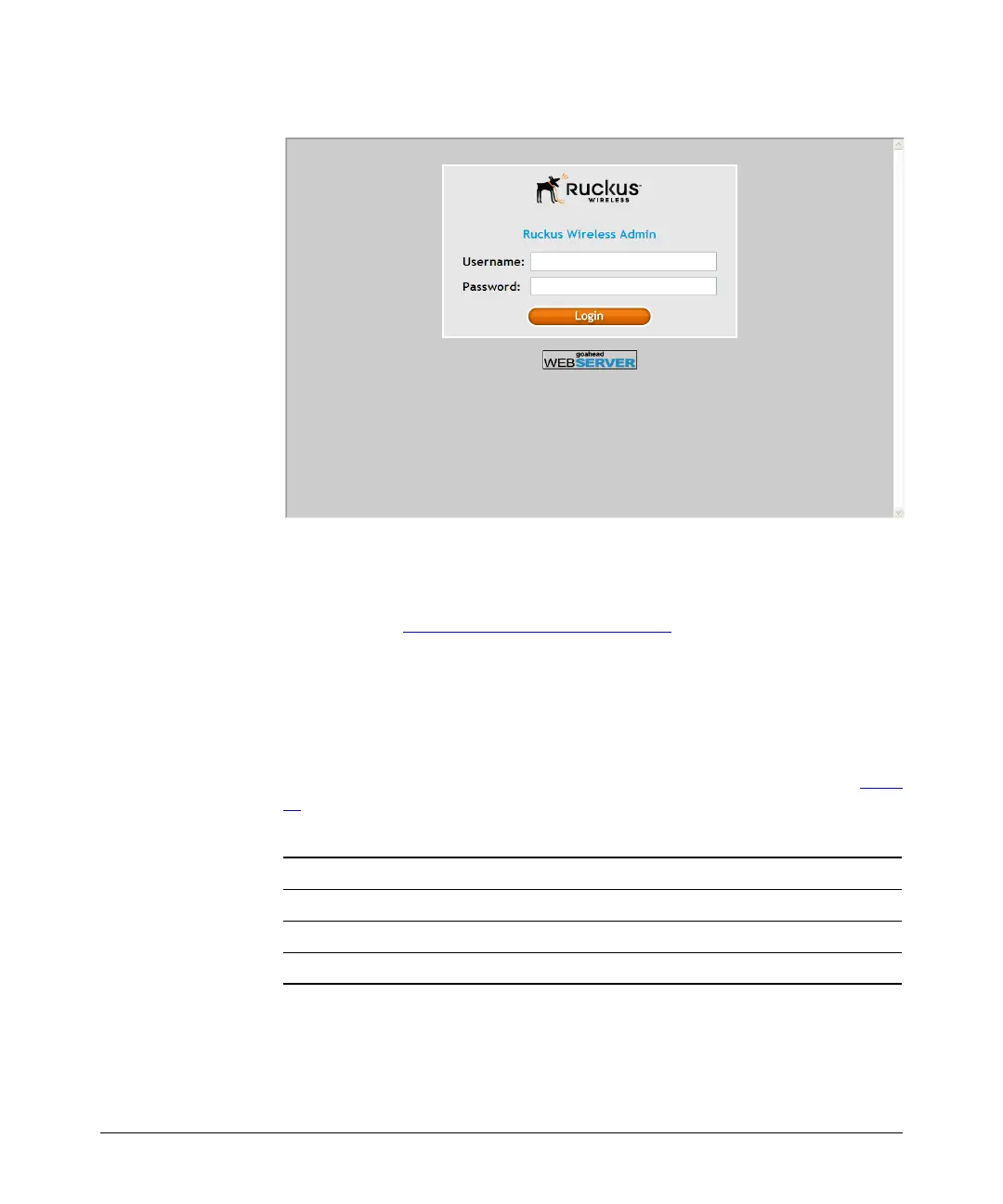
Figure 13. The ZoneFlex Access Point login page
5. In User name, type super.
6. In Password, type sp-admin.
7. Click Log In. The Web interface appears, displaying the Device page.
8. Continue to “4. Configure the Wireless Settings”
below.
4. Configure the Wireless Settings
To complete this step, you will need to configure the settings on the Common tab
and at least one Wireless # tab. These are the essential wireless settings that will
enable wireless devices on the network to associate with the Access Point.
For your reference, the default wireless settings on the Access Point are listed in Table
12.
Table 12. Default wireless settings
Setting Default Value
SSID (network name) Wireless 1 to Wireless 8 (8 WLANs)
Encryption (security) Disabled on all WLANs
Default management IP address 192.168.0.1













 To Next Page