31
Installing the Wireless Bridge
Physical Installation
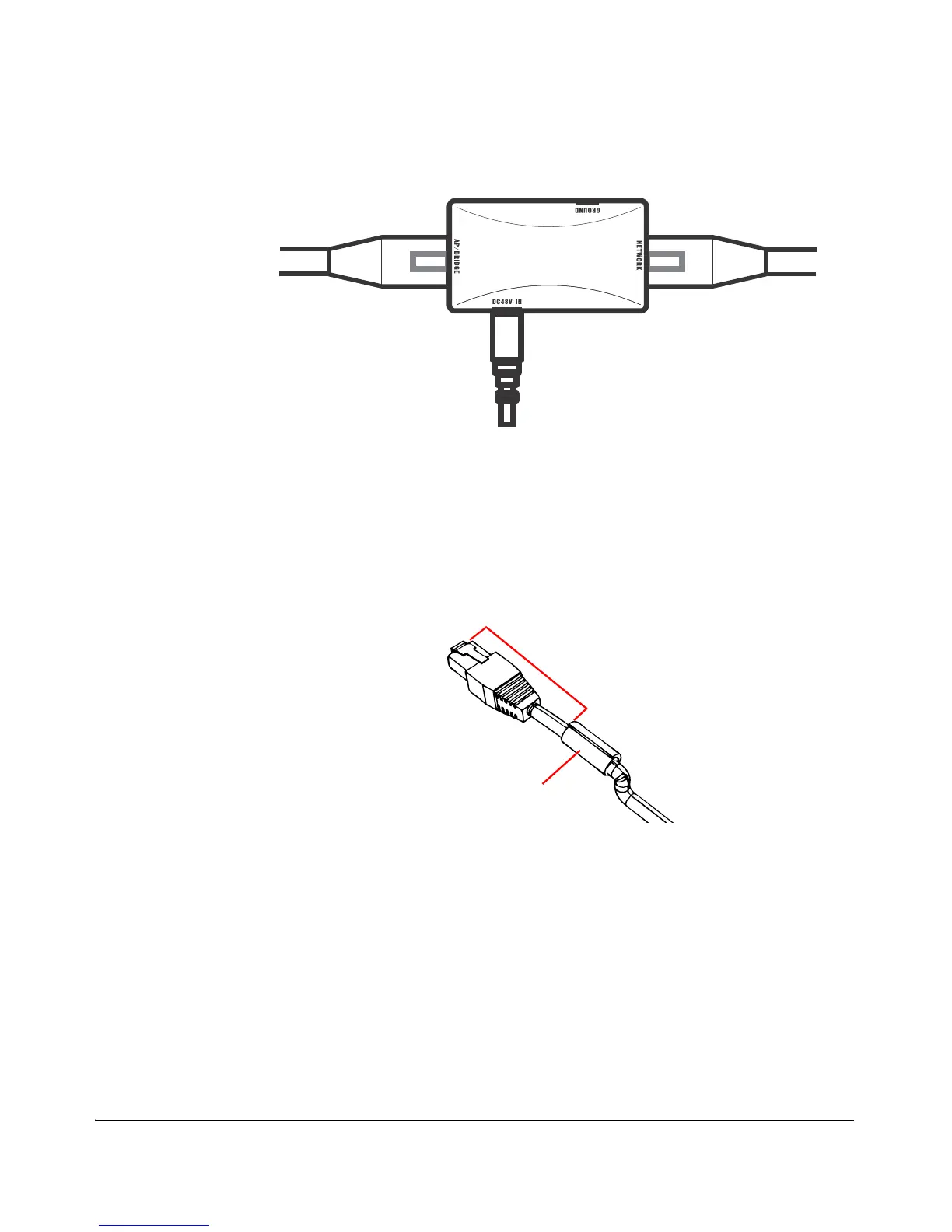
Figure 24. Connect the Ethernet cables and power adapter to the PoE injector
7. Take out one of the 20mm x 30mm sealing strips from the accessories bag.
8. Remove the adhesive backing from the sealing strip.
9. Wrap the sealing strip around the Ethernet cable, about 60mm from the Ethernet
connector.
Figure 25. Wrap the sealing strip around the Ethernet cable, 60mm from the
Ethernet connector
10.Place the Ethernet cable in the cavity on the enclosure, and then press it into
position. Make sure the sealing strip protrudes beyond the entry and exit points.
11.Wrap the white P-clip cable clamp around the Ethernet cable, and then fasten it
to the Wireless Bridge chassis using one of the short machine screws supplied.



 To Next Page