32
Installing the Wireless Bridge
Physical Installation
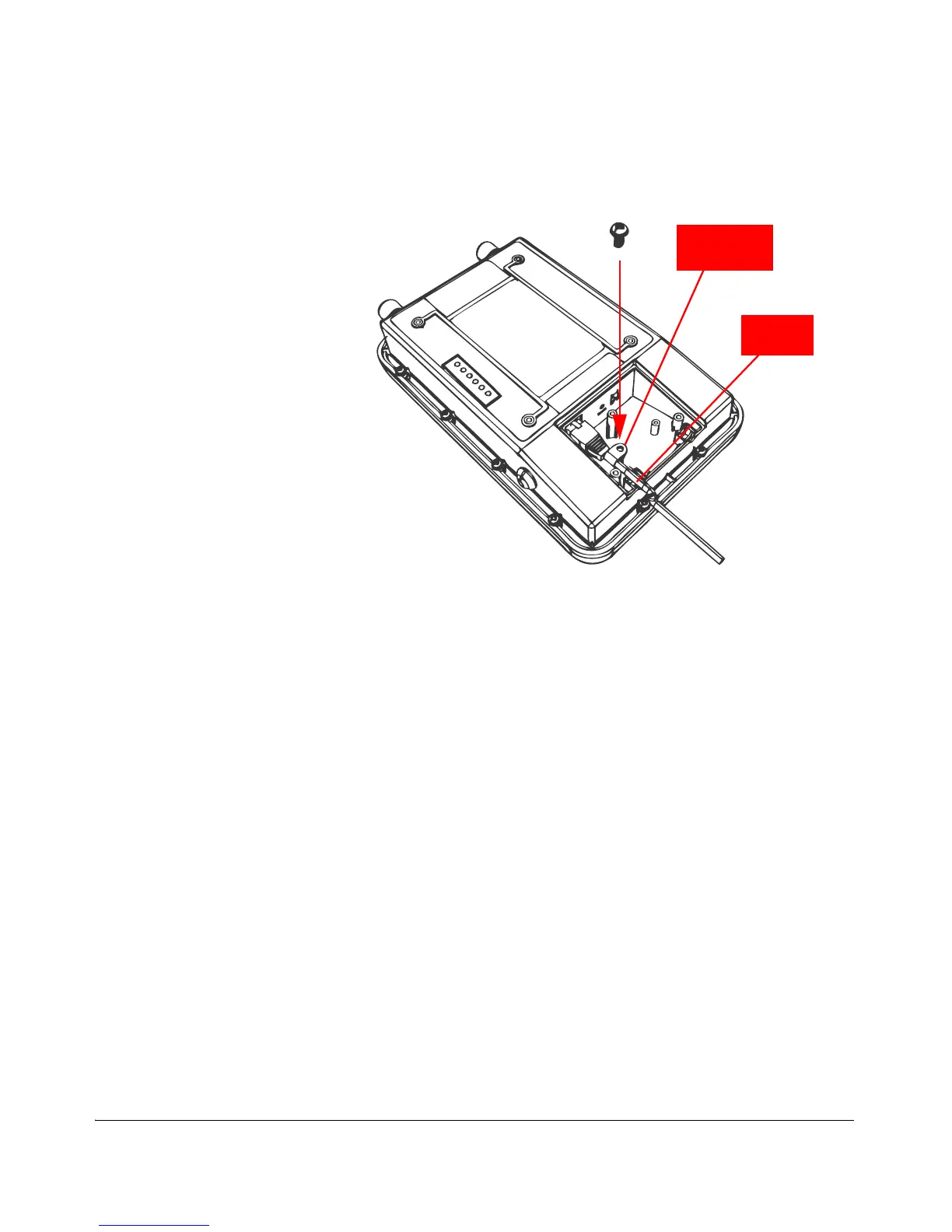
Figure 26. Install the white P-clip clamp
You have completed setting up the PoE power connection.
Use DC Power
To use DC to power the Wireless Bridge, you need to connect a DC cable (not supplied
with the Wireless Bridge) to the DC terminal block.
1. Take out the DC terminal block from the small plastic bag that contains the bottom
cover of the Wireless Bridge.
2. Connect the DC cable’s ground wire to the V- terminal. If you are looking at the
terminal block with the wiring terminal screws on top, the V- terminal is on the left
side.
3. Connect the DC cable’s +12V DC wire to the V+ terminal. If you are looking at the
terminal block with the wiring terminal screws on top, the V+ terminal is on the
right side.



 To Next Page