44
Installing the Wireless Bridge
Physical Installation
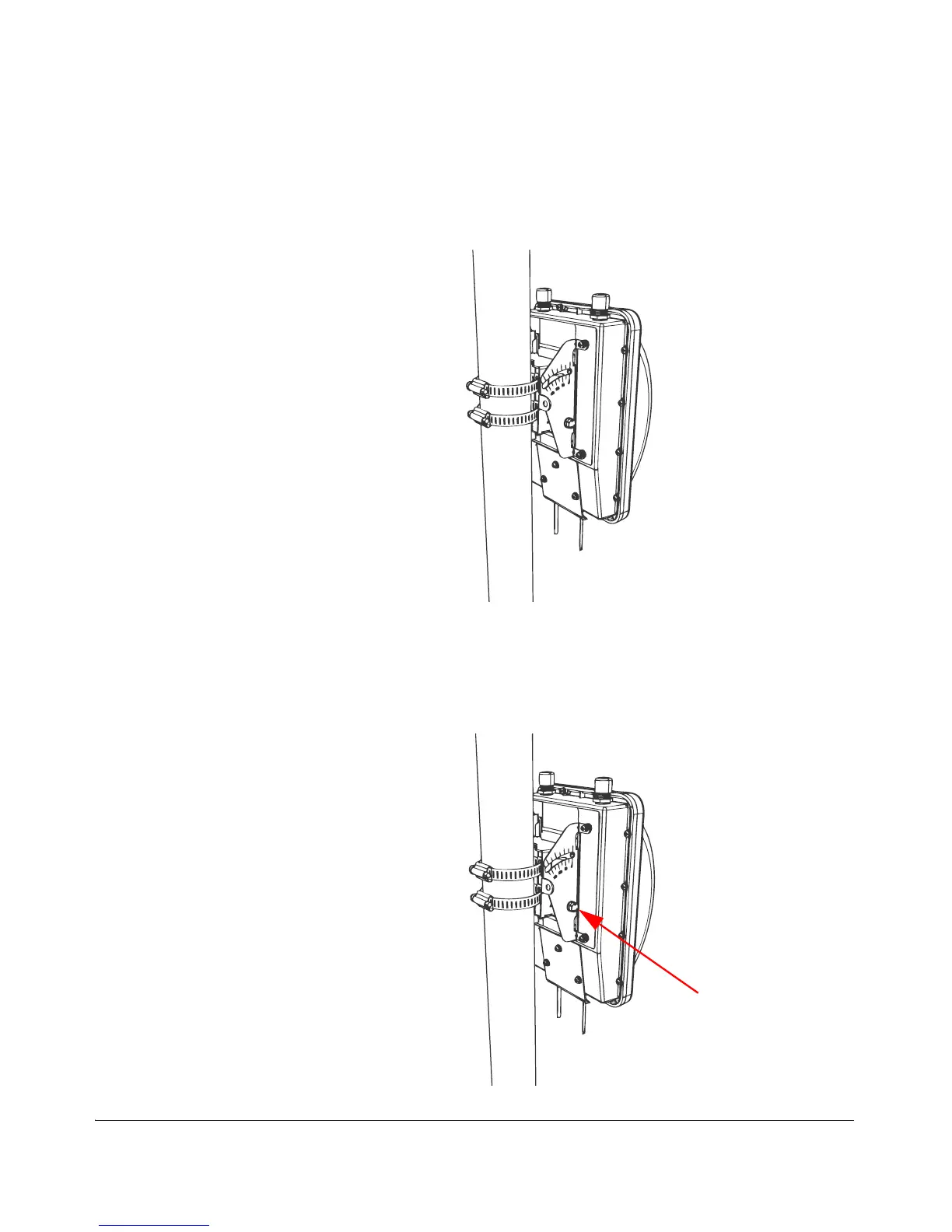
• (For mounting on a vertical pole) The side of the Wireless Bridge with the
antenna connectors is at the top, especially if you are planning to install
external antennas.
Figure 40. Joining the two brackets in a vertical pole installation
2. Align the mounting holes on the dynamic bracket with the mounting holes on the
static bracket.
3. Place a split lock washer, and then a flat washer onto a hex bolt. Then insert the
hex bolt into one of the lower mounting holes.
Figure 41. Insert hex bolts into lower mounting holes



 To Next Page