72
Configuring the Wireless Bridge
Configuring Bridge Settings
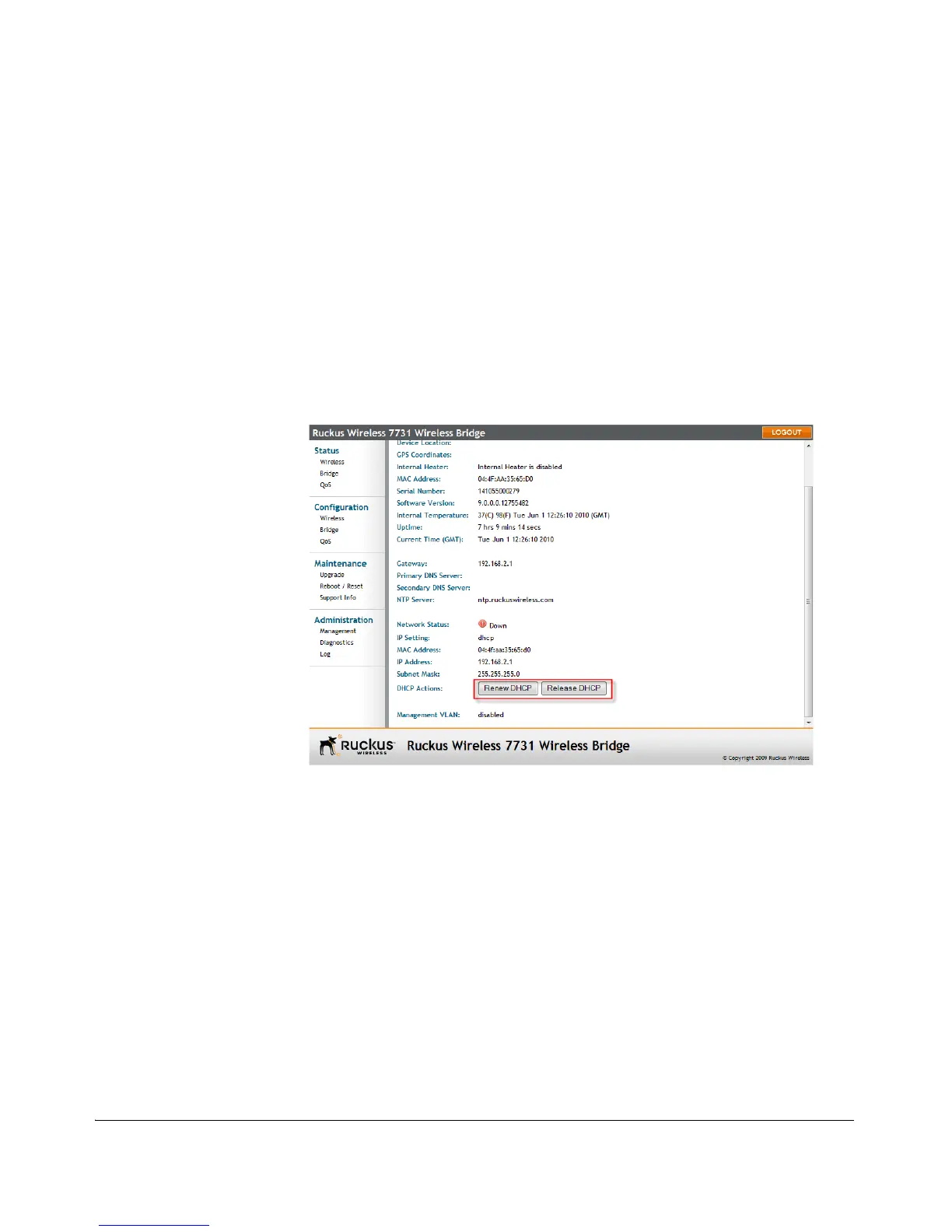
3. If the current IP Setting is DHCP, you will be able to see the currently-assigned IP
address and subnet mask listed below.
4. If the IP address is 192.168.2.1 (root bridge) or 192.168.2.254 (non-root bridge), the
bridge is not receiving an IP address from a DHCP server.
• To force the DHCP server to renew the IP address assigned to this bridge, click
Renew DHCP. If the bridge is listed in the DHCP server’s address table, it will
attempt to reassign the previous address to the bridge (unless the address is
already in use).
• To force the DHCP server to assign new IP address, click Release DHCP, then
Renew DHCP.
5. Click Update Settings to save your settings.
Figure 59. Renew/Release DHCP



 To Next Page