NOTE If you are using a dual-band AP, then go to Configuration > Radio 2.4G or
Configuration > Radio 5G.
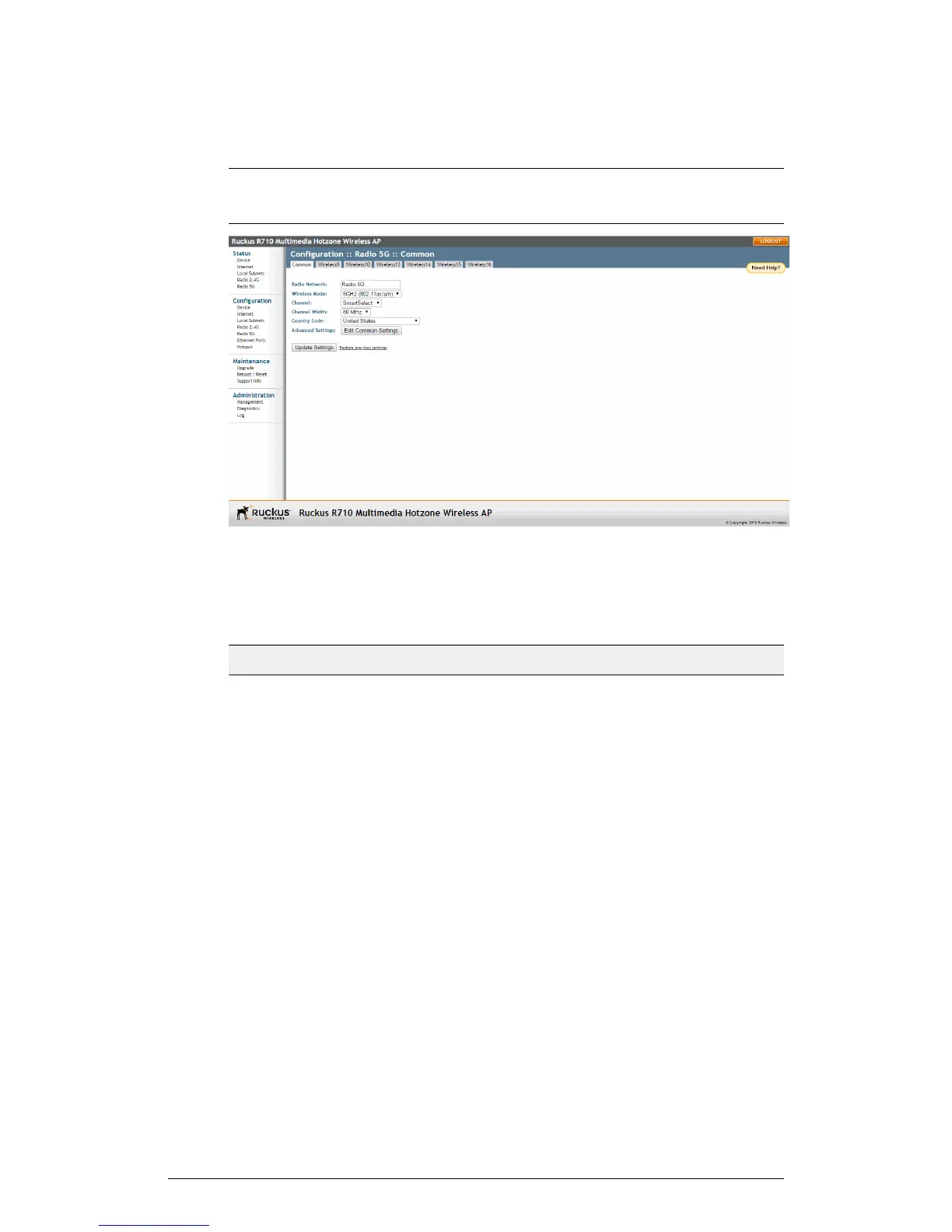
Figure 52: The Configuration > Wireless > Common page
2. Make changes to the common wireless settings listed in the following table.
Table 42: Common Wireless settings
DescriptionSetting
(Dual radio APs only) Allows you to change the name of
the 2.4GHz and 5GHz radios (default: “Radio 2.4G” and
“Radio 5G”).
Radio Network
On 802.11b/g APs: The wireless mode options include
the following: Auto-Select: Allows both 802.11g- and
802.11b-compliant devices to connect to the network.
This is the default setting. 2.4GHz 54 Mbps (For faster
802.11g devices only): Allows only 802.11g-compliant
devices to join the network. 2.4GHz 11Mbps (For slower
802.11b devices only): Allows only 802.11b-compliant
devices to join the network. On dual radio 802.11n/ac
APs: On dual radio 802.11n APs, the wireless mode is
determined by radio: For the 2.4GHz radio, the mode is
set to 2.4GHz (802.11b/g/n), while for the 5GHz radio,
the mode is set to 5GHz (802.11a/n/ac).
Wireless Mode
100
ZoneFlex Indoor Access Point Release 104.0 User Guide
Configuration
Configuring the AP











 To Next Page