URLs that are translated into many IP addresses (such as www.yahoo.com), as users
may be redirected to reauthenticate when they navigate through the page.
Creating Walled Garden Rules
Configuring a Walled Garden allows unauthenticated hotspot clients to access certain
network resources, or visit certain websites, prior to authentication.
1. Go to Configuration > Hotspot.
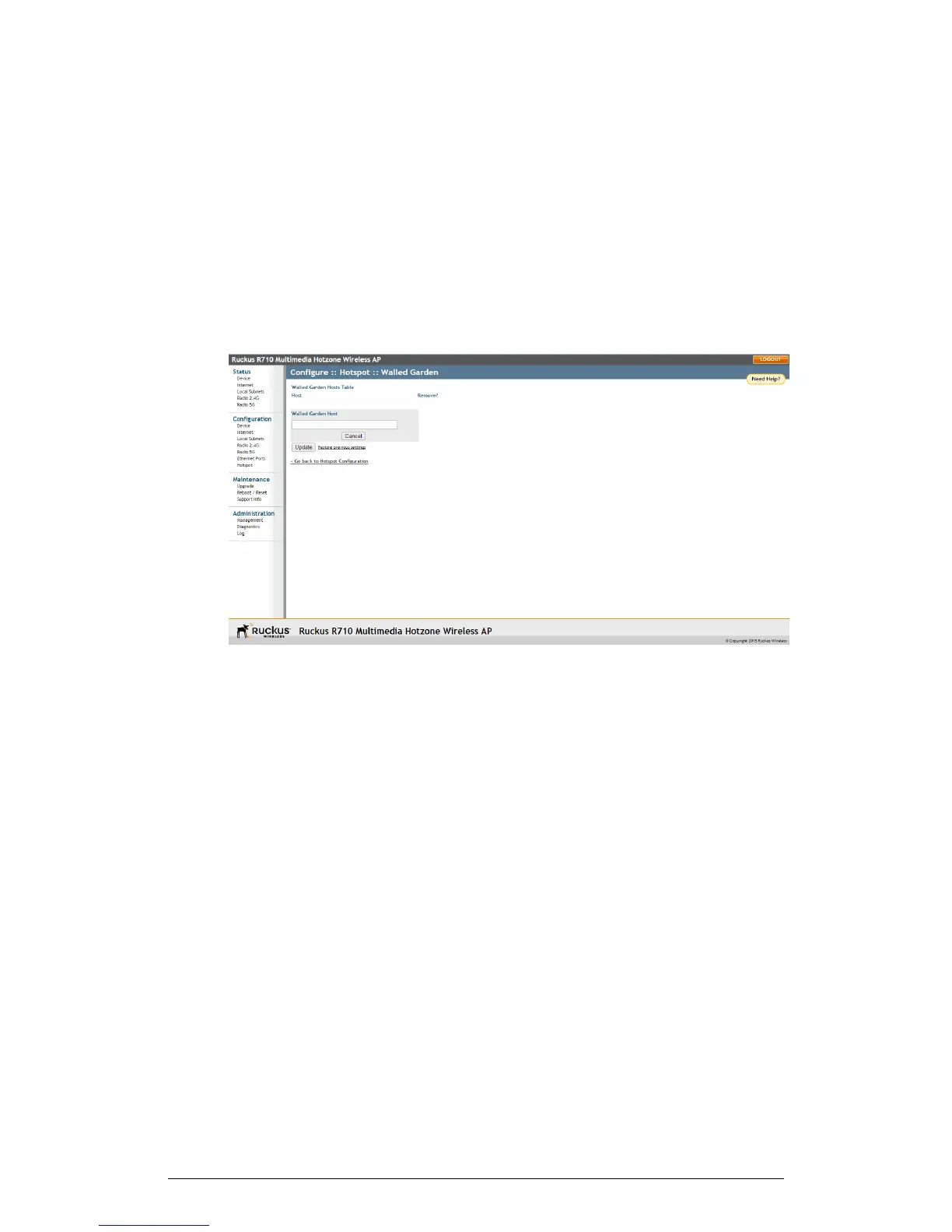
2. Click the Edit Settings button next to Walled Garden. The Walled Garden page
appears.
Figure 64: The Walled Garden hosts table
3. Click Add new entry. A field entitled Walled Garden Host appears.
4. In Walled Garden Host, enter a host name, IP address, network segment (e.g.,
192.168.1.0/24) or a domain name. If a domain name is entered, it is resolved every
5 minutes.
5. Click Update to save your entry.
You can create up to 64 entries in the Walled Garden Hosts table.
Removing entries from the Walled Garden hosts table
Select the check box and click Update to remove Walled Garden entries.
1. Click the check box next to the entry you want to remove, under the Remove?
column.
2. Click Update. The entry is removed from the list.
Allowing Unrestricted Access by MAC Address
Use Unrestricted Clients to allow clients with specified MAC addresses to bypass the
authentication process.
1. Go to Configuration > Hotspot.
126
ZoneFlex Indoor Access Point Release 104.0 User Guide
Configuration
Configuring the AP











 To Next Page