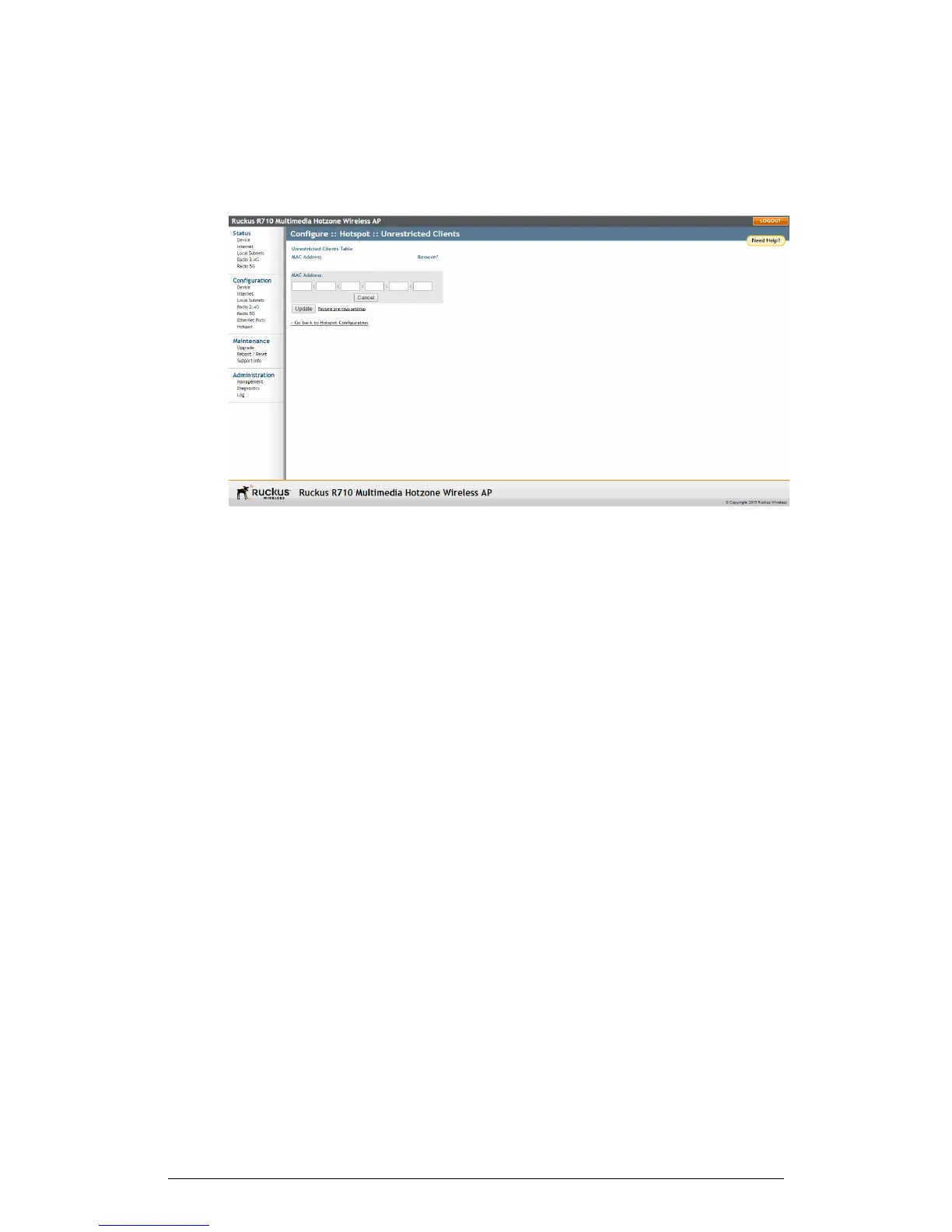
2. Click the Edit Settings button next to Unrestricted Clients. The Unrestricted Clients
page appears.
Figure 65: Configuring Hotspot unrestricted clients table
3. Click Add new entry, and enter the MAC address of each client in the fields provided.
4. Click Update to save your changes.
ZoneFlex Indoor Access Point Release 104.0 User Guide
127
Configuration
Configuring the AP











 To Next Page