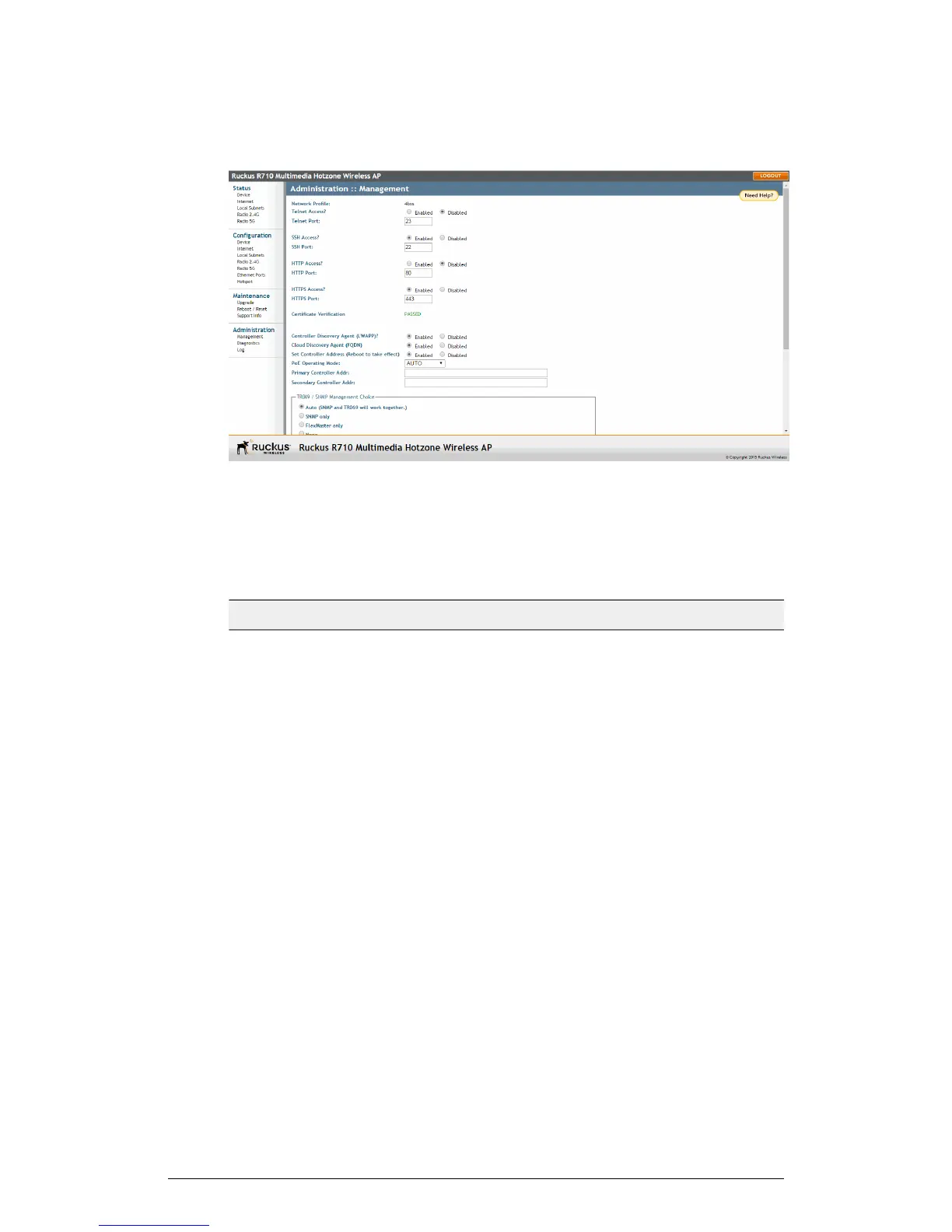
Figure 72: The Administration > Management page
2. Review the access options listed in the following table, and then make changes as
needed.
Table 54: Management Access Options
DescriptionOption
By default, this option is disabled
(inactive).
Telnet Access
This field lists the default Telnet port of
23 — only if Telnet is active. You can
manually change this port number, if
required.
Telnet Port
By default, this option is enabled (active).SSH Access
This field lists the default SSH port of
22—only if SSH is active. You can
manually change this port number if
required.
SSH Port
This option is disabled by default.HTTP Access
This field lists the default HTTP port of
80, if HTTP has been activated. You can
manually change this port number if
required.
HTTP Port
ZoneFlex Indoor Access Point Release 104.0 User Guide
135
Administration
Enabling Other Management Access Options











 To Next Page