Figure 17: H500 bottom panel
Table 15: H500 bottom panel elements
DescriptionItem Name
Optional USB connector (refer to About Peripheral Devices and
Appendix A: AP Support for Bluetooth Low Energy Devices on page 148).
USB port
10/100 RJ-45 Ethernet Port.LAN4 port
10/100 RJ-45 Ethernet Port.LAN3 port
10/100 RJ-45 Ethernet Port.LAN2 port
10/100 RJ-45 LAN port with PoE out. Supports 802.3af PSE Class 2
or 3 (depending on power input; refer to About Peripheral Devices).
LAN1+PoE
port
Optional 48VDC power input connector.48VDC port
Reset Buttons
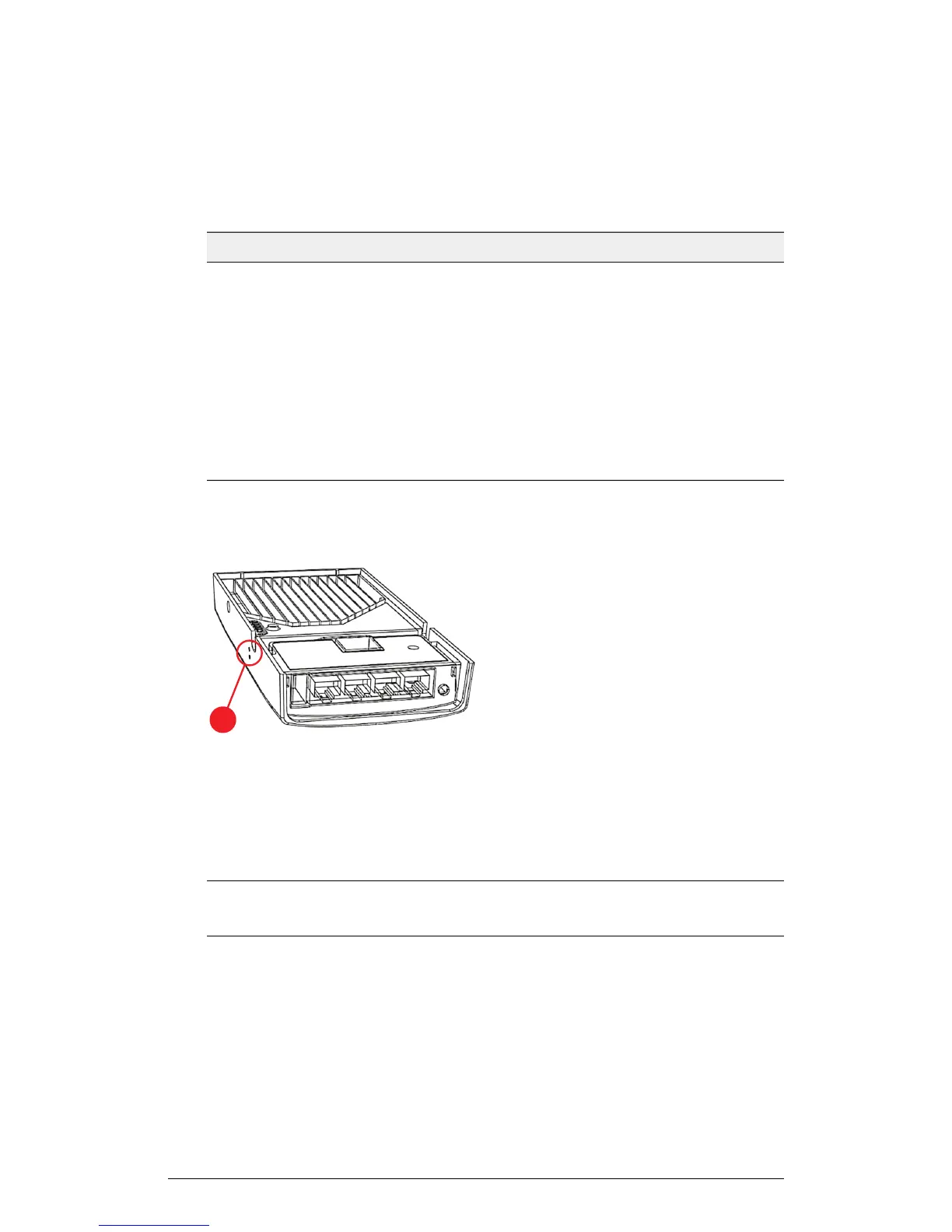
Two reset buttons on the left side of the AP are used to reboot or factory reset the AP.
Figure 18: Reset buttons
Use a straightened paper clip to press and release the Hard Reset button for eight
seconds or more to reset the AP to factory defaults. Use a straightened paper clip to
press and hold the Soft Reset button to reboot the AP. This is the same as removing
power and then and restoring power to the H500.
NOTE Resetting the AP to factory default settings erases all previously configured
settings.
ZoneFlex Indoor Access Point Release 104.0 User Guide
37
Introduction
Getting to Know the AP Features











 To Next Page