DHCP / Auto Configuration
If you leave the AP at its default configuration, it attempts to obtain an IPv4 address from
a DHCP server on the network.
In an IPv6 network environment, the AP attempts to obtain an IPv6 address from an
IPv6 Auto Configuration server.
Renewing and Releasing DHCP
This task should be performed only if you have access to the DHCP server or have some
way to determine what IP address has been assigned to the AP.
It serves as a troubleshooting technique when IP addresses to one or more networked
devices are unusable or in conflict with others, or when the AP loses its DHCP-assigned
IP address for some reason.
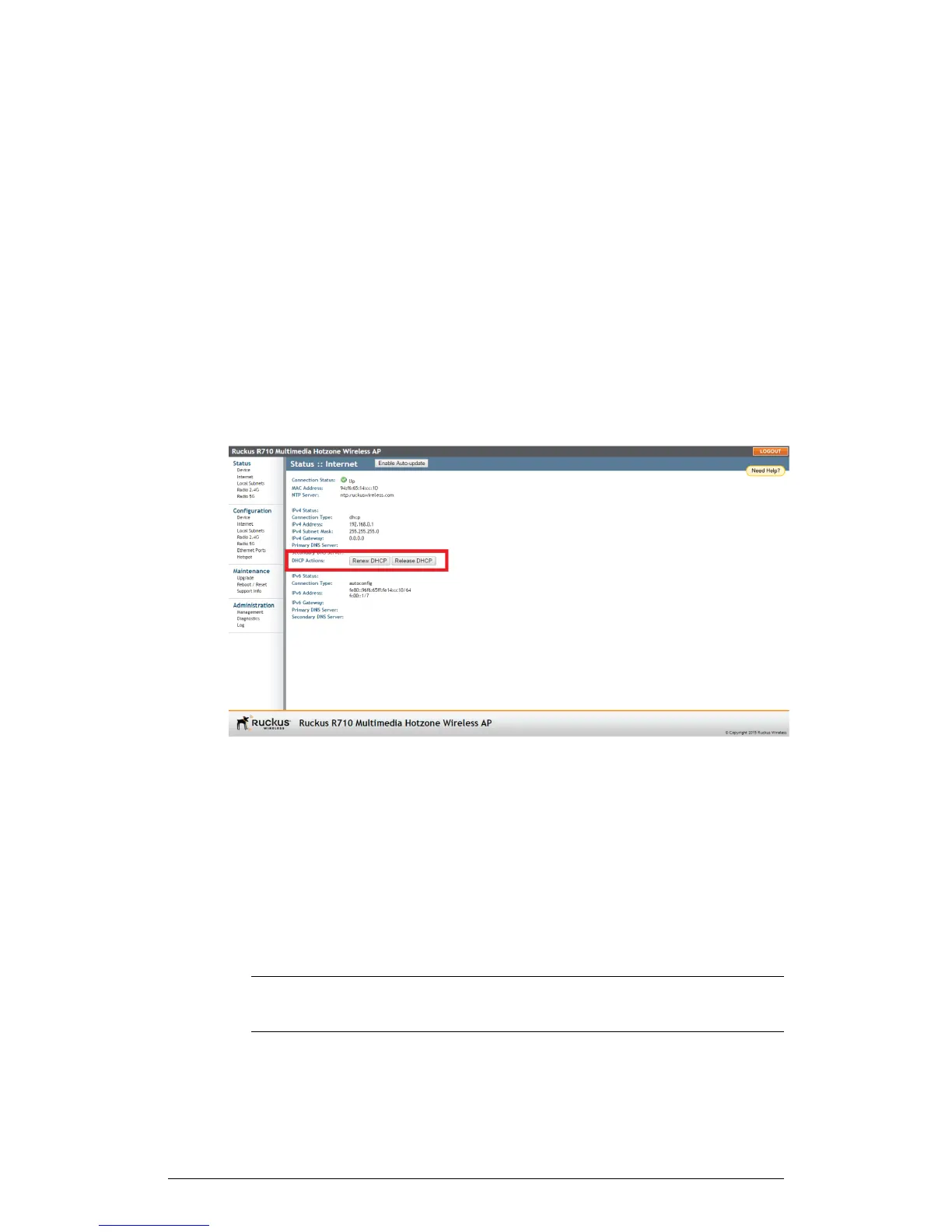
1. Go to Status > Internet.
Figure 48: Renew or Release DHCP
2. Review the current settings.
3. If the current Connection Type is DHCP, you are able to see the currently-assigned
IP address and subnet mask listed below.
• To force the AP to release its DHCP-assigned IP address, click Release DHCP.
This disconnects the user from web interface as the system reverts to its default
IP address. Log in to the device using the default IP address (192.168.0.1) and
click on Renew DHCP to request a new lease from the DHCP server.
• Click Renew DHCP to request a new IP address lease from the DHCP server.
NOTE The IP address may or may not change depending on the lease time
offered to this device.
94
ZoneFlex Indoor Access Point Release 104.0 User Guide
Configuration
Configuring the AP











 To Next Page