English
8
42
OPTIO
N NO.
MENU ITEM
Description
3.3.2GUI packageAllows a new template of the GUI package to be selected.
3.3.3General settings of the
display
Enables/disables the display of:
- The multimedia content available in normal user mode during dispensing.
- The setting of the touchscreen's brightness; 100 sets the maximum brightness.
- The display of the number of dispensing cycles completed since the appliance was switched on.
- The price of the selections when operating normally (for models with a payment system).
- Time and date.
- The beverage preparation infusion time.
- The screensaver; when enabled, you can enter when to activate the screensaver.
Select whether to display a screensaver or a playlist.
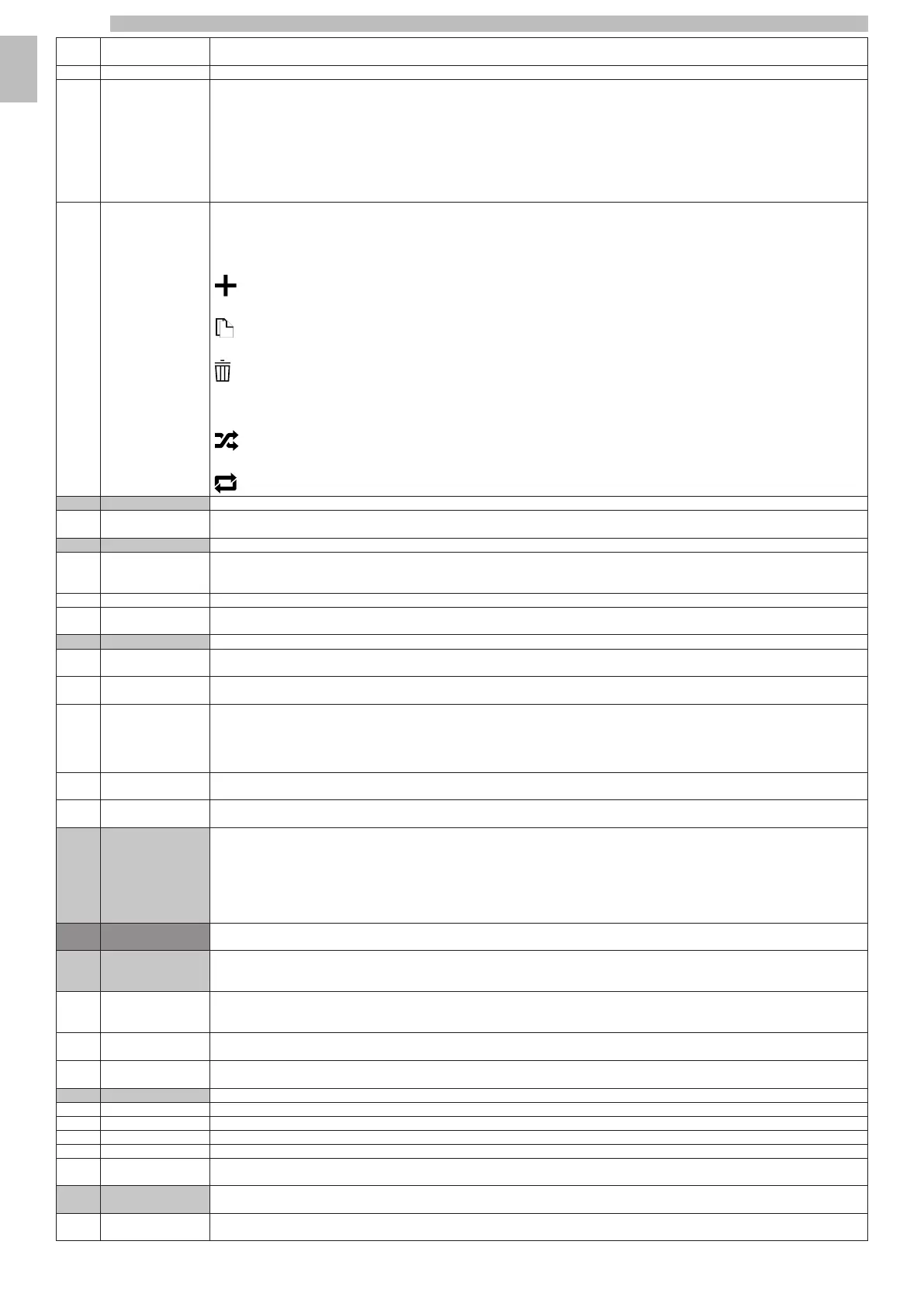
3.3.4PlaylistAllows playlists with entertainment content to be created and managed.
A playlist contains videos and/or image sequences that are played whilst the selection is being dispensed.
If a playlist only contains images, you can indicate after how long to show the next image.
Add videos or images to the playlist
Copy the playlist
Delete the playlist
A name must be assigned to a new playlist.
The playlist contents can be played in the following modes:
random
or cyclic
3.4Input settingsThe functional unit allows the operation of some of the appliance's sensors to be set.
3.4.1Solid residues settingsEnables/disables the solid residue count that manages the "residue full" warning.
The level of the residue trays can be checked from the appliance's status window.
3.5Output settingsAllows the settings to be modified on actuators, espresso unit and lights.
3.5.1Espresso settingsPre-grinding: enables/disables the coffee grinder for the next selection. Pre-grinding reduces the preparation time of the next selection containing
ground coffee.
Pre-grinding affects the aroma of the next selection containing ground coffee.
3.5.2Audio settingsChecks the settings of the built-in speakers.
3.5.3Temperature settingsGeneral setting of temperature offsets for recipes containing espresso/water ingredients.
3.6MaintenanceMaintenance and rinse alerts.
3.6.1Cleaning warning
management settings
Setting for managing the complete cleaning of the milk circuit.
3.6.2Check next Cleaning
Warning
Shows the date and time of the requested complete flushing of the milk circuit (if enabled in the "Cleaning warning management settings" menu).
3.6.3Automatic rinseThe automatic rinse cycle programming of the appliance can be enabled/disabled.
Programme the type of rinse to be performed on the day and time that has been set.
Automatic rinse cycles can be added and removed.
Automatic rinse cycles use hot water. Scalding hazard! Do not put your hands in the dispensing area.
During the rinses, a message appears showing the progress of the operation.
3.6.4Descaling settingsAllows to modify the hardness level of the water.
Also allows enabling/disabling of descaling notifications.
3.6.5Water filter settingsAllows to manage the water filter.
Also allows enabling/disabling of water filter notifications.
3.7Other settingsWATER MAIN
Enables / disables the use of the water mains.
EXTERNAL TANK
Enables / disables the use of the external tank.
ACCESS TO THE CLOSED-DOOR PROGRAMMING
Enables/disables access to the programming menus when the door is closed.
4Information on the
machine
4.1FailuresThe appliance has a number of sensors that keep the various functional units under control.
When an anomaly is detected, the appliance displays the type of fault and it is (or part of it) put out of service.
Detected faults are stored in specific counters.
4.1.1Current statusDisplays the faults found on the appliance.
If there are no faults, the list will be empty.
4.1.2Fault historyThis function makes it possible to view a list of the fault history; the fault history contains the name of the fault with the date and time.
With this function, the list of reported faults can be reset to zero.
4.1.3Event HistoryThis function allows the events reported by the appliance to be viewed and filtered.
With this function, the list of reported events can be reset to zero.
4.2StatisticsStatistics and counters can be viewed and managed.
4.2.1Display statisticsDisplays the selection statistics (e.g. the number of deliveries carried out, time and date of the last delivery, etc.).
4.2.2Reset statisticsResets the stored statistics of the selections.
4.2.3Show AuditDisplays the EVA-DTS beverage counters used for each dispensing type (Free vend, Sales, Test, etc.).
4.2.4
Beverage items numbers
Allows the selections to be numbered and match the selection number-beverage in the statistics.
4.2.5EVA-DTS
Customisation
Makes it possible to enable and therefore track specific events of the EVA-DTS protocol (not used at the moment).
4.3Favourites menuThe "favourites" are links with the functions frequently used.
After having added a function to the "favourites," simply view the "favourites" and tap the function for quick access.
4.3.1Favourites listDisplays all frequently used functions that have been saved as "favourites"
Tap the function to access it.










 To Next Page