111
Training Mode Options
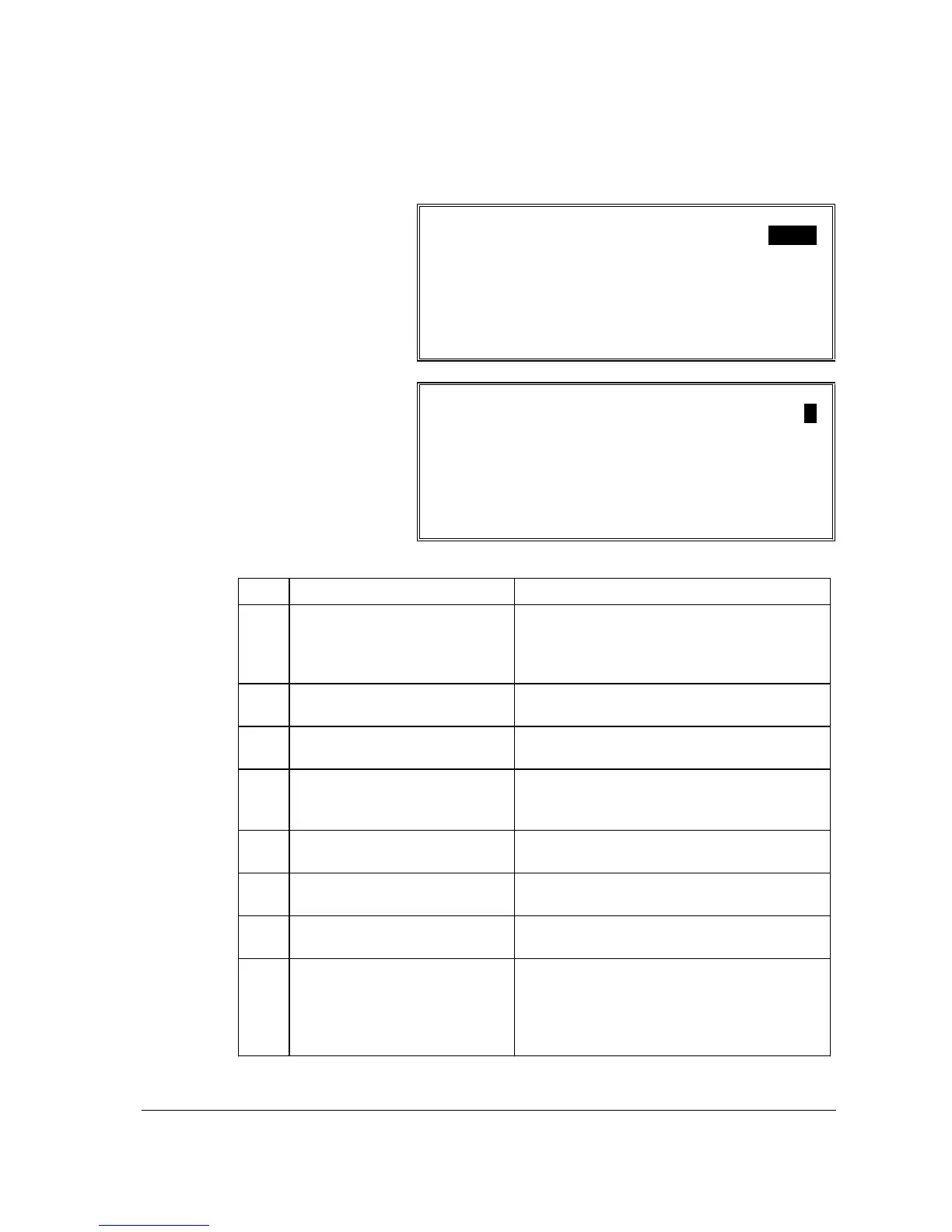
TRAINING MODE OPTIONS
1. TRAINING MODE PASSWORD 0000
2. OPEN DRAWER IN TRAIN MODE N
3. TRAINING EMPLOYEE FILE # 00
4. ALLOW REAR DSP IN TRAINING N
5. SEND ORDER TO KP/V IN TRAIN N
6. PRINT JOURNALS IN TRAINING N
ESC Y/N ENTER PAGE UP/DN
npom
Training Mode Options Program Notes
# FIELD Notes
1 TRAINING MODE
PASSWORD
Enter a 4 digit numeric password that must be
used to access the TRAINING option on the
X-MODE MANAGER MENU. If the
password is 0, password entry is not required.
2 OPEN DRAWER IN TRAIN
MODE
Choose Y to open the appropriate cash drawer
during training operations.
3 TRAINING EMPLOYEE FILE #
Choose the employee file # that is updated
with training activity.
4 ALLOW REAR DSP IN
TRAINING
Choose Y to activate the rear display during
training activity. If N, the rear display
indicates CLOSED during training.
5 SEND ORDER TO KP/V IN
TRAIN
Choose Y to send orders to the kitchen printer
and/or kitchen video during training.
6 PRINT JOURNALS IN
TRAINING
Choose Y to print (or update, in the case of an
electronic journal) the journal in training.
7 PRINT RECEIPTS IN
TRAINING
Choose Y to print receipts (if receipts are
normally printed) during training.
8 PRINT "TRAINING"
If receipts are printed they are normally
printed with the message TRAINING and the
message '***TRAINING***" displays on the
operator screen. Choose N to remove these
messages.



 To Next Page