P-Mode Programming SER-7000 Program Manual
String Reports
STRING REPORT#1 PROGRAMMING
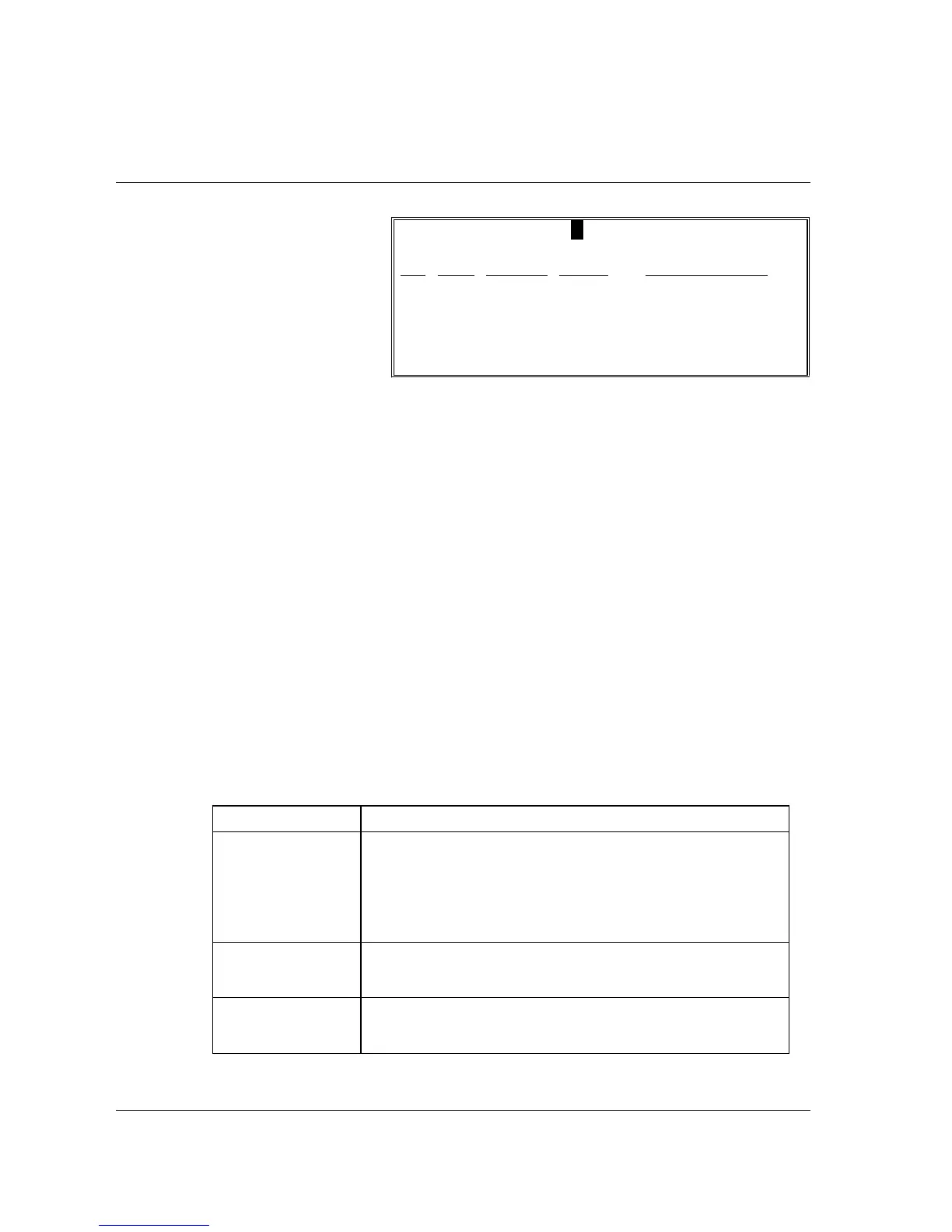
DESCRIPTOR STRING REPORT #1
#
X/Z LEVEL RPT# DESCRIPTOR
00 X
0 00
01 X
0 00
02 X
0 00
keys to view all
of the sequence
numbers in the report.
5. Press ESC to return
to the STRING
REPORT
PROGRAMMING
MENU screen.
String Report Program Notes
FIELD Notes
X/Z
Select the X/Z field arrow. Press ENTER to open the window.
Select the X, Z, or CURRENT option by highlighting your
selection and pressing ENTER. Use the current option if you
wish to use the string for either X or Z reports. The string report
will look at he current control lock position (either X or Z) and
generate the appropriate report.
LEVEL
At the RPT LVL field, select the X/Z level (i.e. Z1, X2, etc.
Remember you must have allocated memory for the report level
if you wish to execute that report.)
RPT#
DESCRIPTOR
At the RPT# field, type the report number you wish to execute in
the string. Press ENTER. The report descriptor will
automatically display.



 To Next Page