EasyManua.ls Logo

Sam4s SER-7040 - Kitchen Video Routing

Sam4s SER-7040
238 pages
Print Icon
To Next Page IconTo Next Page
To Previous Page IconTo Previous Page
Loading...
SER-7000 Program Manual P-Mode Programming
x
167
Kitchen Video Routing
Use Kitchen Video Routing to define the location of the video controller. If you wish to
designate a backup printer in the event that the video system is not operational, enter the
location of the back-up printer here.
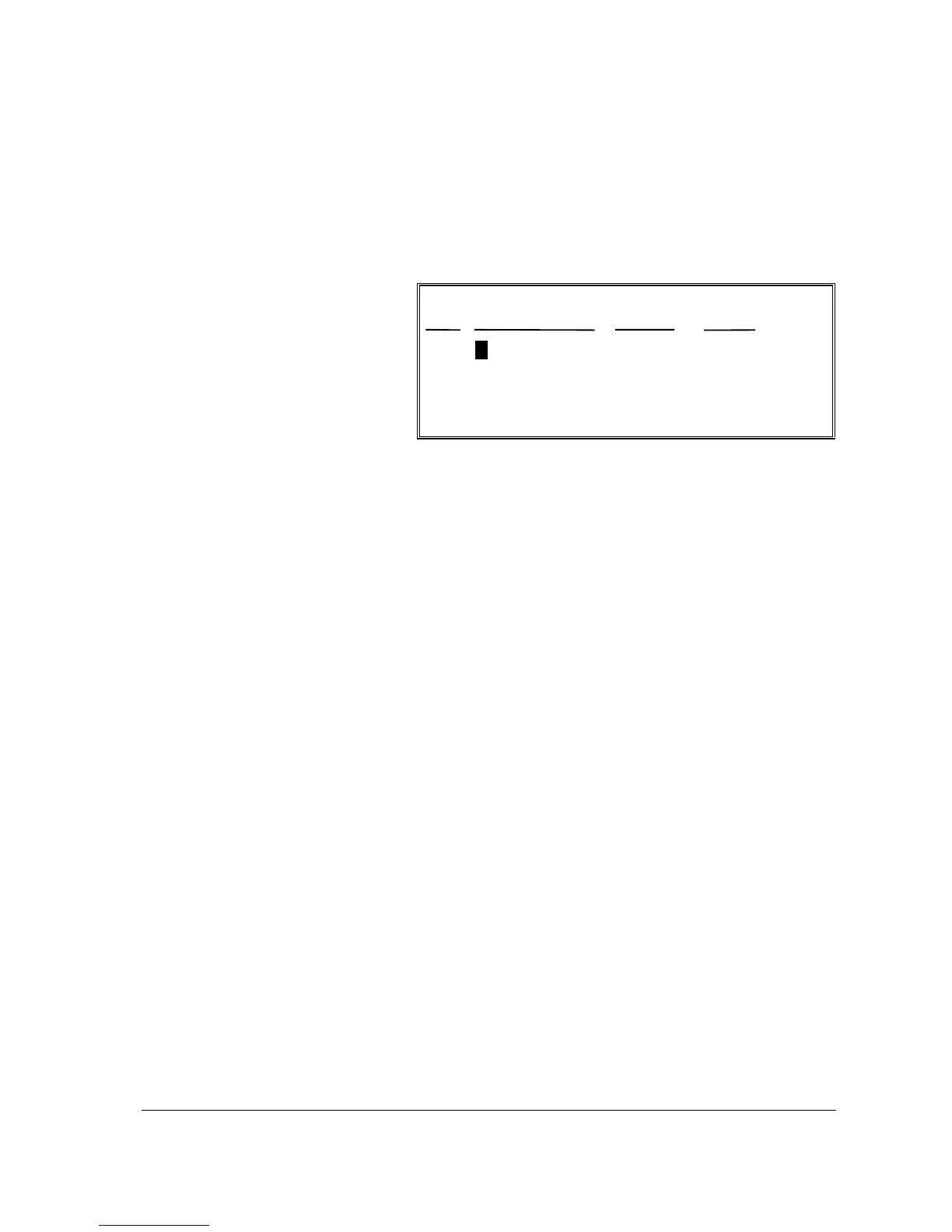
KITCHEN VIDEO ROUTING ALPHA
PRT DESCRIPTOR RG#-P# PRT#
# 1 00-0 00
ESC ENTER PAGE UP/DN
np
1. Select KITCHEN
VIDEO ROUTING
from the PRINTER
ROUTING MENU to
display the
KITCHEN VIDEO
ROUTING screen.
2. Press
n p m o
to
select the field you
wish to edit. Type
new information and
press ENTER.
3. Press ESC to return
to the S-MODE
PROGRAMMING
MENU

Table of Contents

Other manuals for Sam4s SER-7040

Related product manuals