171
Ingredient Inventory
A menu-explosion type inventory system is set up when PLUs are linked to a recipe# (see
"PLU Status Group" on page 38.) Select INGREDIENT INVENTORY from the P-Mode
Programming Menu to maintain recipe files and ingredient lists. Select EDIT
INVENTORY ITEM from the X-MODE MANAGER MENU (see the SER-7000 Operation
Manual) to receive, transfer in/out, or enter raw waste for ingredients in this system.
NOTE: Be careful not to confuse the separate and distinct inventory features of the
SER-7000:
x Recipes and Ingredients (described here.)
x Product Mix Groups (see “Product Mix Groups” on page 57.)
x PLU Stock (see “PLU Stock” on page57),
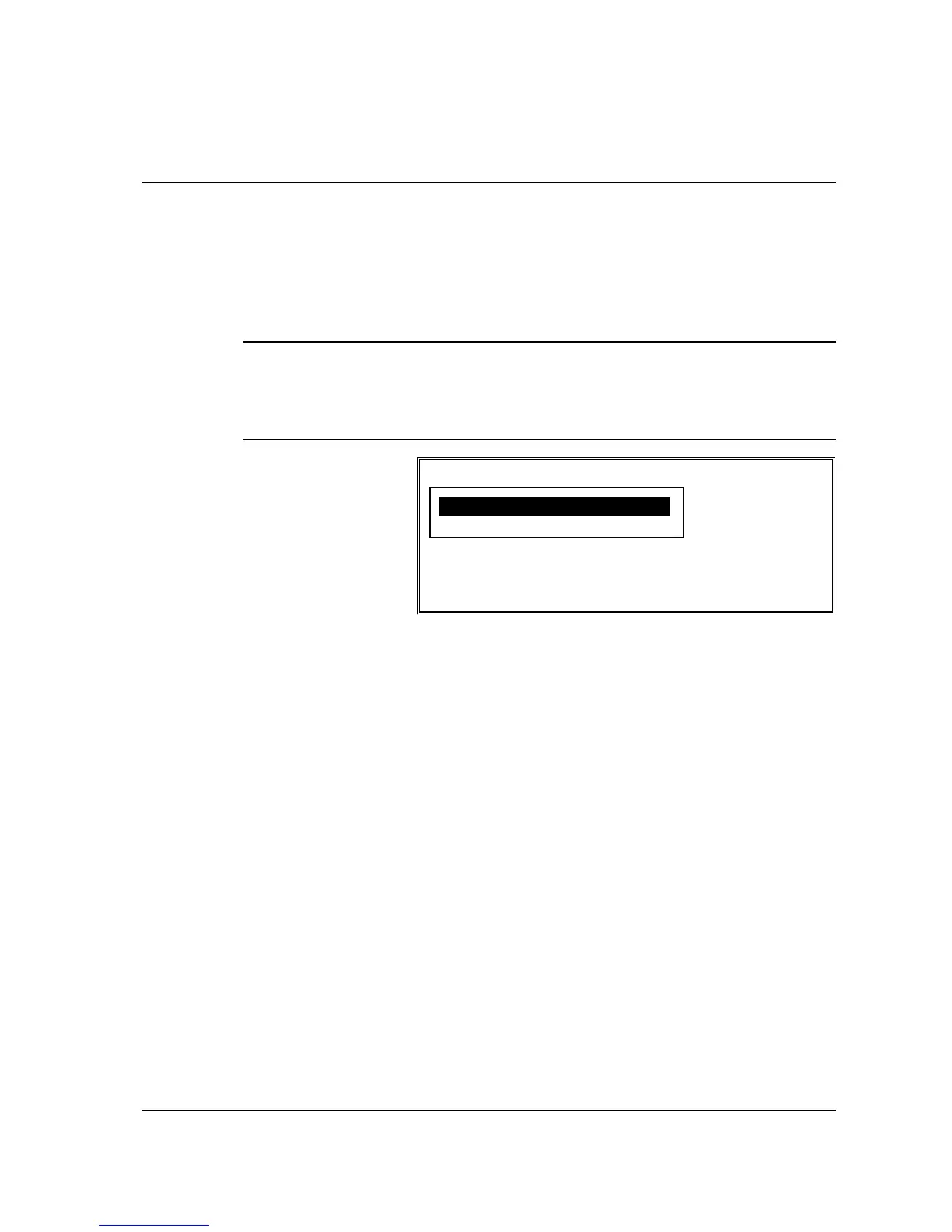
INGREDIENT INVENTORY MENU
1. EDIT INGREDIENT
2. RECIPE TABLE



 To Next Page