EasyManua.ls Logo

Sam4s SER-7040 - Detail Printer Routing; Receipt Printer Routing

Sam4s SER-7040
238 pages
Print Icon
To Next Page IconTo Next Page
To Previous Page IconTo Previous Page
Loading...
170
x
P-Mode Programming SER-7000 Program Manual
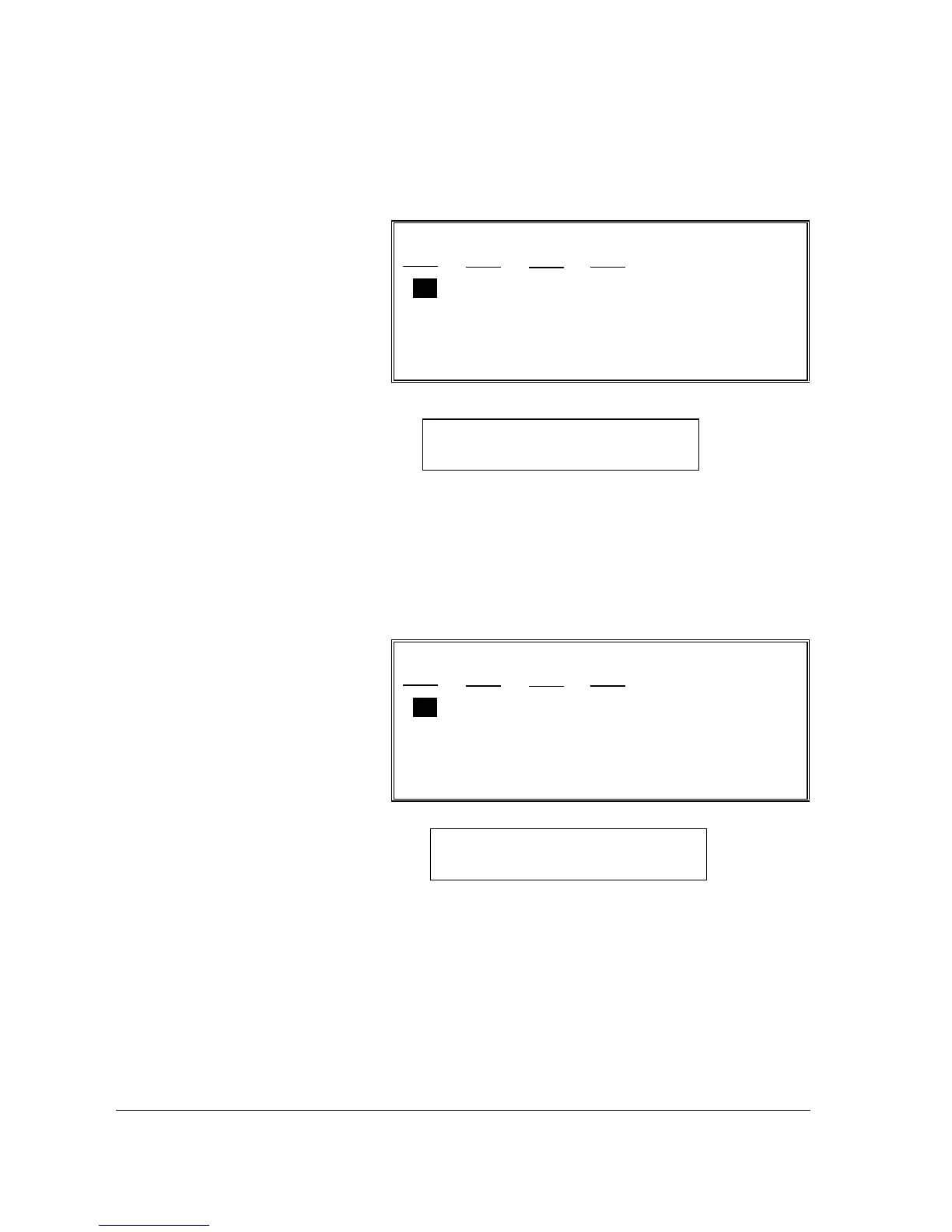
Receipt Printer Routing
RECEIPT PRINTER ROUTING
REG# PRT# REG# PRT#
00 00 00 00
00 00 00 00
00 00 00 00
00 00 00 00
00 00 00 00
1. Select RECEIPT
PRINTER ROUTING
from the S-MODE
PROGRAMMING
MENU to display the
RECEIPT PRINTER
ROUTING screen.
2. Press
n p m o
to
select the field you
wish to edit. Type
new information and
press ENTER.
3. If necessary, press
PAGE DN to view or
change routing for as
many additional
registers are defined
in the system.
Detail Printer Routing
DETAIL PRINTER ROUTING
REG# PRT# REG# PRT#
00 00 00 00
00 00 00 00
00 00 00 00
00 00 00 00
00 00 00 00
1. Select DETAIL
PRINTER ROUTING
from the S-MODE
PROGRAMMING
MENU to display the
DETAIL PRINTER
ROUTING screen.
2. Press
n p m o
to
select the field you
wish to edit. Type
new information and
press ENTER.
3. If necessary, press
PAGE DN to view or
change routing for as
many additional
registers are defined
in the system.
Note: Default setting sends receipt to the
register printer.
Note: Default setting sends detail to the
register printer.

Table of Contents

Other manuals for Sam4s SER-7040

Related product manuals