EasyManua.ls Logo

Sam4s SER-7040 - Selective Memory Clearing

Sam4s SER-7040
238 pages
Print Icon
To Next Page IconTo Next Page
To Previous Page IconTo Previous Page
Loading...
SER-7000 Program Manual S-Mode Programming
x
33
Selective Memory Clearing
The Memory Clear selection allows you to selectively clear various areas of the SER-7000
memory.
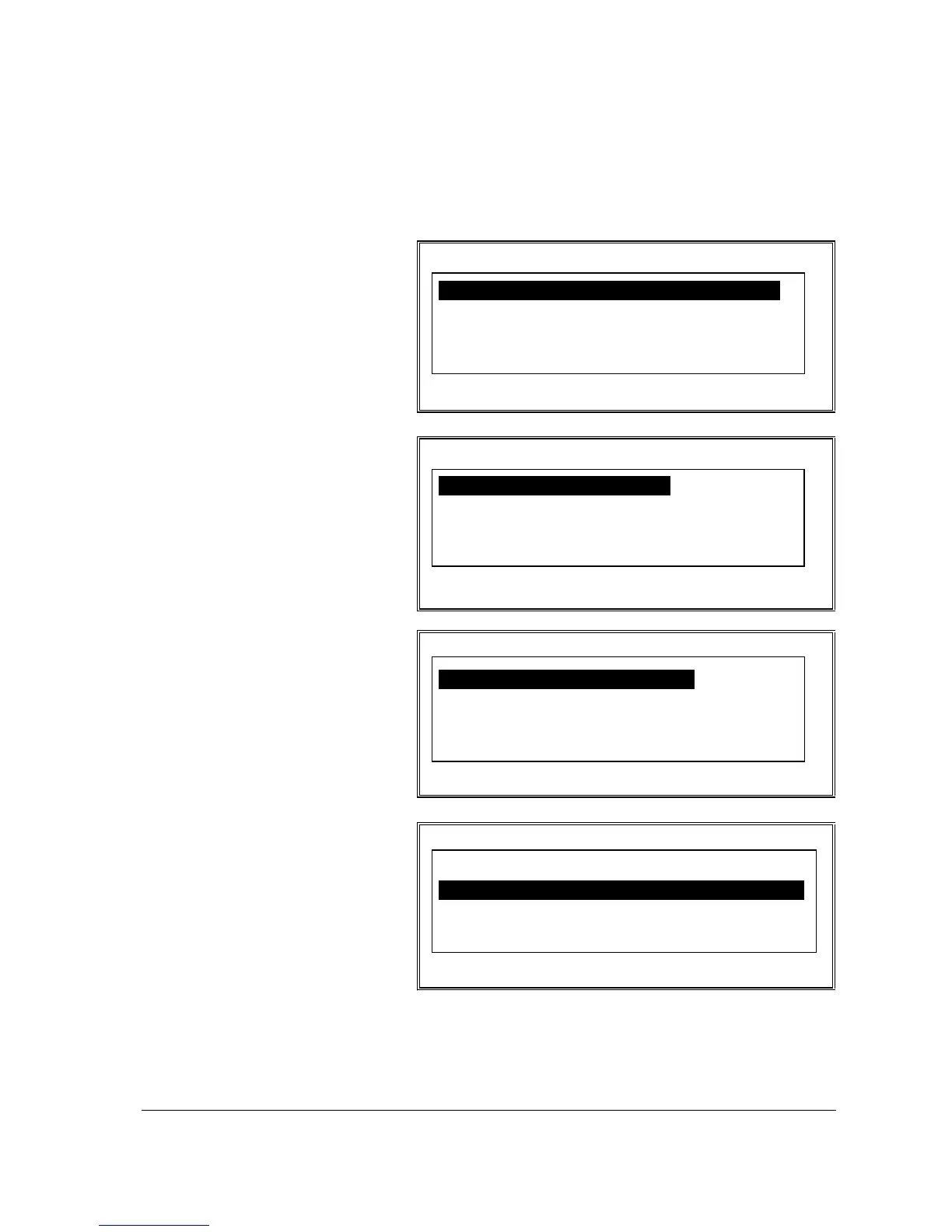
S-MODE MEMORY CLEAR
1. ALL TTLS, CNTS&GRAND TTLS
2. TOTALS AND COUNTERS
3. GRAND TOTALS ONLY
4. ORDER TRACKING#1
5 ORDER TRACKING#2
p
S-MODE MEMORY CLEAR
6. ORDER TRACKING#3
7. ORDER TRACKING#4
8. PAID ORDER RECALL
9. PRODUCT PROJECTIONS
10.TIME-KEEPING
!
p
S-MODE MEMORY CLEAR
11. LOGO BITMAP IMAGE
12. PRE-POLL STATUS FLAG
13. PLU FILE
14. SUPER MACRO
15. ELECTRONIC JOURNAL
!
p
S-MODE MEMORY CLEAR
15. ELECTRONIC JOURNAL
16. INITIAL&POWER FAIL COUNTER
17. CONSECUTIVE#
18. GLOBAL ORDER NUMBER
19. ALL (1-10)
p
1. Select MEMORY
CLEAR from the S-
MODE
PROGRAMMING
MENU to display the
S-MODE MEMORY
CLEAR Screen.
2. Press PAGE DN to
view additional
allocation options, or
press the
n
or
p
keys
to locate the option
you wish to set.
3. Choose an item from
the menu in one of
two ways:
Type the number for
your choice and press
ENTER.
Press the
n
or
p
keys
to move the cursor to
your choice and press
ENTER.
4. The display will ask
you to confirm your
intentions to clear the
memory area by
asking CLEAR? [N].
Press the Y/N key
once to change the
selection to [Y], then
press ENTER to
complete the memory
clear.

Table of Contents

Other manuals for Sam4s SER-7040

Related product manuals