EasyManua.ls Logo

Sam4s SER-7040 - All Files

Sam4s SER-7040
238 pages
Print Icon
To Next Page IconTo Next Page
To Previous Page IconTo Previous Page
Loading...
SER-7000 Program Manual P-Mode Programming
x
197
All Files
1. Choose ALL FILES
from the PROGRAM
FILE DOWNLOAD
screen to display the
DOWNLOADING
REGISTER
SELECTION screen.
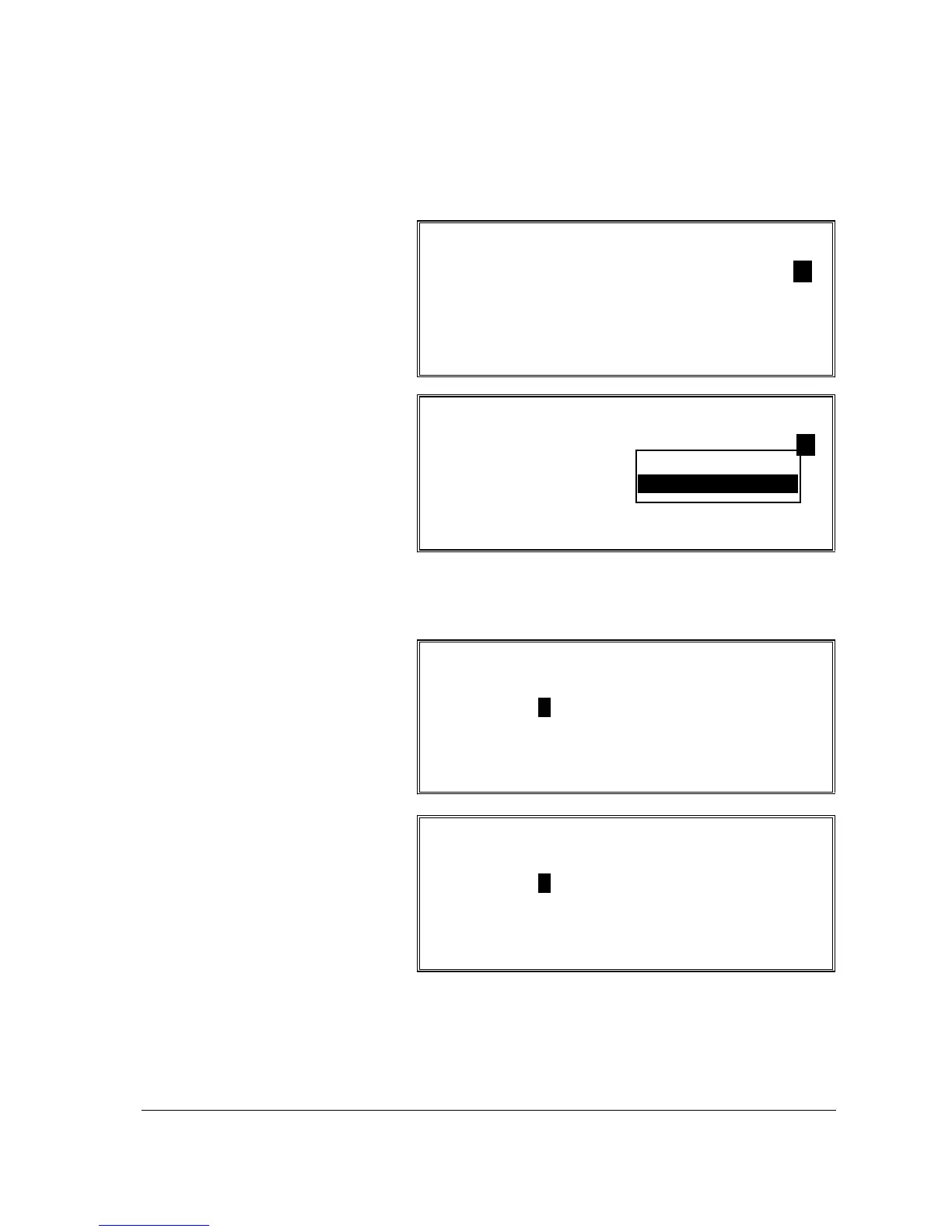
DOWNLOADING REGISTER SELECT
1. REGISTER : ALL REGISTERS
ESC Y/N ENT PG UP/DN
np DONE
DOWNLOADING REGISTER SELECT
1. REGISTER :
ALL REGISTERS
SELECTED
ESC Y/N ENT PG UP/DN
np DONE
2. If you wish to
download to selected
registers, at the
REGISTER field,
press ENTER to
open the pop-up
window. Choose
SELECTED and
press ENTER to
display the
REGISTER
SELECTION screen.
REGISTER SELECTION:
01 02 03 04 05 06 07 08
N N N N N N N N
09 10 11 12 13 14 15 16
N N N N N N N N
ESC Y/N ENT PG UP/DN
np DONE
3. At the REGISTER
SELECTION screen,
press the
n p m o
keys to move to the
field associated with
the register you wish
to choose. Press
Y/N to toggle from
yes to no.
4. When you have
completed selecting
registers, press
DONE to download.
REGISTER SELECTION:
17 18 19 20 21 22 23 24
N N N N N N N N
25 26 27 28 29 30 31 32
N N N N N N N N
ESC Y/N ENT PG UP/DN
np DONE

Table of Contents

Other manuals for Sam4s SER-7040

Related product manuals